
Free Instagram Text Post Maker
AI text post generator for business
Maxolot's text post maker writes and designs Instagram posts that carry their message in the words rather than the picture. You describe your business once; from then on it supplies the topic, writes the line, sets it in type on your brand colours and exports it ready to publish — as a single post or a text carousel, caption included.
Best for: small business owners who have nothing to photograph — service businesses, consultants and trades whose work doesn't sit still long enough for a camera.
10 free posts · No credit card · No watermark
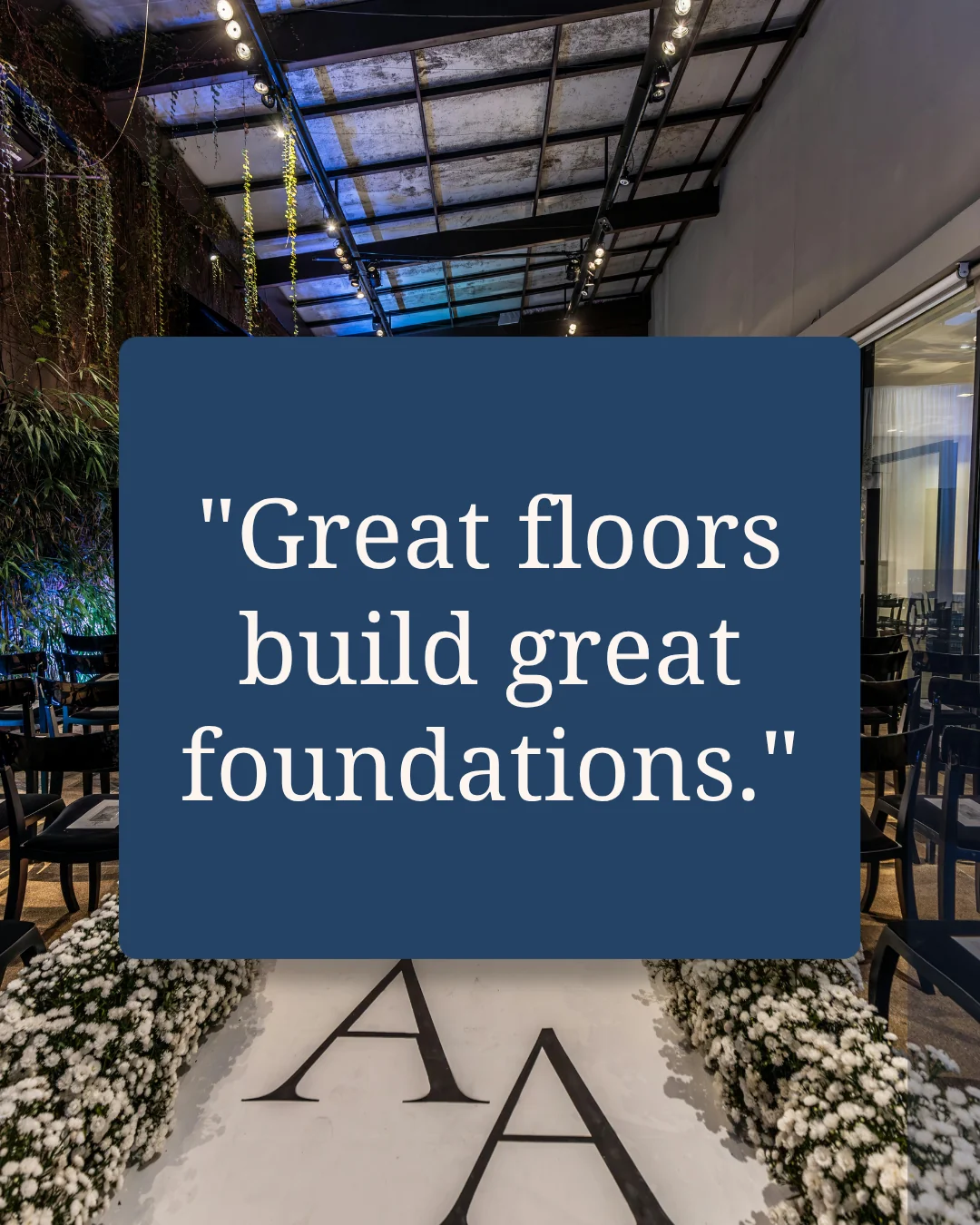
Made with Maxolot from one line of business detail.
"3 ways to make your floors last longer"
"3 mistakes people make before their first consultation"
"Engage with your customers before they ask"
"Aromas influence taste — humans detect over 1 trillion scents"
Topics supplied by Maxolot. Generated from one line of business detail.
Maxolot's text post maker is a free AI generator that writes and designs Instagram posts made of text rather than photography. You describe your business once — what you sell, where you work, who buys from you. From then on Maxolot suggests the topic, writes the copy, sets it in type on your brand colours and exports it at the right size. Text posts work when there is nothing to photograph, which is most days for a service business. No prompt to write, no design tool, no watermark.
Maxolot's text post maker works in 3 steps
About 90 seconds the first time you use Maxolot. Around 30 seconds every time after that.
- Step 1
Describe your business
What you sell, where you work, who buys from you — then set your brand colours and pick a design style. Maxolot stores all of it.
- Step 2
Pick a post topic
Maxolot suggests topics that suit your business — how-to guides, three mistakes, today's tip, an interesting fact. You choose one and press generate.
- Step 3
Get a ready-to-post file
A finished post with the caption written. Edit any wording you want, then download and publish — nothing is watermarked.
10 free posts · No credit card · No watermark
Four ways a text post can arrive
The words are the post either way. What changes is how much room the idea needs.
Text only
The line set in type on a plain brand-coloured background. Fastest to publish and the format that travels best in screenshots.
Text over image
The same line laid over a photo Maxolot sources or generates, with a transparent tint applied so the words stay readable.
Single post
One idea, one square. Caption written to match, with 3 to 5 relevant hashtags.
Text carousel
When the topic needs more than one square, the same design runs across every slide. Carousel maker →
Post topics, suggested for your business
The hardest part of posting is deciding what to say. Maxolot supplies the topic and tracks what it has already written for you, so nothing repeats.
| Topic type | What it does for the reader | Example |
|---|---|---|
| How-to guide | Teaches one thing the reader can act on today. | "3 ways to make your floors last longer" |
| Three mistakes | Warns before the reader spends money badly. | "3 mistakes people make before their first consultation" |
| Three ways to improve | Turns a complaint the reader already has into a fix. | "3 ways to cut your heating bill this winter" |
| Today's tip | Short enough to read without stopping. Good for frequency. | "Engage with your customers before they ask" |
| Interesting fact | Earns a save or a share without asking for one. | "Aromas influence taste — humans detect over 1 trillion scents" |
| Quote | Carries your point of view when you'd rather not lecture. | "Content is king in the world of social media" |
Your brand, applied once
Everything below happens inside Maxolot — no design tool, no prompt writing, no resizing.

Three brand colours, set one time
- Background, text and accent. Set the three once and every post after that matches. Maxolot also reverses them between posts so a week of content doesn't look identical.
- Readable over photos. When a post uses an image, Maxolot lays a transparent version of your text colour over it so the words stay legible.
- Type stays consistent. Fonts are fixed within each design style to keep your feed coherent — switch style if you need different type.
- Correctly sized on export. Square by default, with safe margins applied, ready to upload without touching a design tool.
- No watermark, no Maxolot branding. On any plan, including the free posts.
The words are written for your business
- No prompt required. Maxolot suggests the topics that suit your business. You choose one; you don't brief one.
- No repeating topics. It tracks what it has already written for your account.
- Written in your voice. Set your tone once and every post after that matches it.
- Captions included. Written to add what the post itself didn't cover, with 3 to 5 relevant hashtags.
- SEO benefits. Google indexes Instagram posts, and the caption is what it reads. Maxolot writes captions in full sentences around the terms your customers search, so posts can be found from outside the app.
- 30+ languages. Generate the same post for any market you serve.
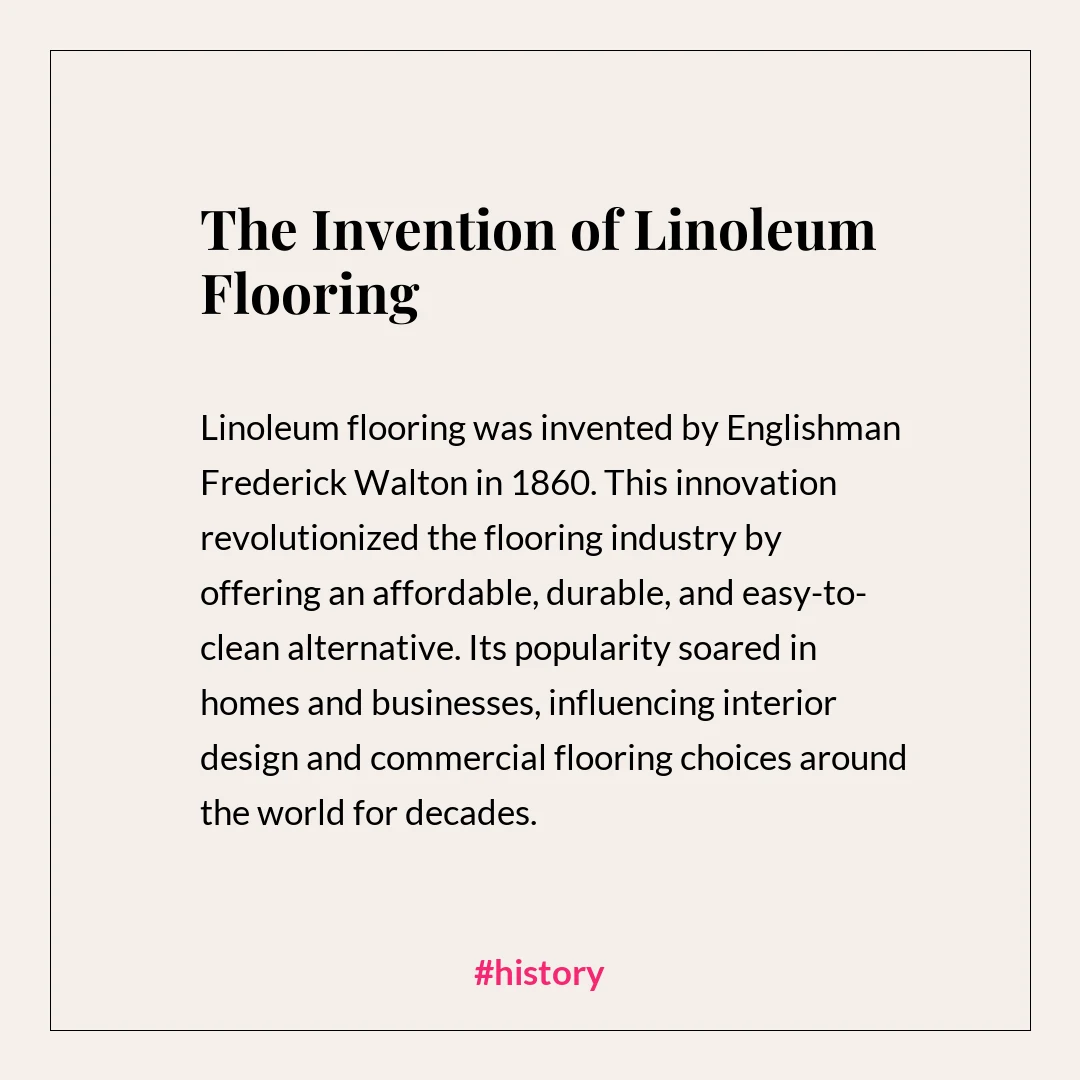
See what it writes for your business before you decide anything.
No credit card · No watermark
Every other text post maker starts with a blank canvas
Which means you still do the hard part. You decide what to say, you judge whether it's worth posting, and you lay it out yourself. The tool only speeds up the typesetting.
Maxolot narrows it first. We studied 1,000 business Instagram accounts to find which post shapes actually earned attention — which topics, which openings, which lengths. Maxolot suggests the ones that fit your business and writes each one out in full, so you choose between finished posts rather than authoring one.
Maxolot's analysis of 1,000 business Instagram accounts is what the text post maker's topic and format choices are built on. See the study →
That's also why it's tuned by industry. A text post for a roofer argues differently from one for a med spa, and the study covered both.
Read the study →Made for businesses with nothing to photograph
Text posts exist for the days when the work doesn't photograph well — which for most service businesses is most days.
The finished job looks like nothing happened
Roofers, flooring, landscaping. Text posts that explain what customers can't see — why a job costs what it costs, what a bad install looks like.
Text posts for roofers →Your product is advice, not an object
There is no photograph of a strategy. Text posts carry the point of view that makes someone book a call.
Text posts for coaches →Results photos aren't always allowed
Med spas, salons, clinics. Text posts answer the questions people ask before a first appointment without showing a result you can't promise.
Text posts for med spas →Compared to Canva, ChatGPT and Adobe Express
All of them can produce a text post. They differ in how much of it you have to decide.
| Making one text post | Maxolot | Canva | ChatGPT | Adobe Express |
|---|---|---|---|---|
| Suggests the topic for you | Yes | You decide | You prompt it | You decide |
| Writes the copy and the caption | Yes | You write it | Text only | You write it |
| Designs it without a design tool | Yes | You lay it out | No | You lay it out |
| Applies your brand colours automatically | Yes | Paid tiers | No | Paid tiers |
| Supplies the background image | Yes | You choose one | No | You choose one |
| No watermark on the free tier | Yes | Some elements | n/a | Some elements |
You might also like
Frequently asked questions
Can you post text only on Instagram?
How do I make a text post on Instagram?
Is there a free Instagram text post maker?
Does the free version add a watermark?
Can I add a photo behind the text?
Can I use my own brand colours and fonts?
Do Instagram text posts help with SEO?
Can a text post be a carousel?
What size is an Instagram text post?
Nothing to photograph. Still something to say.
Make a text post for your business right now and read what it writes before you decide anything.
Make a text post free 10 free posts · No credit card · No watermark