
 Use this template
 Educational post templates
Educational Instagram templates carry one lesson — a tip, a step, a mistake to avoid — with the lesson stated in the headline rather than teased.
Free, fully editable Instagram templates built for businesses to publish consistent, high-performing content without a designer. Browse ready-to-use formats including Carousels, Stories, and Text Posts, organized by top engagement themes: Tips, Quotes, Hooks, Testimonials, Giveaways, and Myth vs. Reality. Customize colors, fonts, and messaging in seconds.
Best for: small businesses that need to publish consistently on Instagram without a designer, a photographer, or a new idea every week.
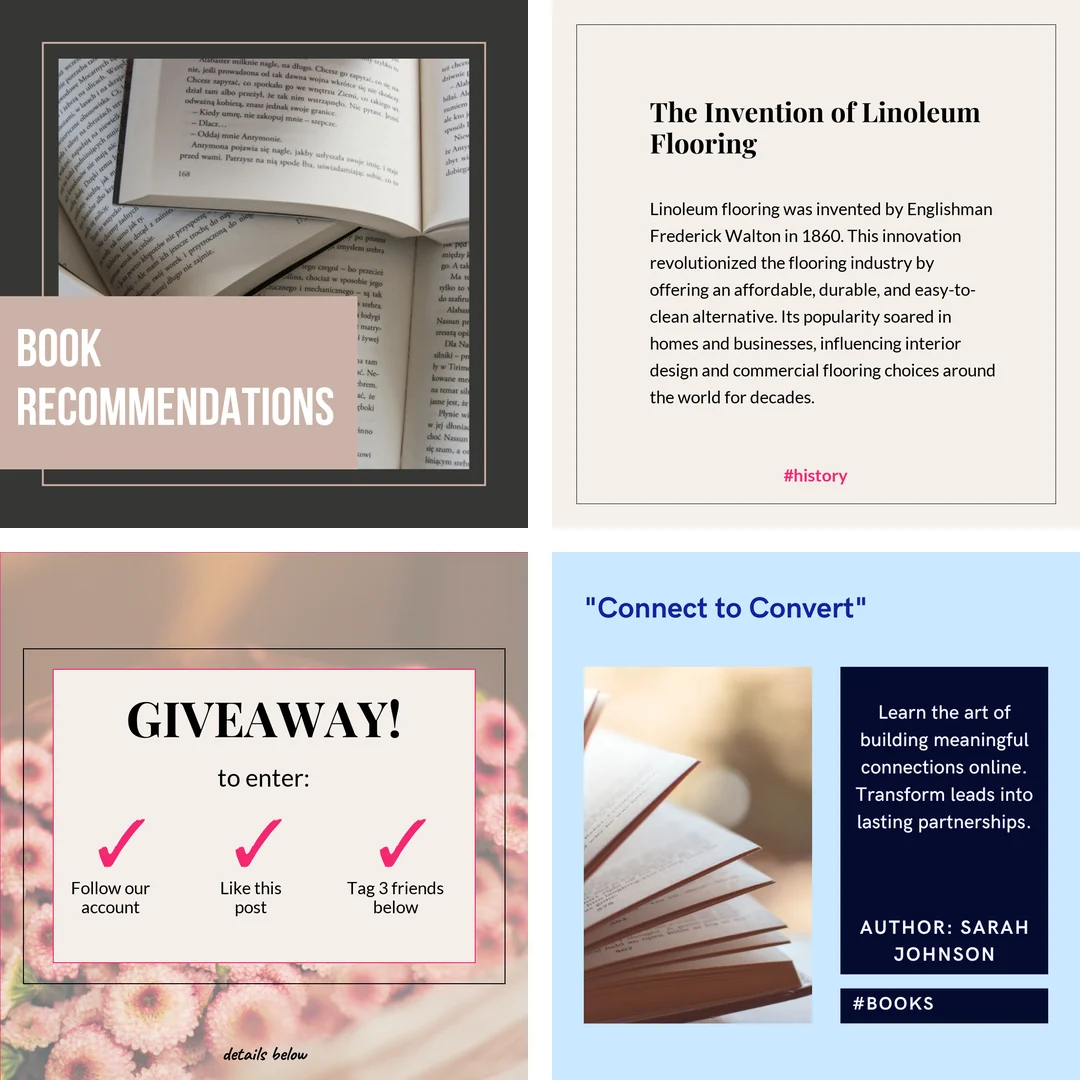
Generate custom posts from these templates
Maxolot handles the topic, copy and design — tailored to your business.
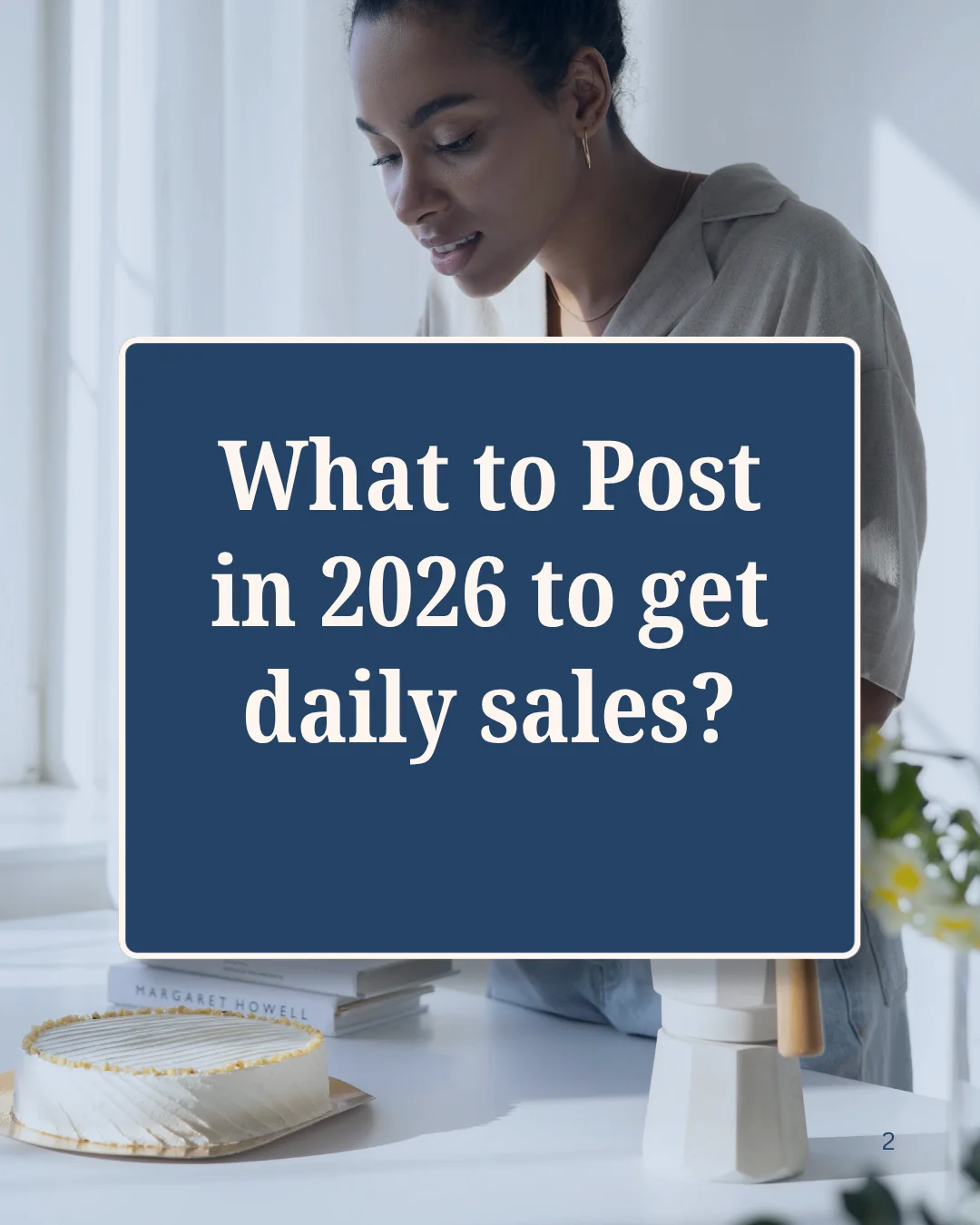
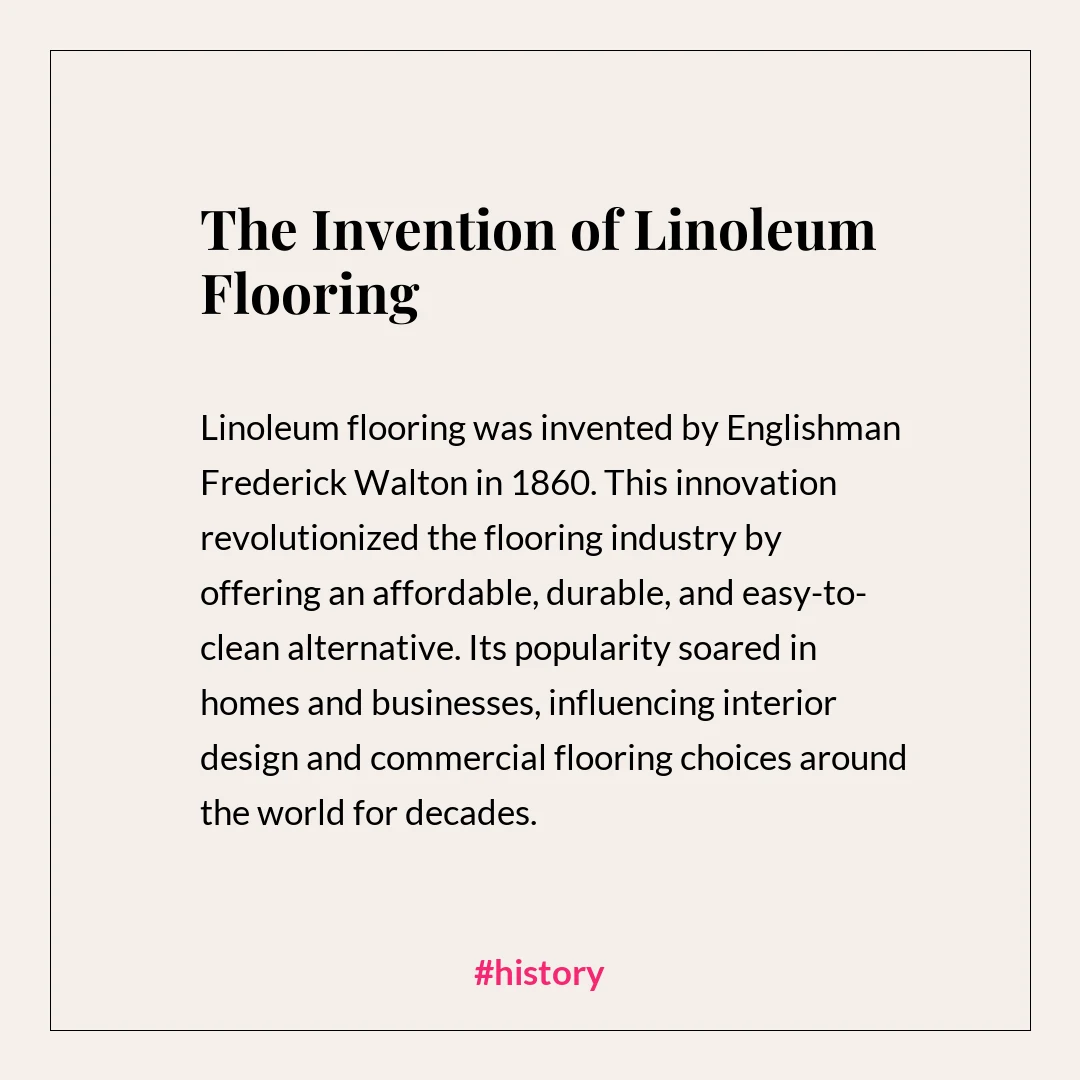
Every post above was generated by Maxolot from a one-line business description. Generate your own →
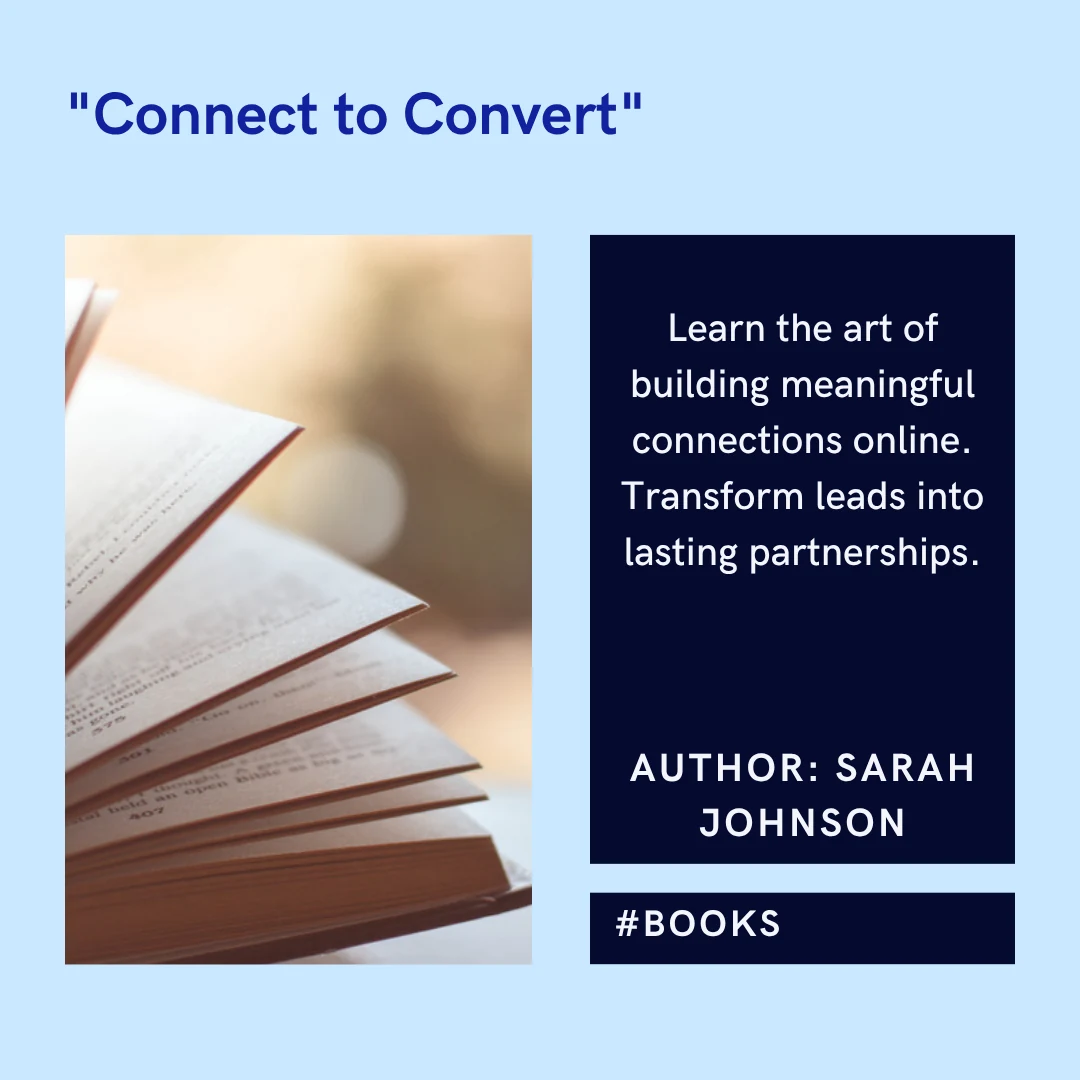
Use this template Cover 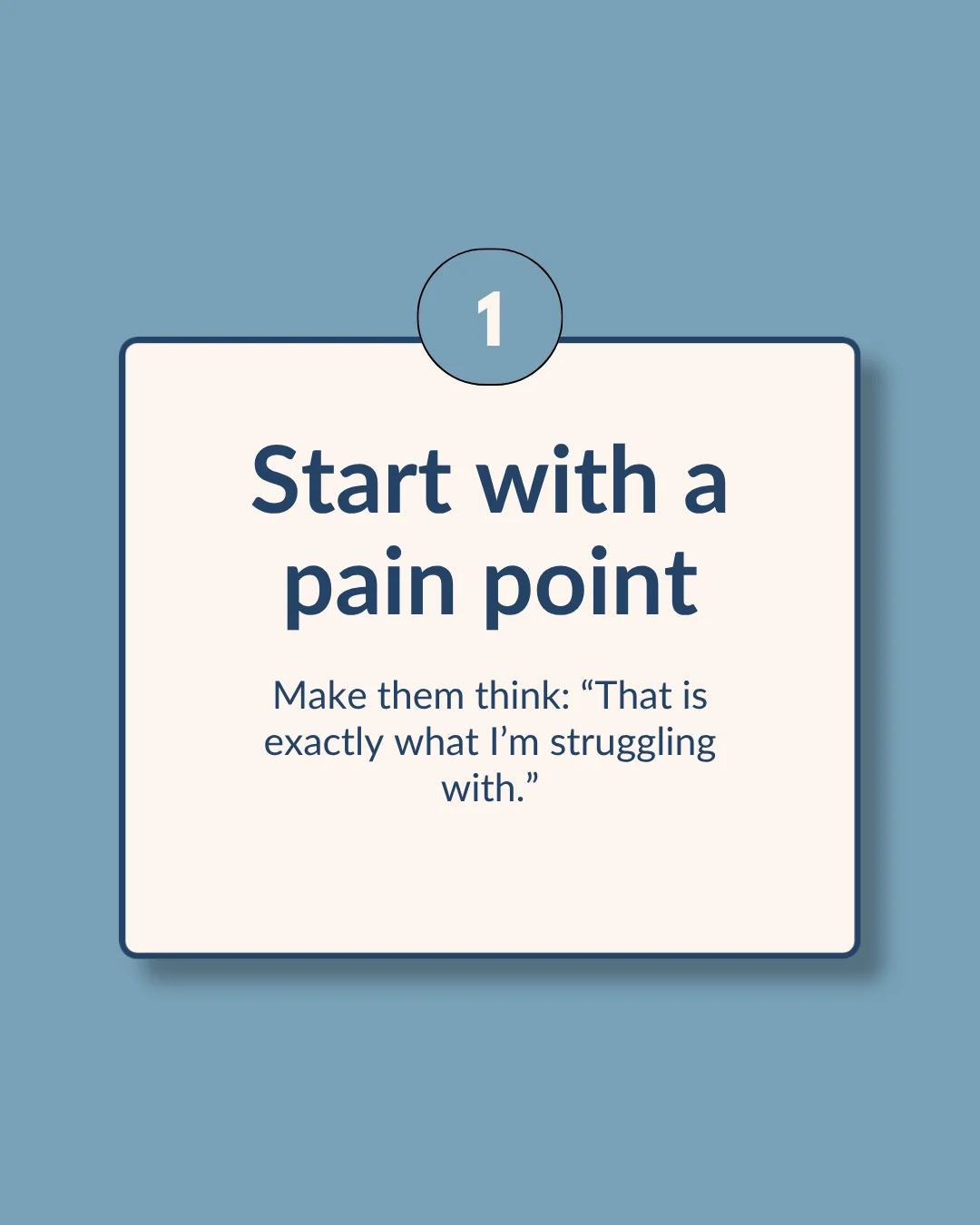 Use this template Slide 1
 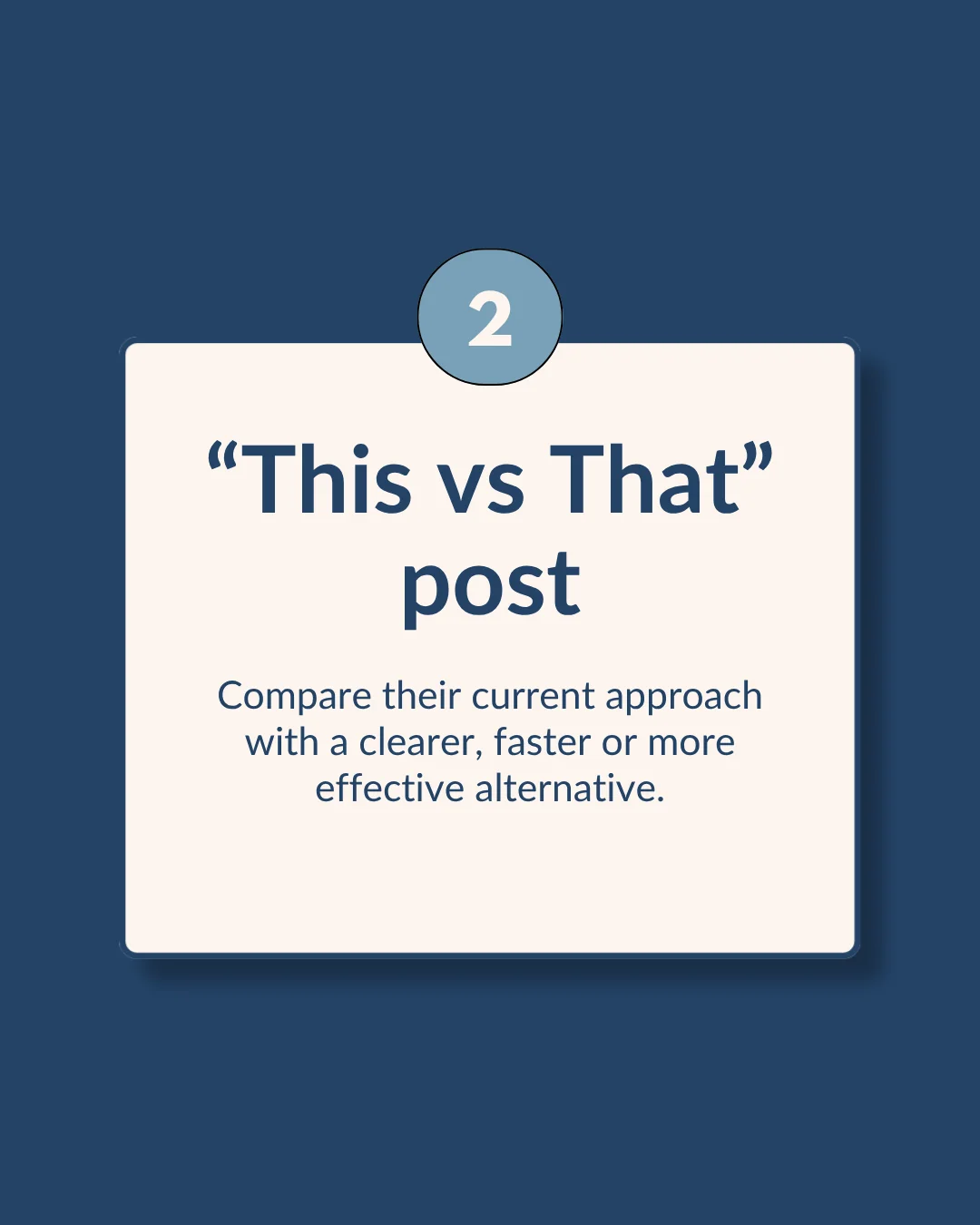 Use this template Slide 2
 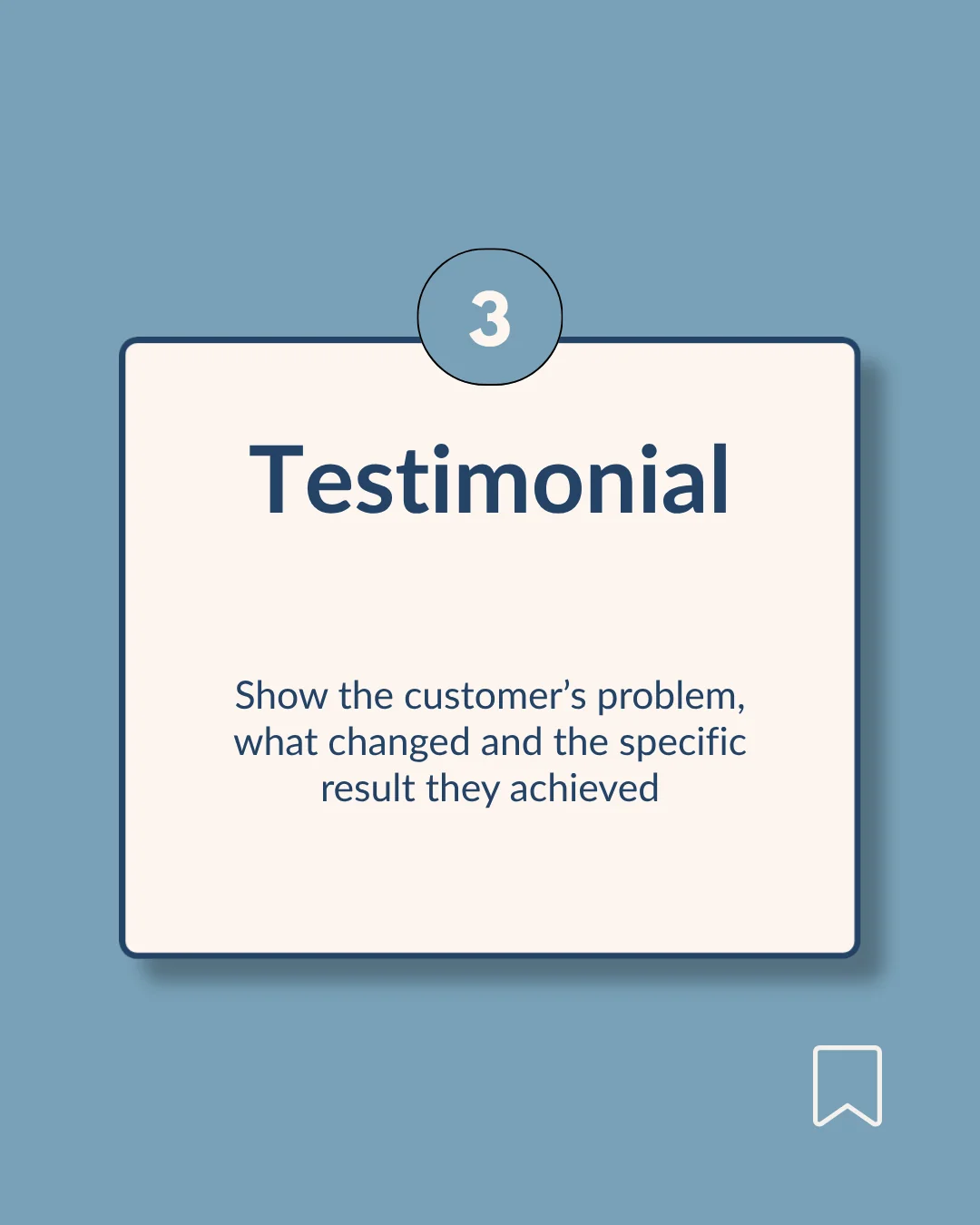 Use this template Slide 3
  Use this template Book cover
  Use this template Second slide
  Use this template Educational
  Use this template Myth vs fact
 Instagram carousel templates are multi-image post layouts that spread one topic across up to 20 slides. A seamless carousel template continues the background across consecutive slides so the set reads as one design when swiped.
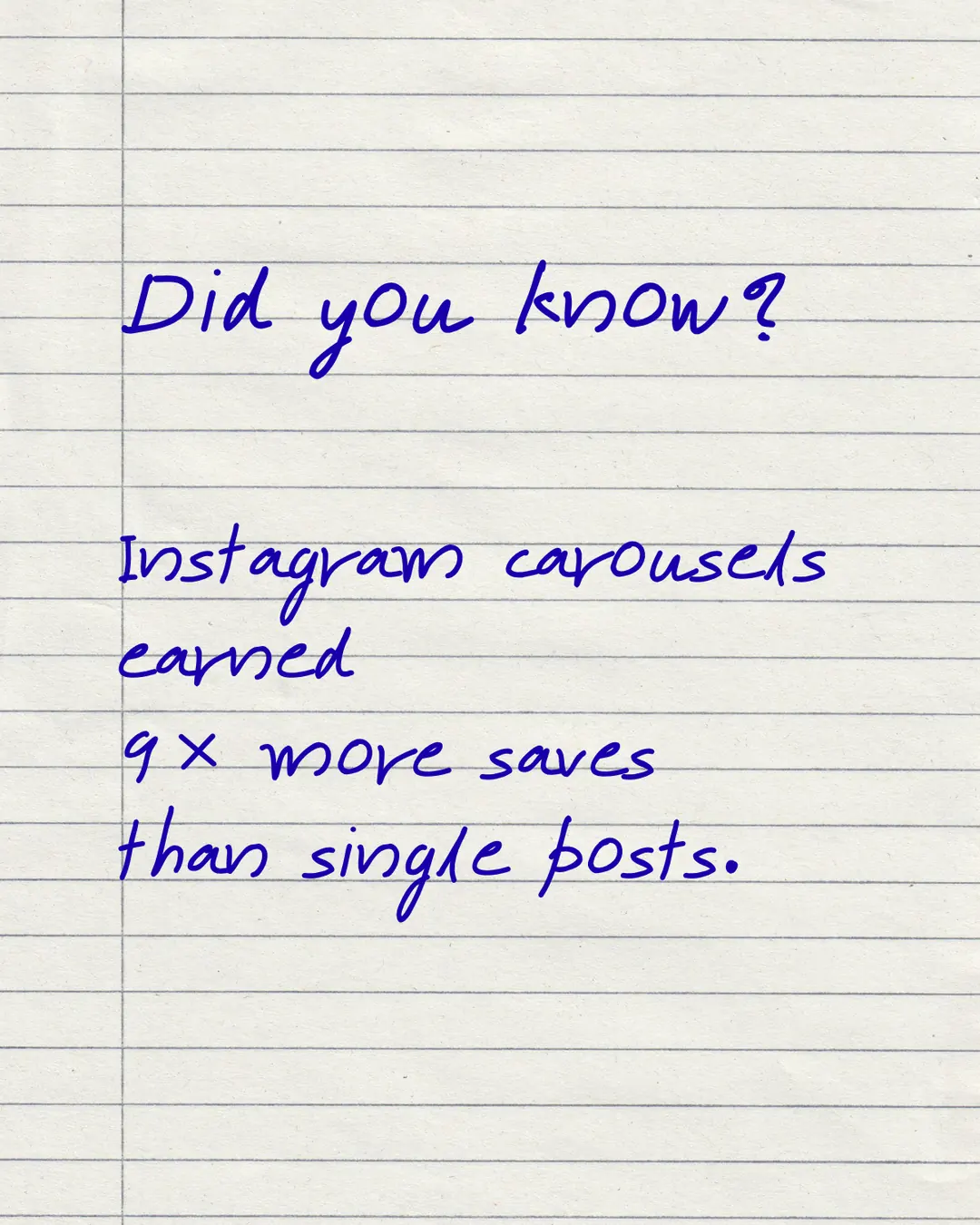
Carousel posts earned nine times more saves than single-image posts in the Metricool 2026 Instagram Study of 24,364,803 posts. Instagram also shows a carousel to the same viewer twice — once from slide one, again from slide two if they did not engage.
Slide 1 stops the scroll. Slide 2 works on its own, because it is served separately on the second pass. The last slide asks for something — save, comment, follow or click.
Want to use these templates?
Maxolot fills them with your business — topic, copy and design together.
Want to use these templates?
Maxolot fills them with your business — topic, copy and design together.
 Use this template Hook Use this template Myth vs fact
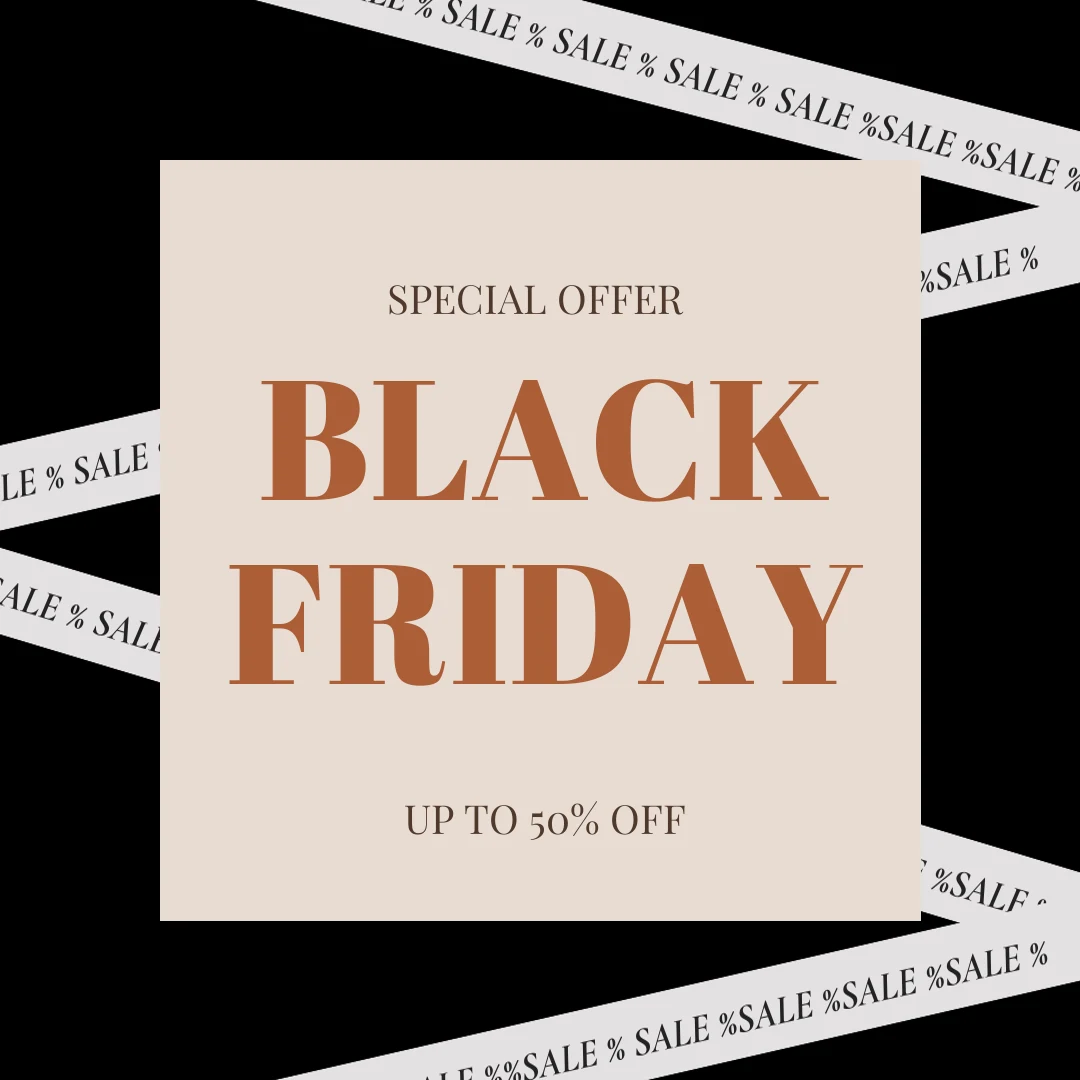
  Use this template Sale Use this template Black Friday
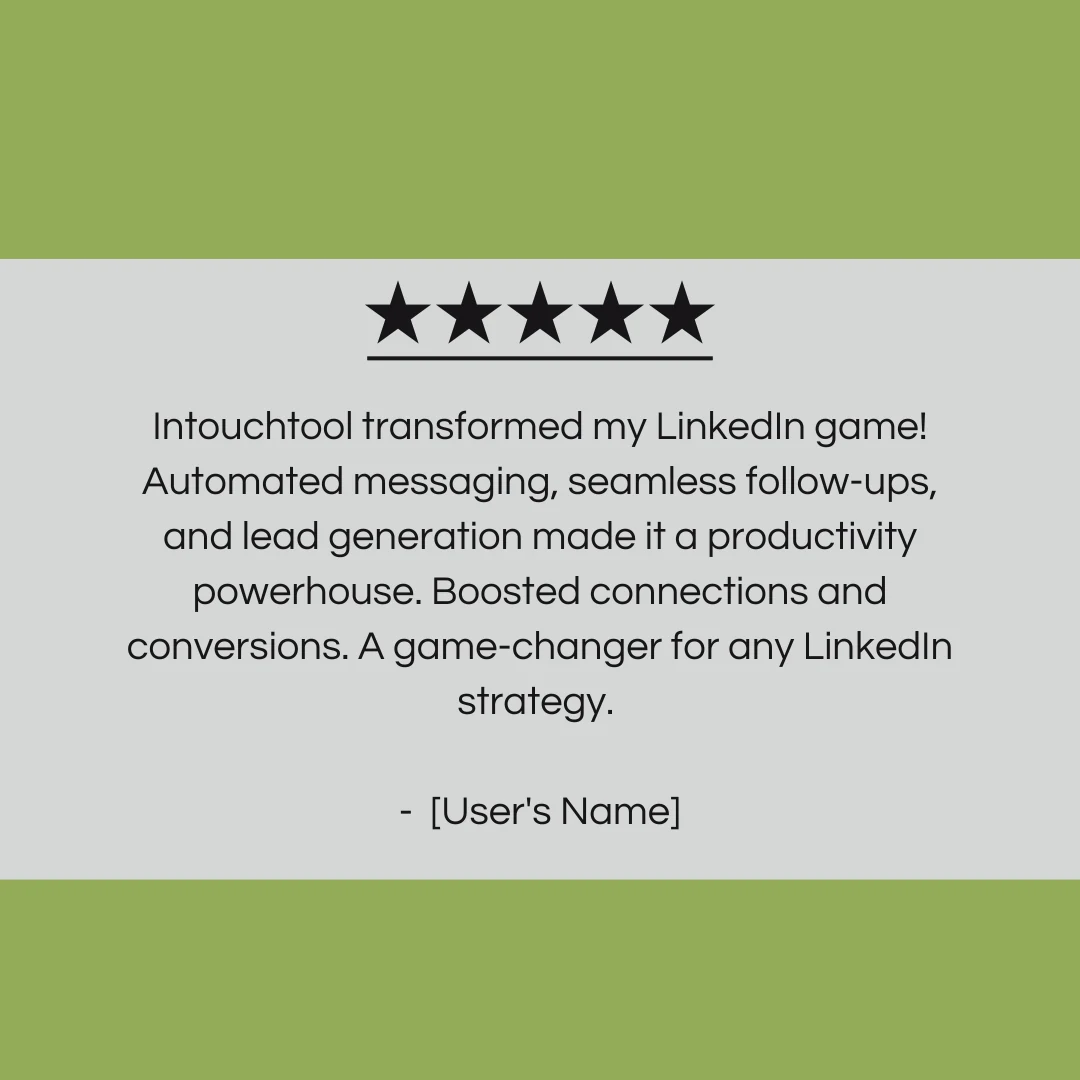
  Use this template Quiz Use this template Ask me anything Use this template Testimonial
  Use this template Announcement
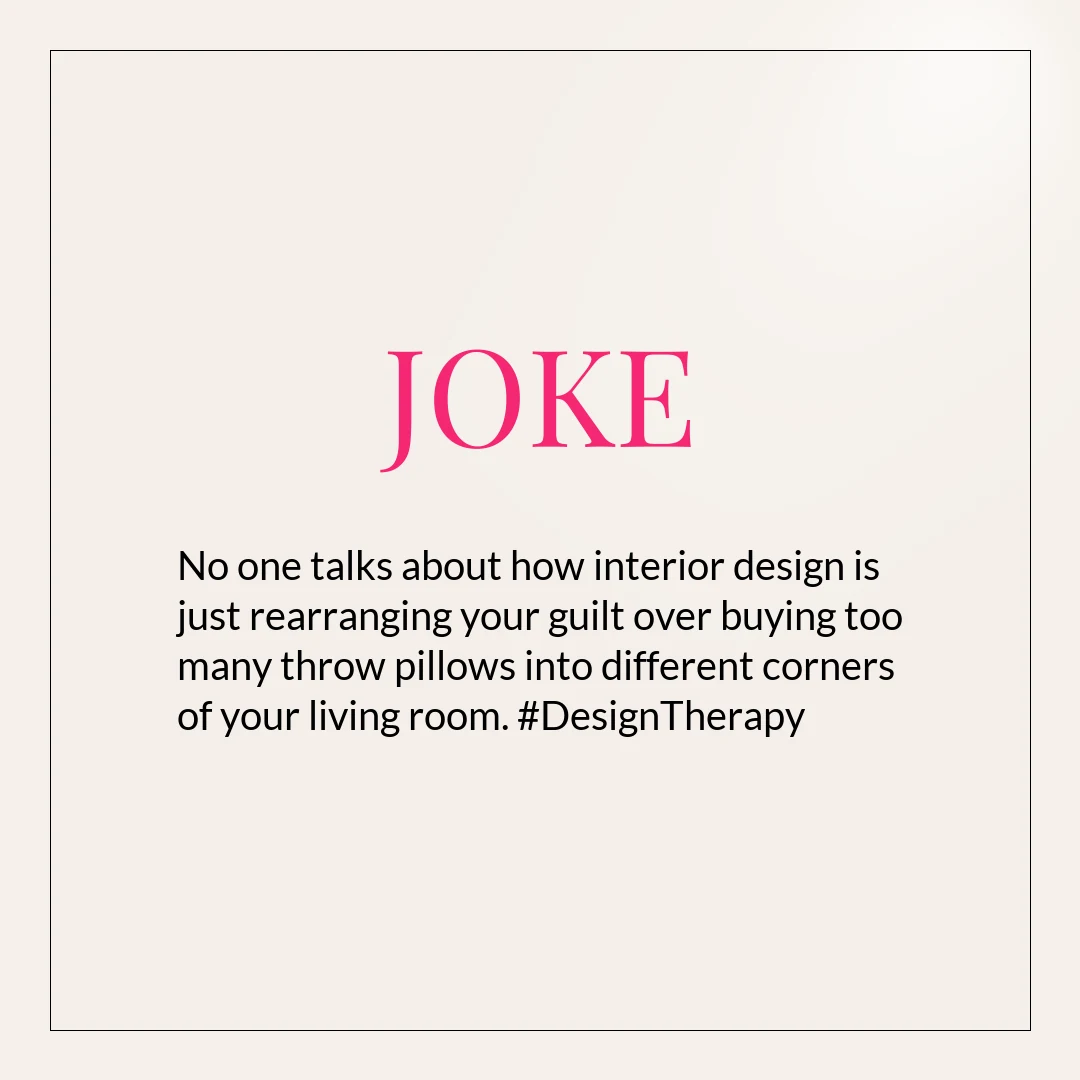
 Graphic Instagram post templates deliver one message in one image using typography, color and shapes. They suit anything sayable in a sentence — a quote, a tip, an announcement, a correction — and are the fastest template type to produce.
Want to use these templates?
Maxolot fills them with your business — topic, copy and design together.
Use this template Educational 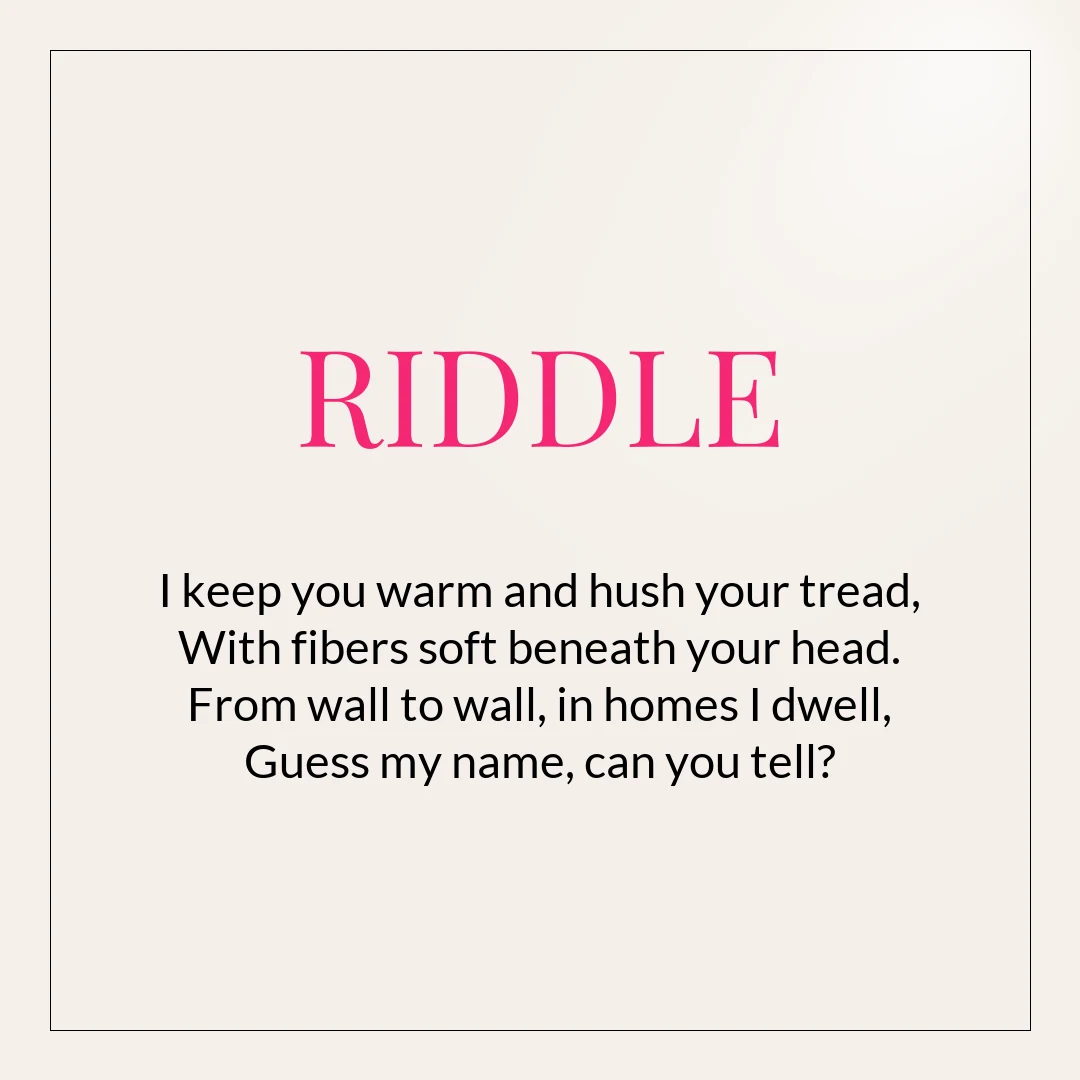 Use this template Riddle
  Use this template Joke Use this template Tip Use this template Gradient Use this template Handwritten Use this template Pastel
  Use this template Answer
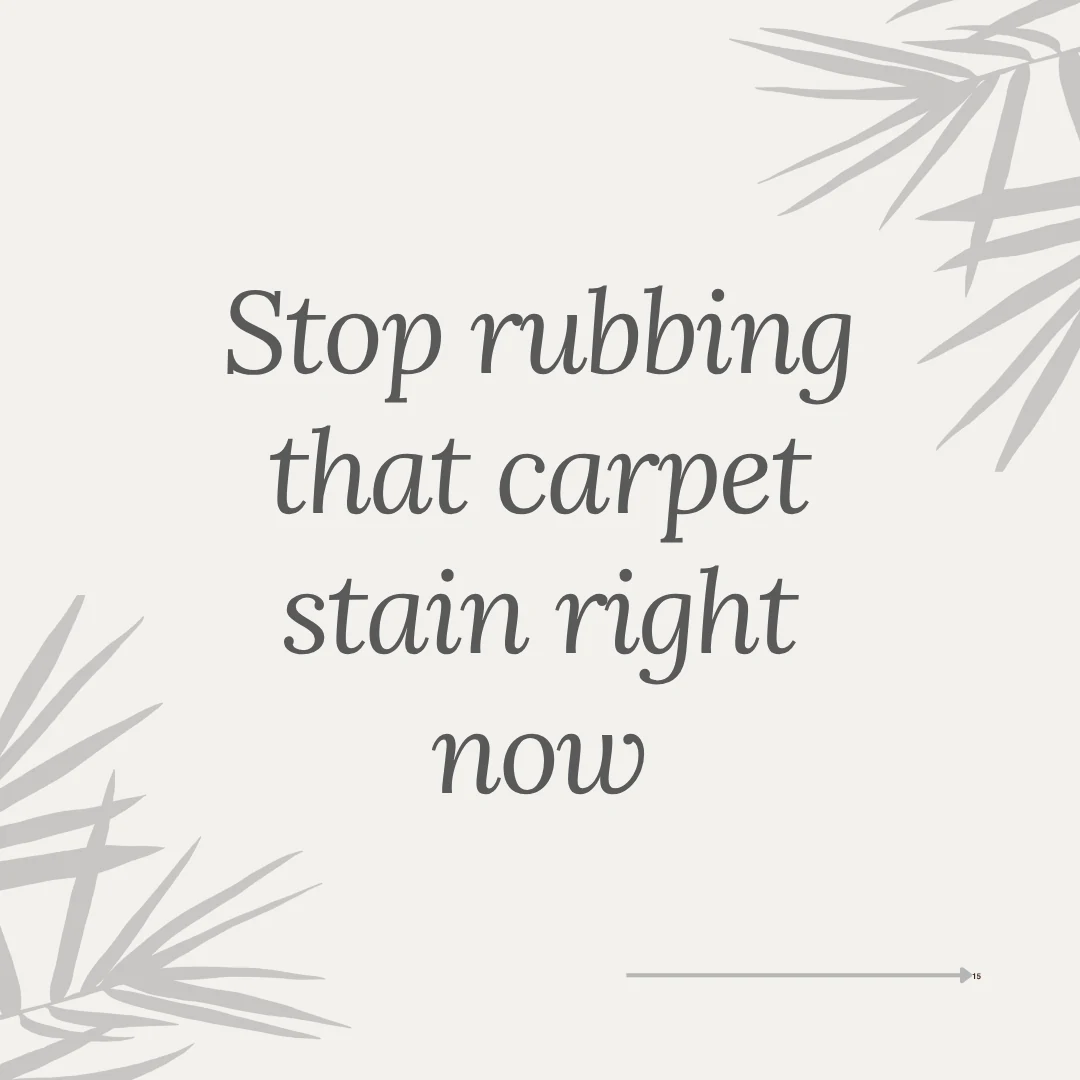
 Text-only Instagram post templates communicate through typography, color and spacing without any photograph. They let a business publish on a week with nothing new to shoot — most weeks, for a service business — and they are how you make written posts on Instagram without a camera.
Keep the message short enough to read at thumbnail size: a statistic, an opinion, one tip, a question. Long paragraphs belong in the caption.
Want to use these templates?
Maxolot fills them with your business — topic, copy and design together.
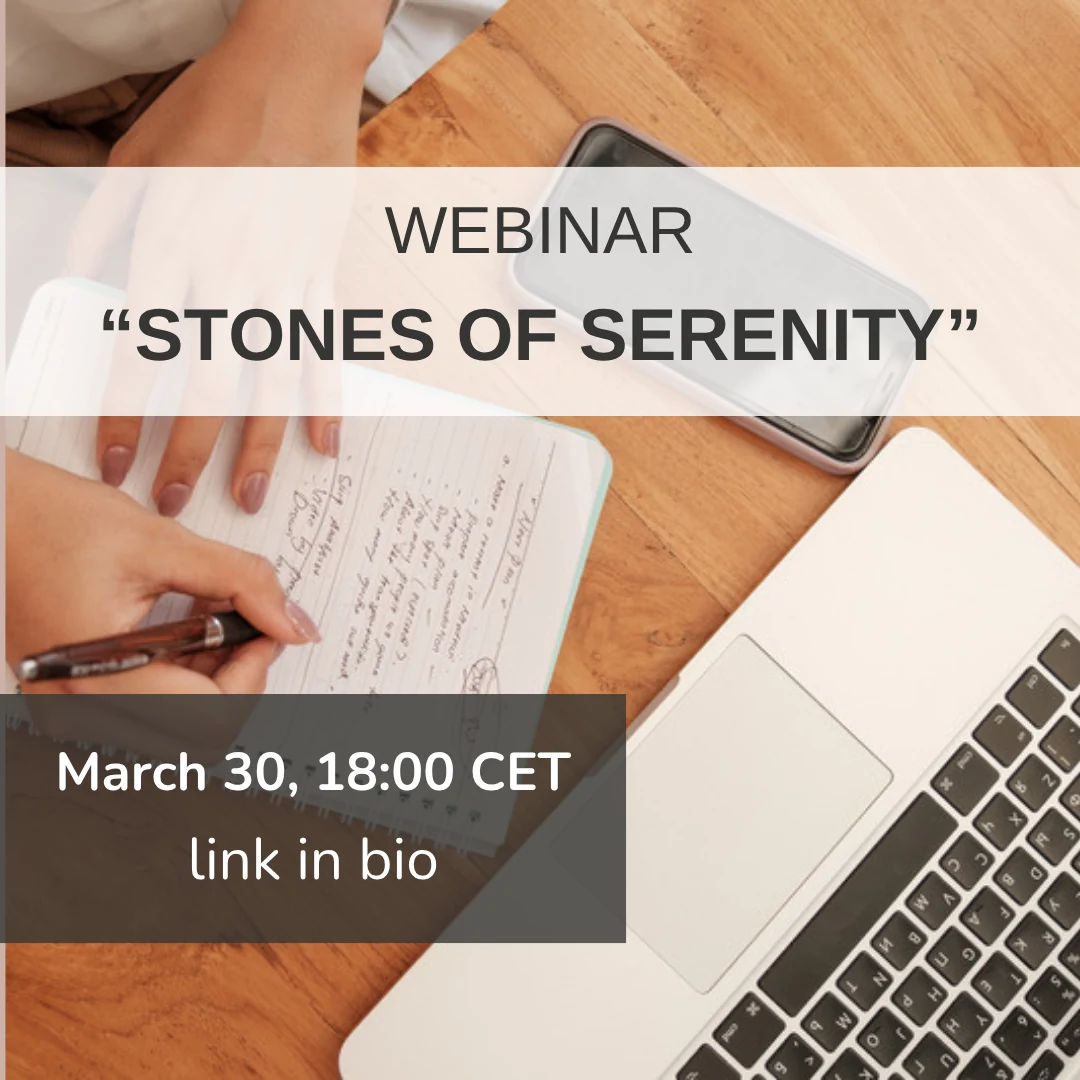
Use this template Split panel 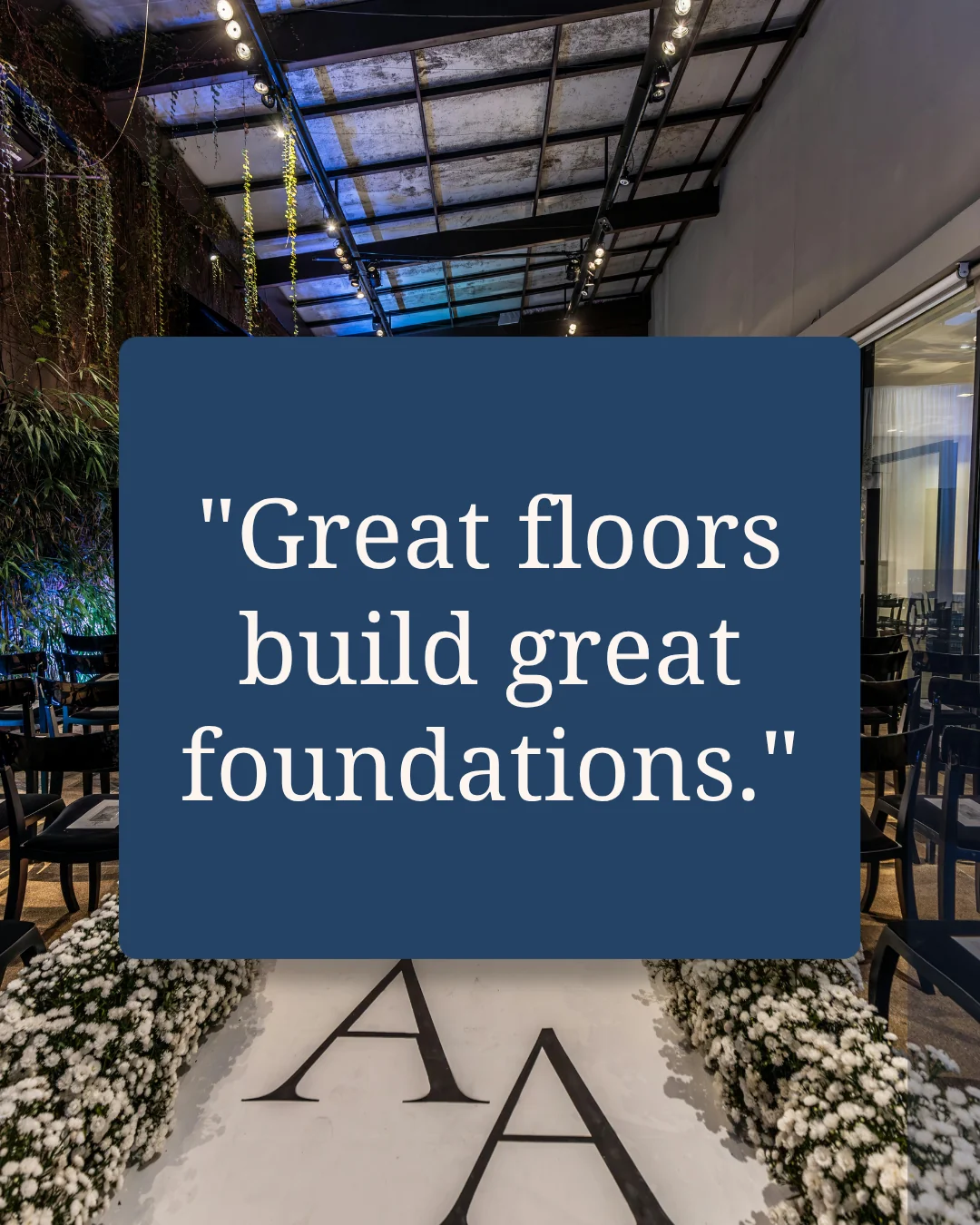 Use this template Navy panel Use this template Inverted Use this template Webinar
 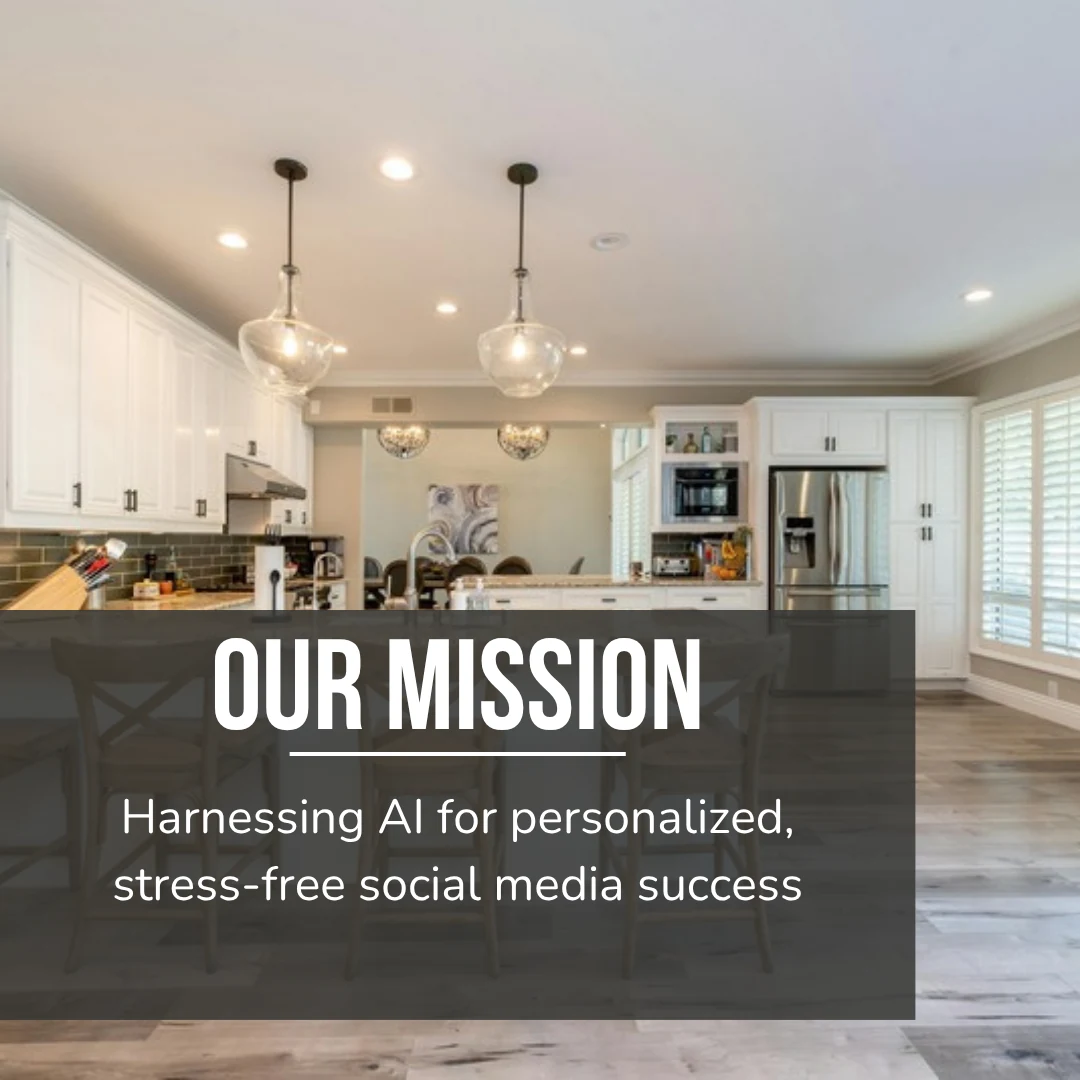 Use this template Mission
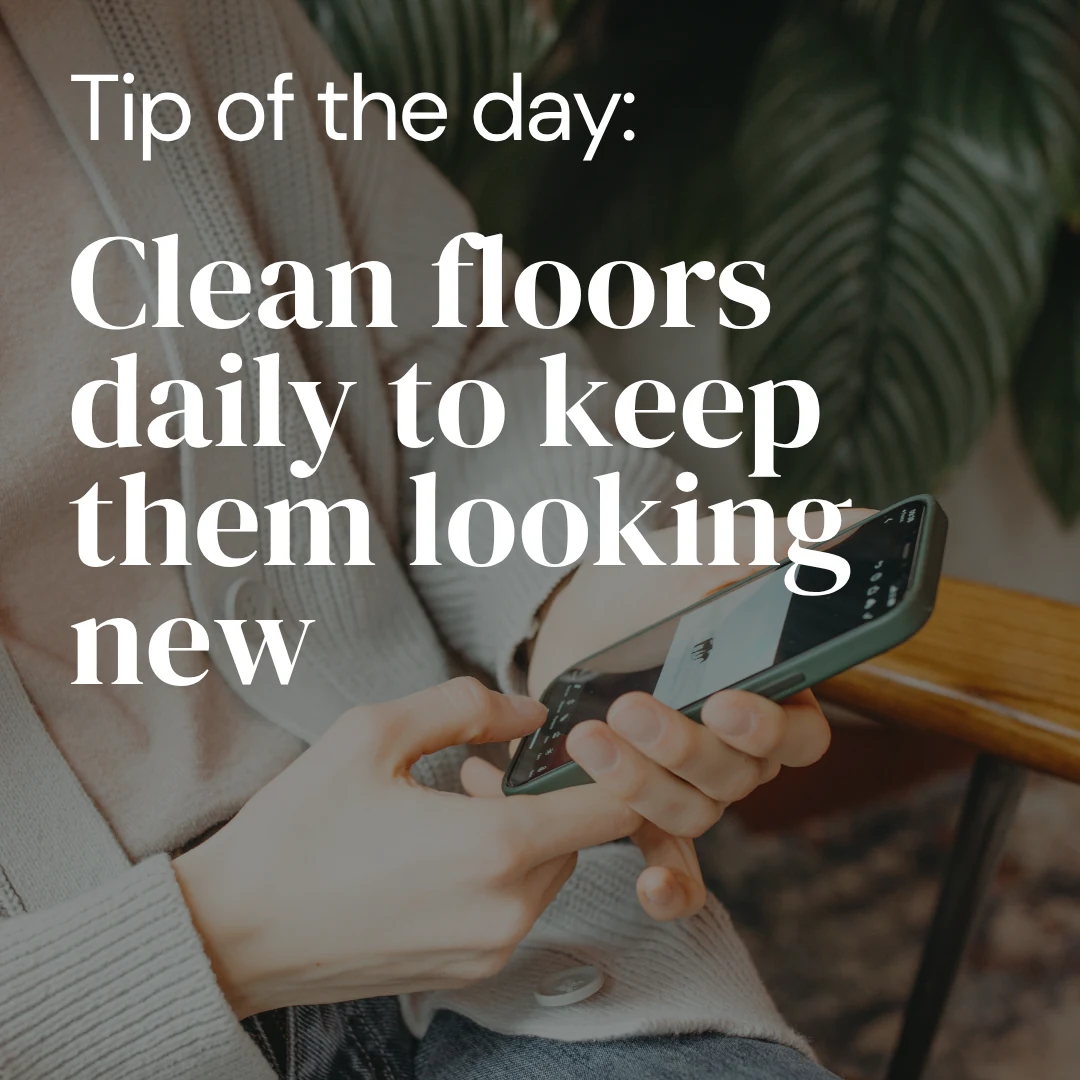
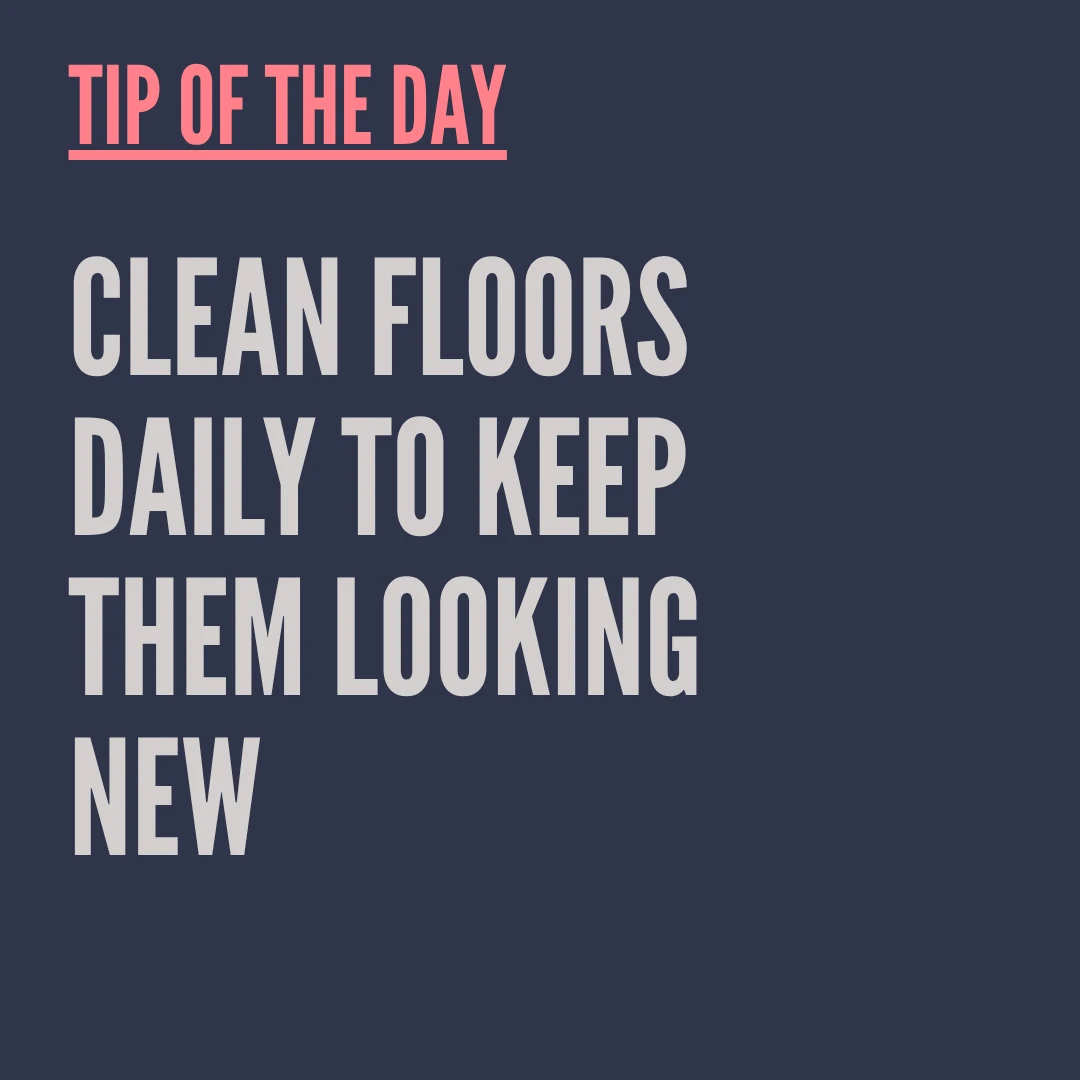
 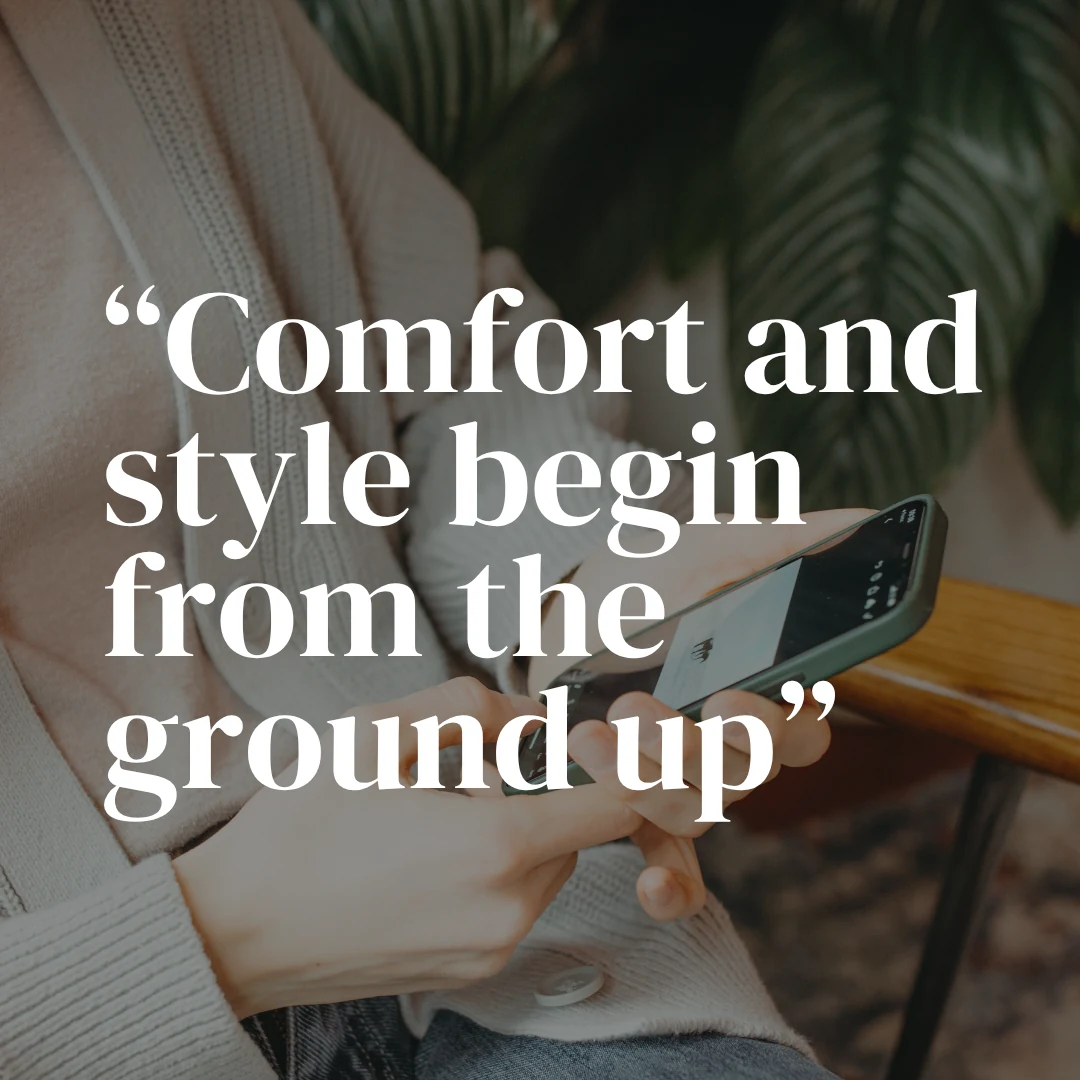 Use this template Quote Use this template Tip of the day Use this template Giveaway
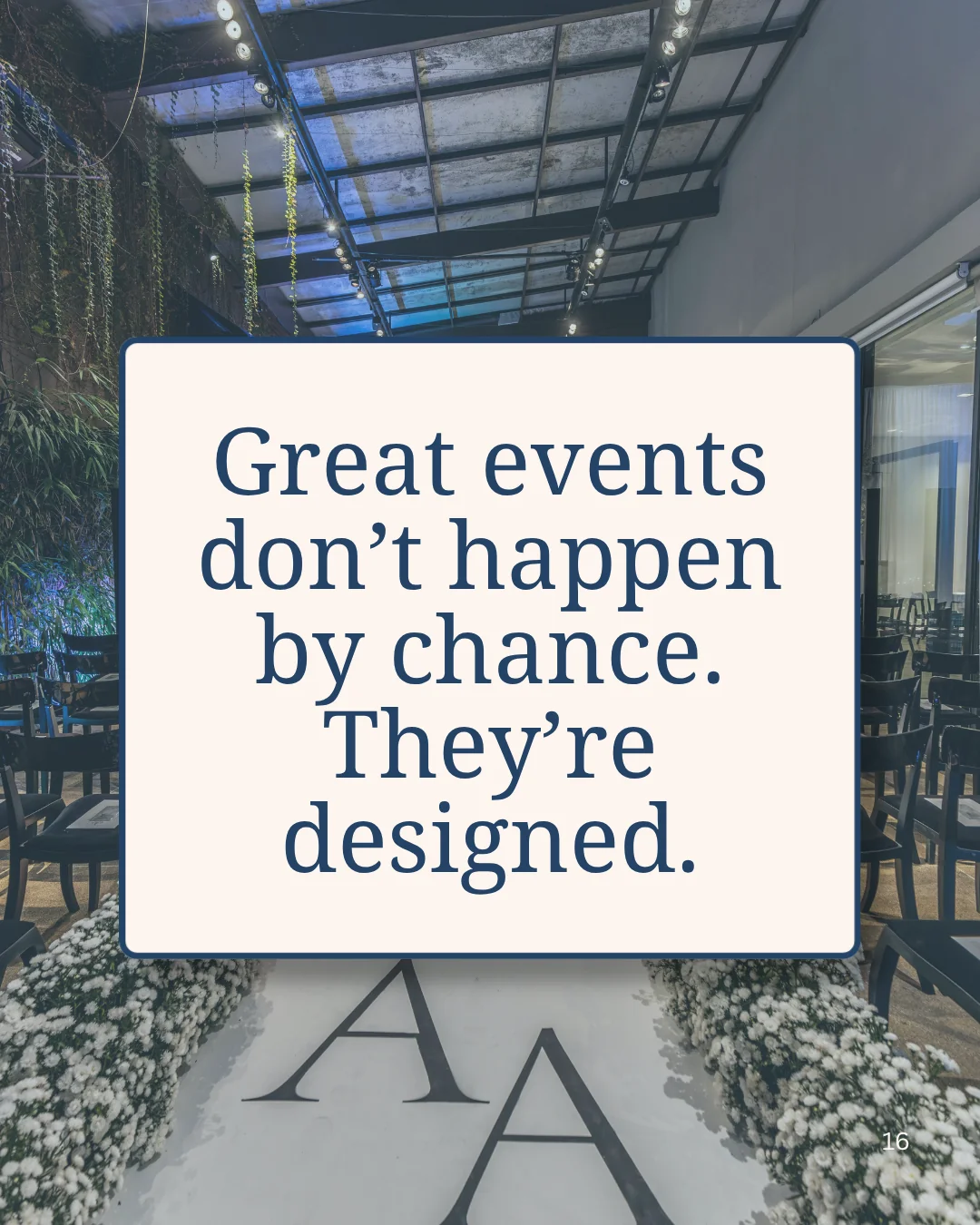
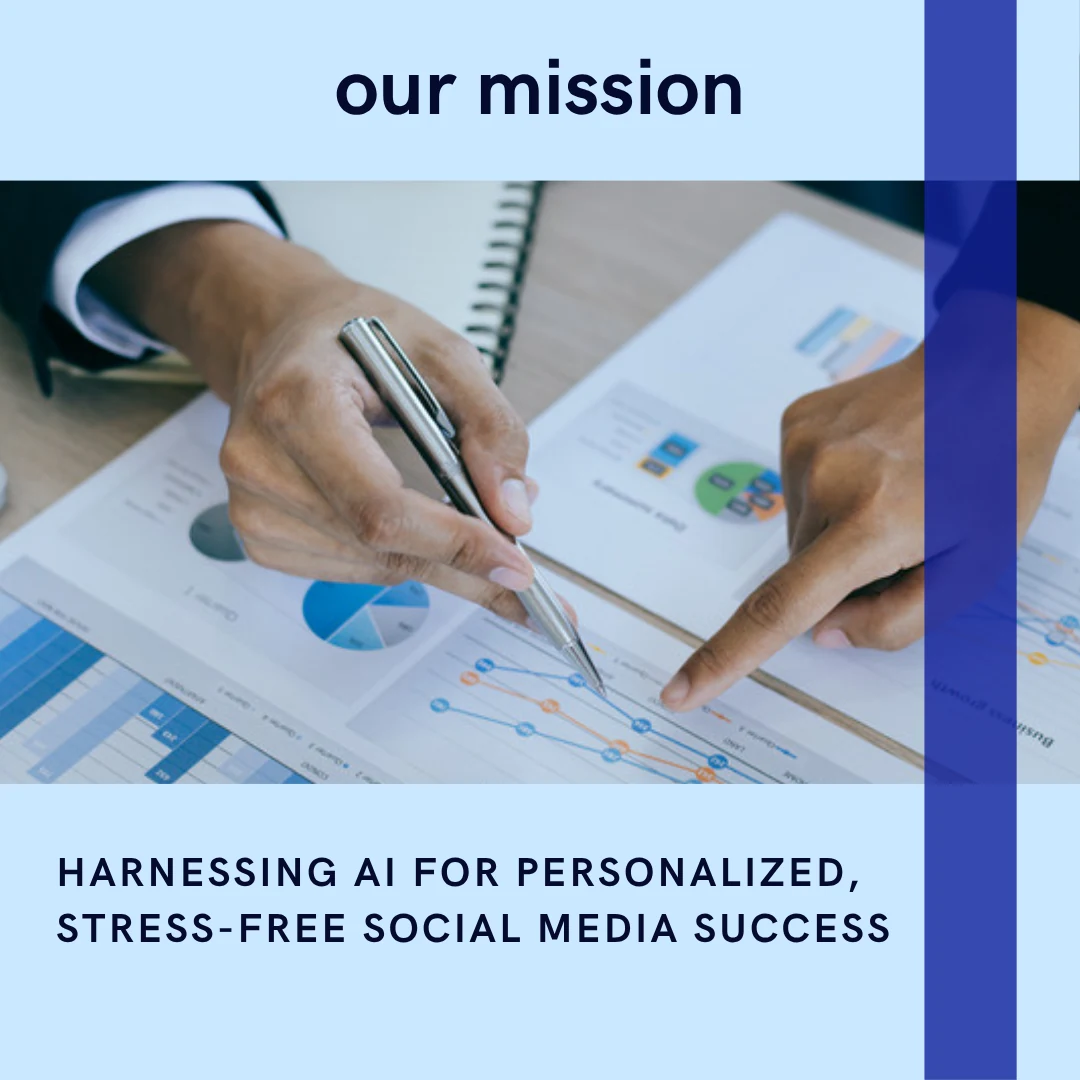
 Image-and-text Instagram templates pair a photograph with a headline and one supporting line. Use this layout when the picture alone does not explain the offer — a finished bathroom does not say what it costs or who it is for.
Put a solid block, gradient or dark scrim behind the text. Type straight onto a busy photograph fails at phone size whatever the font.
Want to use these templates?
Maxolot fills them with your business — topic, copy and design together.
The four template designs are not interchangeable. Each one trades production effort against how much a business can explain.
| Text only | Image only | Image + text | Carousel | |
|---|---|---|---|---|
| Photography needed | None | Strong photo required | One usable image | Optional |
| How much you can say | One short idea | Almost nothing on-image | One idea plus context | A full explanation |
| Time to produce | 2 minutes | 5 minutes plus the shoot | 5 minutes | 20–40 minutes manually |
| Best for | Quotes, stats, opinions, tips | Products, results, spaces, food | Offers, features, testimonials | Teaching, steps, case studies |
| Saves vs single image | Baseline | Baseline | Baseline | 9× more saves |
| Works without a designer | Yes | Yes | Usually | Not manually |
| Size | 1080 × 1350 | 1080 × 1350 | 1080 × 1350 | 1080 × 1350 × up to 20 |
Save data from the Metricool 2026 Instagram Study (24,364,803 posts, 375,000+ accounts). Carousels do the most work and cost the most time, which is why most small businesses under-post them. That trade-off disappears when the slides are generated rather than designed — try the carousel generator.
Use this template Aesthetic Use this template Modern Use this template Pastel Use this template Gradient Use this template Handwritten Use this template Typography The design style is the part a business should choose once and then stop changing. Consistency across posts does more for a feed than any individual style choice.
Want to use these templates?
Maxolot fills them with your business — topic, copy and design together.
Every post should do one job. Emplifi surveyed 965 US social-media users and found the top reasons people follow a brand are promotions (64%), entertainment (58%) and product news (57%) — which is what these eleven template types deliver.
Use this template Educational Instagram templates carry one lesson — a tip, a step, a mistake to avoid — with the lesson stated in the headline rather than teased.
Use this template Promotional Instagram templates lead with the benefit and follow with the discount. Promotions are the top reason people follow brands, at 64%.
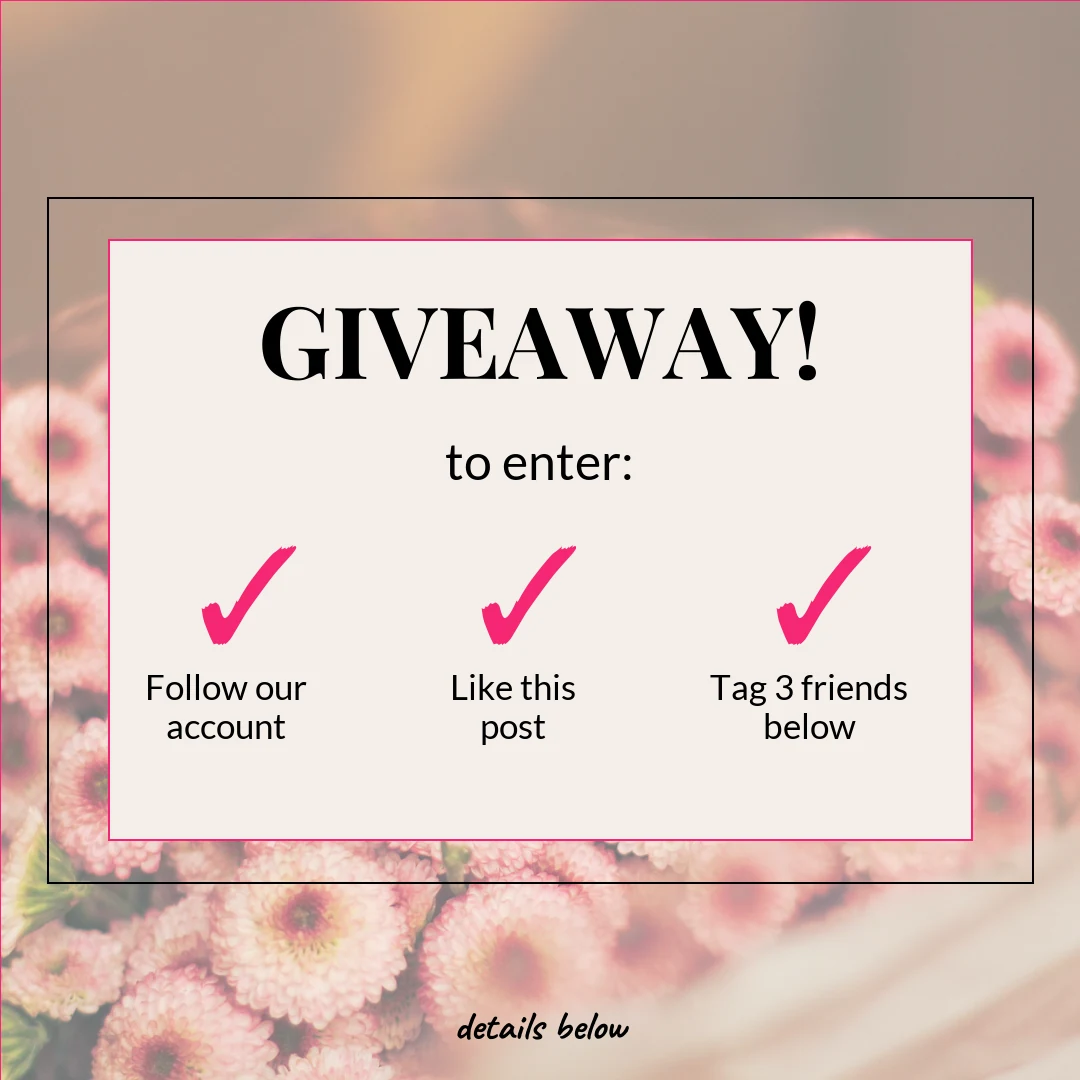
Use this template Instagram giveaway templates put the prize on the cover and the entry rules in plain language — follow, like, tag — readable in three seconds.
Use this template Instagram ads templates keep on-image text minimal, hold one focal point, and leave room at the bottom for the call-to-action button Instagram adds.
 Use this template
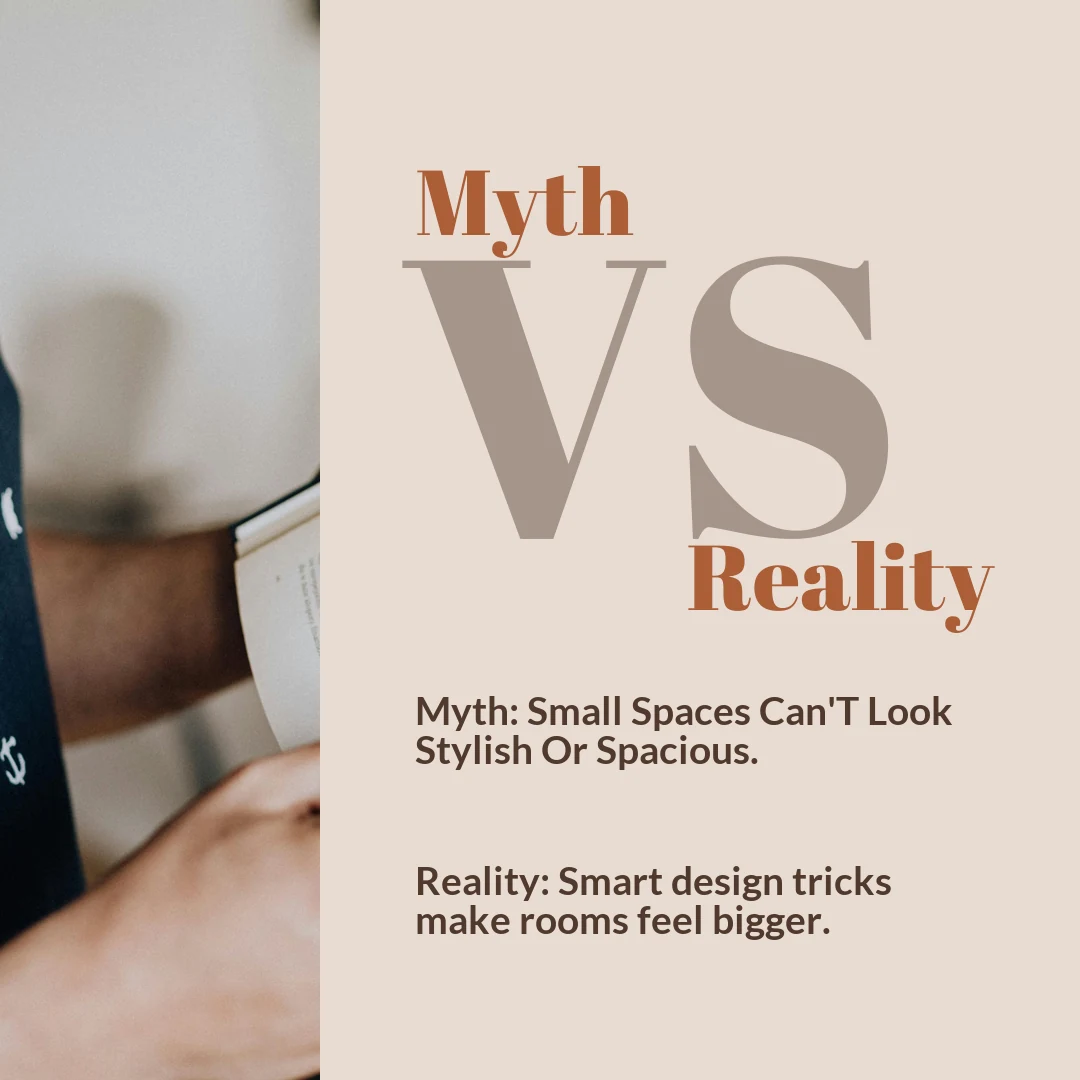
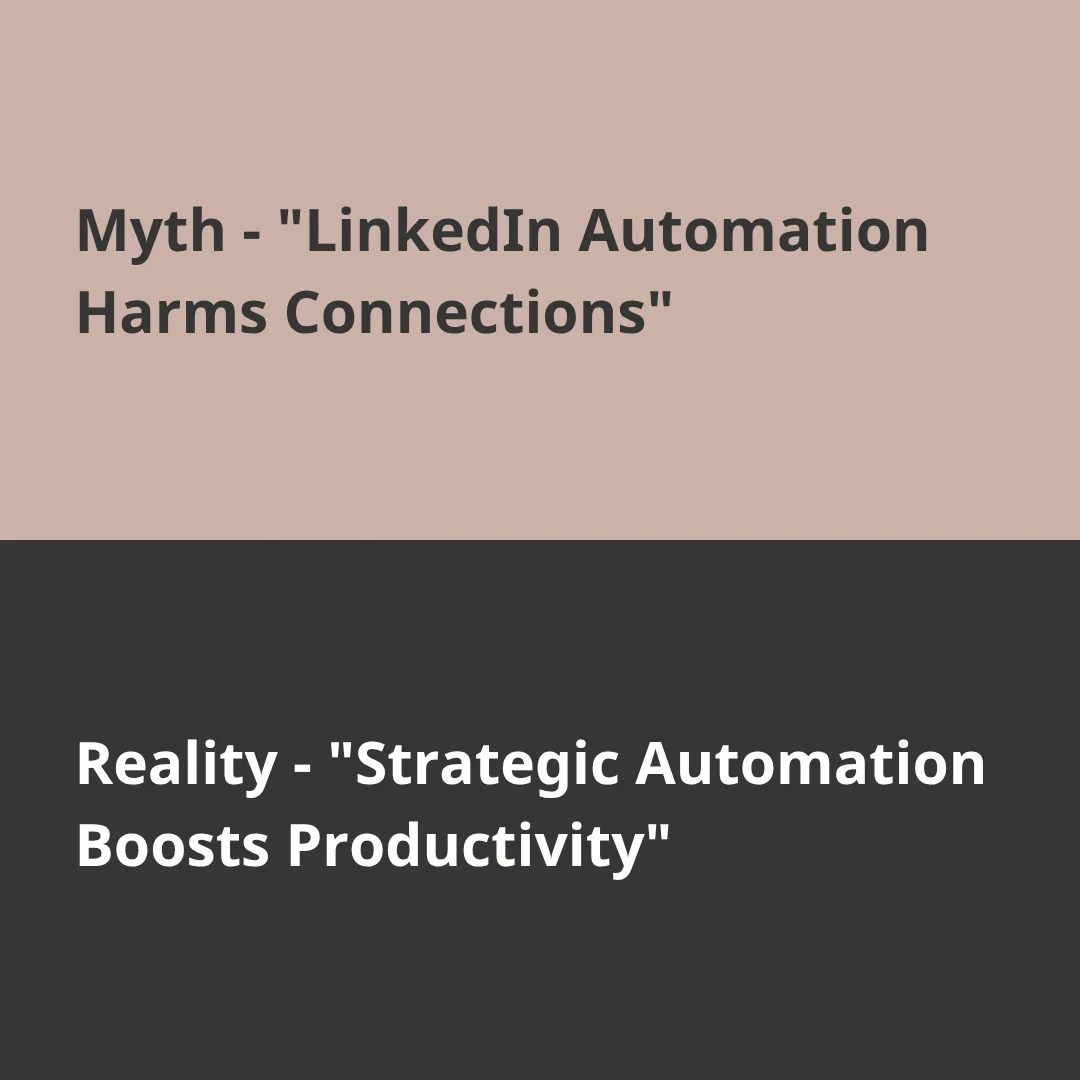
 Myth-versus-fact Instagram templates correct a misconception in two parts: the false claim, then the correction. The fastest way to show expertise.
Use this template Testimonial Instagram templates need the specific result, not the praise. 65% of consumers say user-generated content influences what they buy.
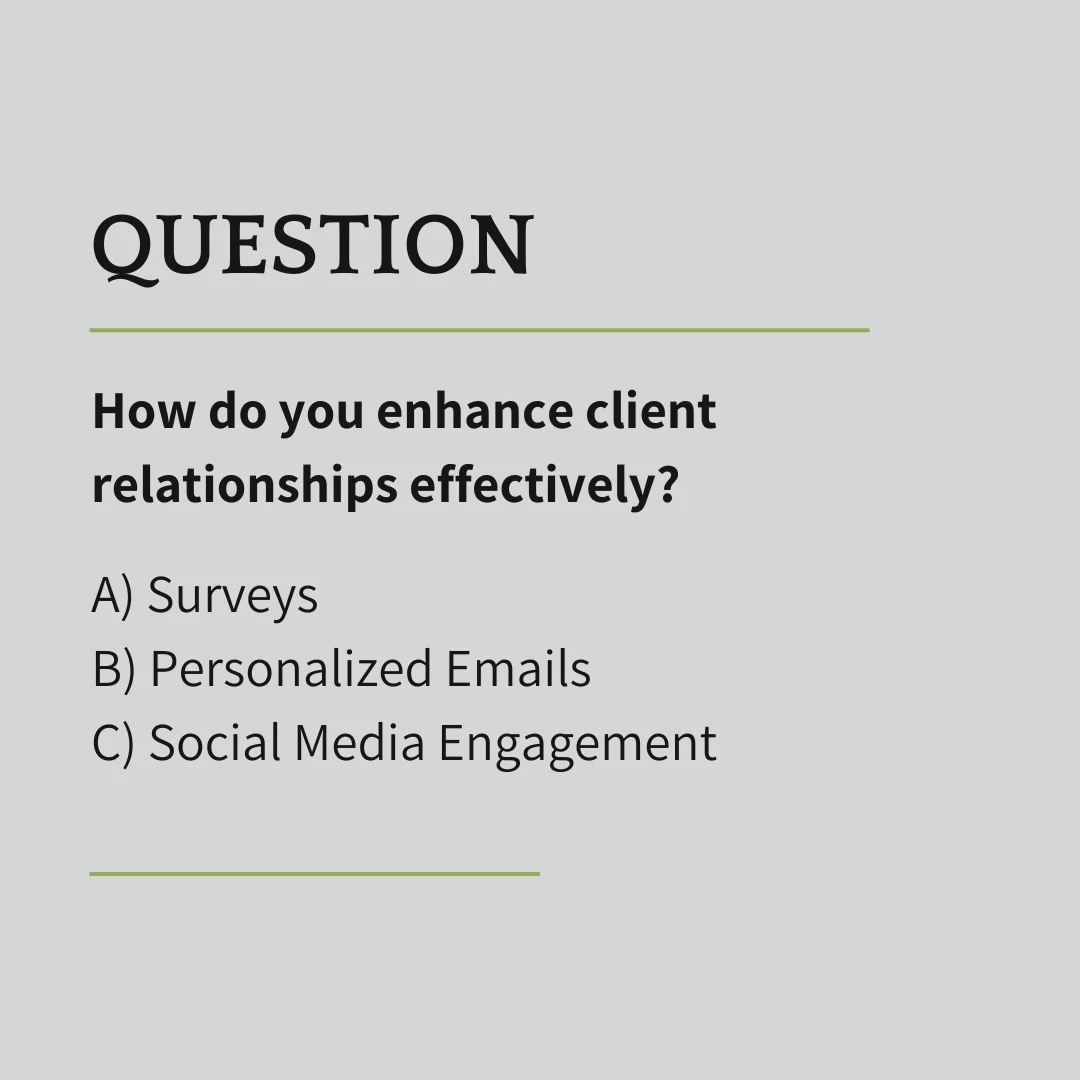
Use this template Question Instagram templates turn customer questions into content. The prompt has to be narrow enough to answer in one tap, not open-ended.
 Use this template
 Quote Instagram templates put one memorable line into branded type. Keep it under about fifteen words so it reads at thumbnail size.
Use this template Event Instagram templates carry the name, date, time and how to register. A webinar template usually needs a matching Story for the reminders.
Use this template Announcement Instagram templates state what changed and what the audience should do next, in that order. New service, new location, milestone.
Product Instagram templates lead with the customer problem, then the benefit and the proof. Feature lists first make the post read as a catalogue.
Want to use these templates?
Maxolot fills them with your business — topic, copy and design together.
Use this template Educate Use this template Promote Use this template Prove Use this template Announce Use this template Mission Use this template Event Use this template Service Use this template Hook Instagram templates for business are layouts built around commercial goals — selling a product, explaining a service, generating leads, building trust — rather than personal posting. A business Instagram post template keeps brand colors, fonts and logo placement fixed so every post is recognizable, and leaves only the message to change.
Instagram post design for business is not about making each post look good on its own; it is about making forty posts look like they came from the same company. A small business Instagram template set works best when it is small — three or four layouts reused every week beat a library of fifty.
Those cover the four jobs a business account does: educate, promote, prove and announce. Business Instagram post templates work hardest for local service businesses and trades, ecommerce brands, coaches and consultants, agencies, and solo founders with no design support.
Want to use these templates?
Maxolot fills them with your business — topic, copy and design together.
Use this template Text Use this template Myth vs fact Use this template Gradient Use this template Handwritten Use this template Quiz Use this template Sale Use this template Joke Use this template Pastel Faceless Instagram templates let a business publish consistently without appearing on camera or producing new personal photographs. They carry the message through typography, graphics and generated imagery, which removes the two things that stop most small businesses posting: not wanting to be filmed, and not having new photos.
Going faceless does cost something. Posts featuring relatable people were named a purchase trigger by 51% of respondents in the Emplifi 2025 Social Pulse, so a business that never shows a person should compensate with customer photos, results and quoted reviews in place of its own face.
Want to use these templates?
Maxolot fills them with your business — topic, copy and design together.
An Instagram design theme is the fixed set of colors, fonts, layouts and image treatments a business repeats across every post. Instagram feed design ideas describe how those posts look together in the grid, not individually — which is the view a new visitor sees before deciding to follow.
A consistent feed comes from limiting choices rather than adding them: two fonts, three colors and four repeating layouts produce a recognizable grid. Feed design ideas that depend on grid puzzles or a fixed post order break the moment a business needs to publish something urgent out of sequence, so most small businesses are better served by a theme that works post by post.
Want to use these templates?
Maxolot fills them with your business — topic, copy and design together.
Generate Instagram templates for your business
Topic, copy and design together · 10 free posts included
Choose the content type by how much needs to be said. One focused message is a graphic or text post; a detailed explanation is a carousel; anything temporary or interactive is a Story.
A business with no usable photography should use text-only or graphic templates. A business with strong photography should use image-led templates. A business with one usable image and something to explain should use an image-and-text layout.
Every template should serve one of five jobs: educate, promote, engage, build trust, or generate leads. A template trying to do two of them does neither well.
An effective Instagram design theme uses the same primary colors across every post, keeps one heading font and one body font, works across posts, carousels and Stories, and stays recognizable without making every post identical. Choose a theme because it fits the business, not because it is currently fashionable — a theme that has to be replaced in six months undoes the consistency it was meant to create.
Use one heading font and one body font, avoid thin weights, avoid decorative faces for anything longer than a headline, and preview every design at actual phone size before publishing.
A workable Instagram palette needs one primary brand color, one restrained accent, one light neutral background and one dark text color. Check the contrast between text and background before committing — most failed templates fail on contrast, not on color choice.
A template that depends on a professional photo shoot will be abandoned within a month. Businesses with limited photos should choose graphic, text and faceless templates; businesses with limited time should choose a small set of repeatable layouts over a large library.
Use the language the business actually uses with customers, feature real services and products, answer questions customers actually ask, and use real business images wherever they exist. Generic stock content in a polished template still reads as generic.
Instagram accepts three template shapes, and each one is a trade between how much space the post occupies in the feed and how much of it survives being cropped elsewhere.
The other accepted feed shapes are 1080 × 1350 px (4:5 portrait) and 1080 × 1440 px (3:4 portrait), which is the tallest ratio Instagram now supports for feed photos. Stories and Reels use 1080 × 1920 px (9:16). All of them share the same 1080 px width, which is the width Instagram displays at full resolution.
Instagram also accepts smaller uploads — anything from 320 px wide — and will simply display them at that size, which is why a low-resolution template looks soft in the feed while a correctly sized one stays sharp. Files wider than 1080 px are downscaled to 1080 px, so uploading larger adds nothing. Build at 1080 px wide and the template is right for every placement.
| 1:1 square | 4:5 portrait | 9:16 vertical | |
|---|---|---|---|
| Dimensions | 1080 × 1080 px | 1080 × 1350 px | 1080 × 1920 px |
| Use for | Feed posts and carousels | Feed posts and carousels | Stories and Reels |
| Feed space occupied | Standard | +25% vs square | Not shown in feed |
| Cropped in the profile grid | No — fills the thumbnail | Yes — top and bottom cut | Cropped to 1080 × 1440 |
| Safe zone needed | Minimal | Keep key content centered | Middle 80% only |
| Works as a carousel | Yes | Yes | No |
| Reusable on other platforms | Widest — LinkedIn, Facebook, Pinterest | Pinterest, Facebook | TikTok, YouTube Shorts |
Pro: a 1:1 square Instagram template is never cropped. A square template looks identical in the feed, in the profile grid and on every other platform, which makes it the safest size for a business reusing one design across channels.
Con: a square template occupies the least vertical space in the feed, so it scrolls past faster than a portrait post carrying the same message.
Pro: a 4:5 portrait post fills roughly a quarter more screen than a square one, which buys more time in front of the reader. Instagram now supports 3:4 as well (1080 × 1440 px), which is taller still and matches the profile grid ratio exactly, so nothing is cropped in the thumbnail.
Con: the profile grid crops a 4:5 template to 1012 × 1350 px, trimming 68 px of width. A headline that runs close to the left or right edge loses its ends in the thumbnail view even though it is fully visible in the feed.
Pro: a 9:16 vertical template fills the entire phone screen with no competing content, and the same file works for Stories, Reels, TikTok and YouTube Shorts.
Con: 9:16 is cropped hardest. Reels are shown at 1080 × 1440 px in the grid, losing a quarter of the height, and in a Story the profile bar covers the top while the reply field covers the bottom — the safe area is roughly 1080 × 1610 px. It cannot be used for feed posts or carousels at all.
Practical rule: build at 1080 × 1080 px unless there is a reason not to. Move to 1080 × 1350 px when a post needs maximum feed space and the design has room to spare at the edges, and build Story templates separately at 1080 × 1920 px.