
Instagram Template Maker
One design style, every post type — a feed that actually looks like your brand.
Instagram Template Maker builds every post — carousels, quotes, tips, testimonials — in the same design style, so your feed reads as one brand instead of a patchwork of one-off posts. Part of Maxolot, and paired with the full Instagram Post Templates library.
Best for: business owners who want a feed that looks professionally designed and unmistakably theirs — not a collection of posts that each look like they came from a different tool.
Try for free
10 free posts · No credit card required
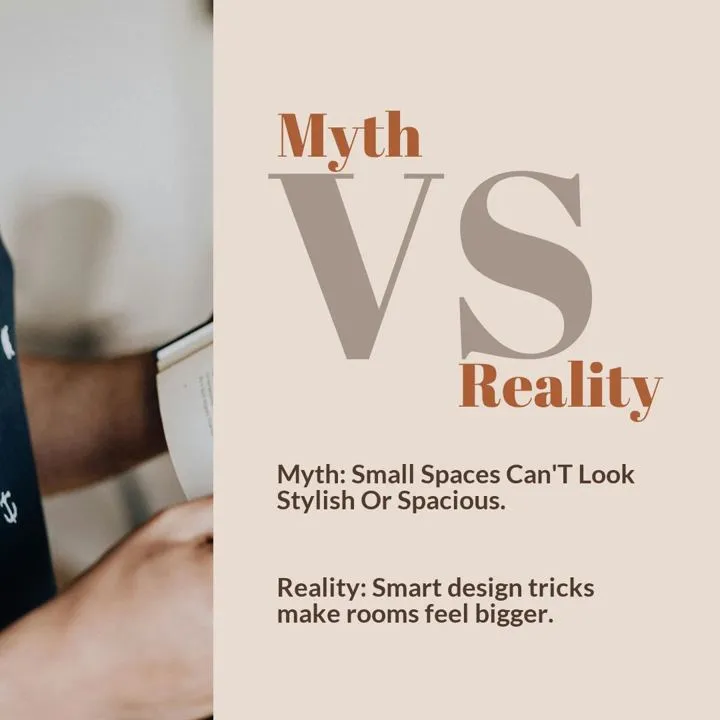
Instagram templates generated by Maxolot from a single business description — see the full Instagram Post Templates library.
Trusted by 1,500+ small business owners
Built for business templates, not blank layouts
1 brief
Describe the business once
11 themes
Plus custom on higher tiers
90+ post types
Educational to testimonial
10 posts
Free, no credit card
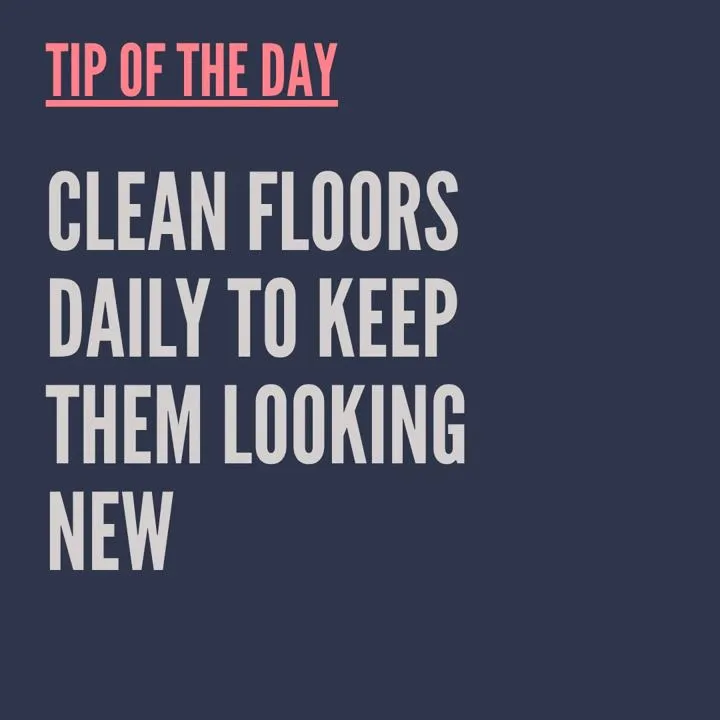
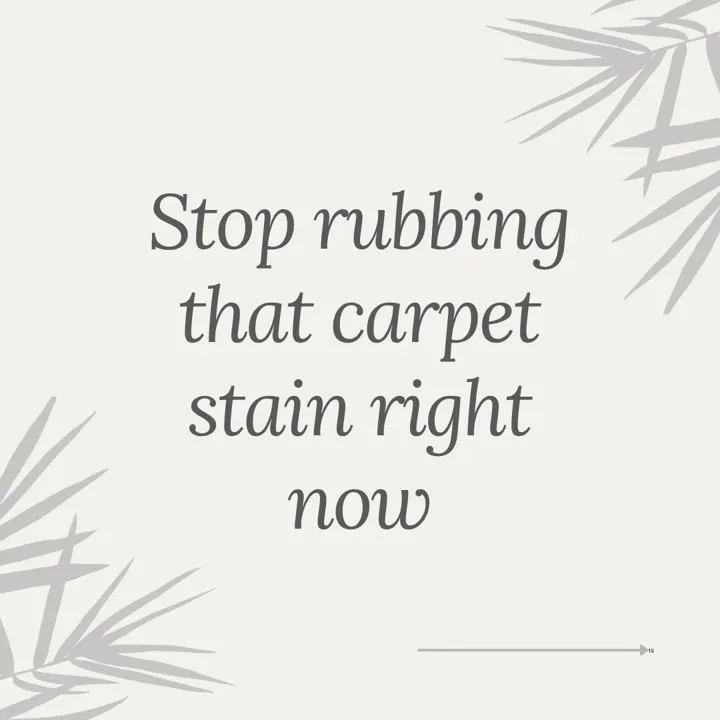
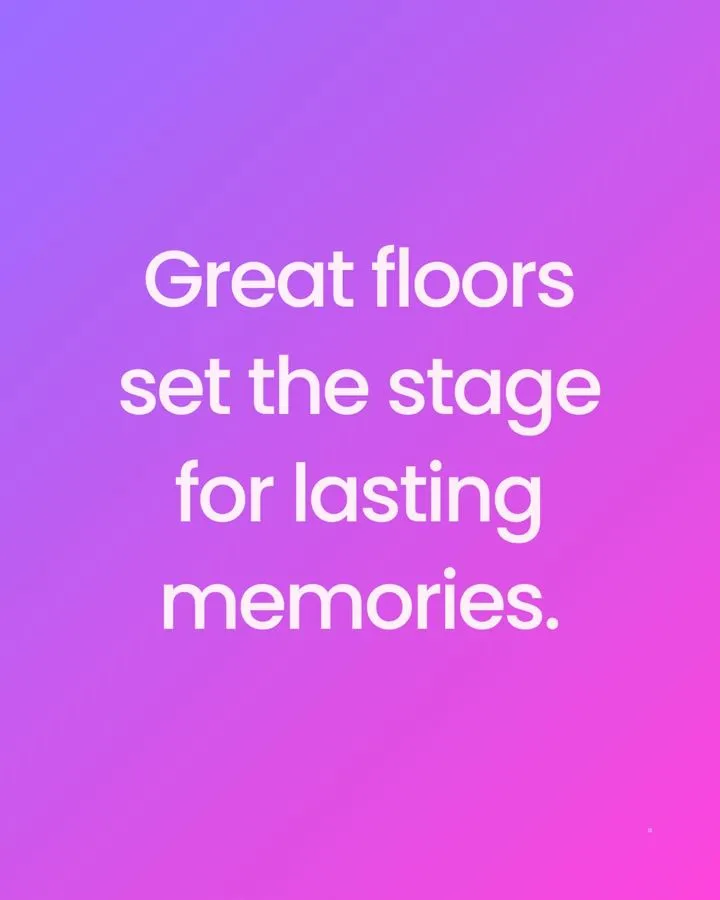
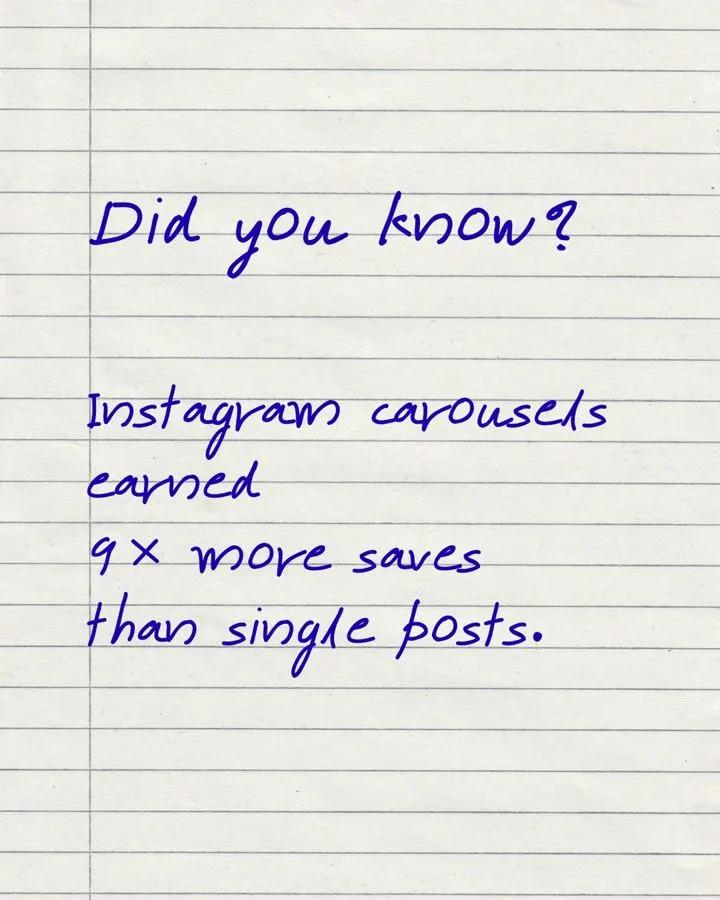

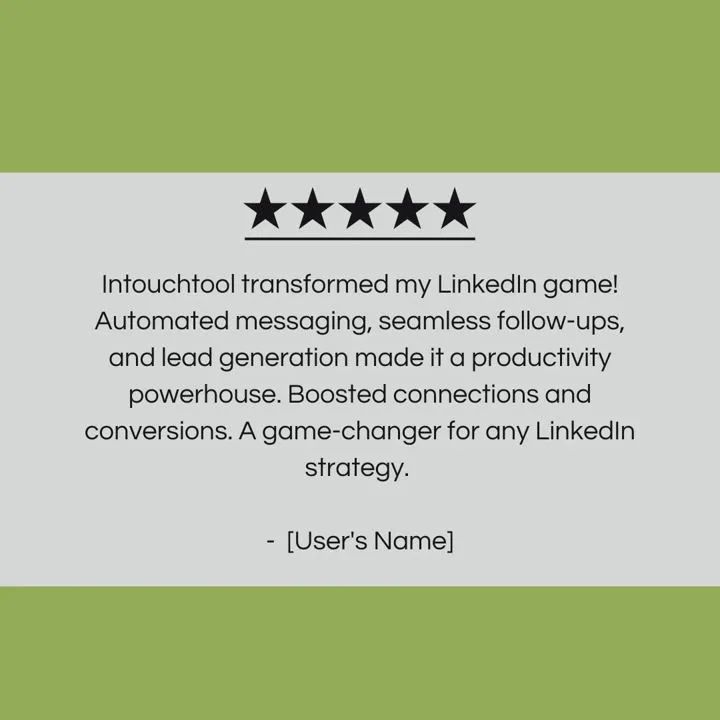
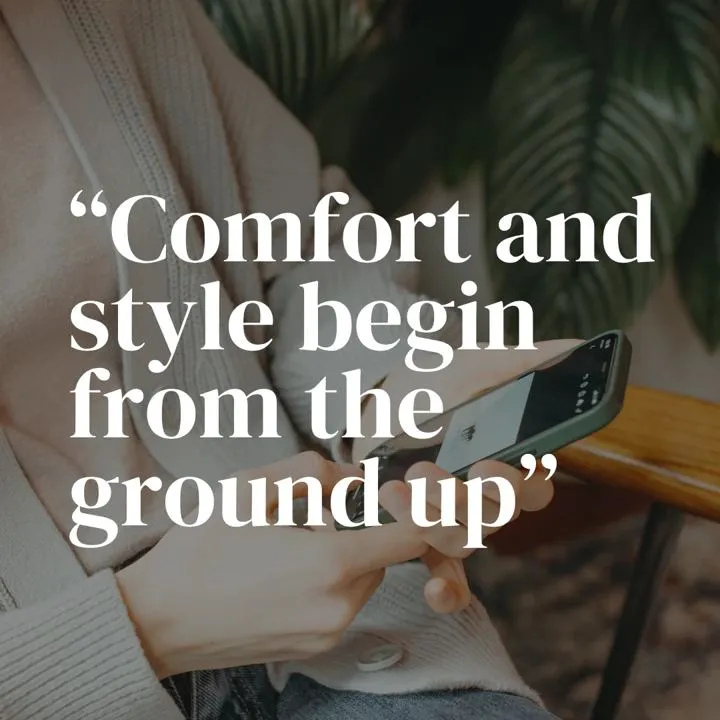
Maxolot's Instagram Template Maker — also used as an Instagram template generator or IG template creator — keeps every post on your feed, carousels, quotes, tips, testimonials and announcements alike, in one consistent design style built from your brand colors and imagery. Generic AI chat tools redesign from scratch with every request, so a feed built with them drifts post to post; Maxolot locks the style in once and applies it automatically to whichever post type you generate next. Part of Maxolot, which creates ready-to-post Instagram content — templates, quote posts, carousels, captions and a full content calendar — from nothing more than a description of your business. Browse every layout in the Instagram Post Templates library.
InputBusiness description & brand voice
LayoutChosen once, reused
VisualDesigned and editable
Styles11 themes, plus custom on higher tiers
PostingNot included — you download and post
TimeAbout 30 seconds
Step by step
How the Instagram template maker works
The exact path inside Maxolot from setup to a downloaded template.
Step 1 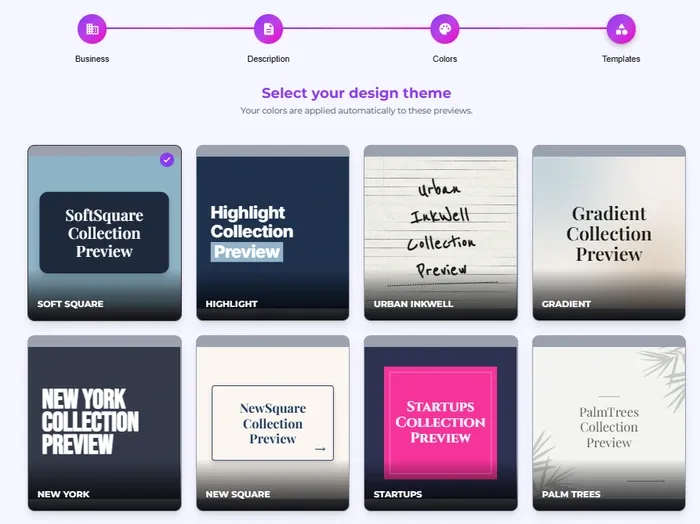
Set up your profile
Add your business, brand colors and a design style — once.
Step 2 · Choose the template 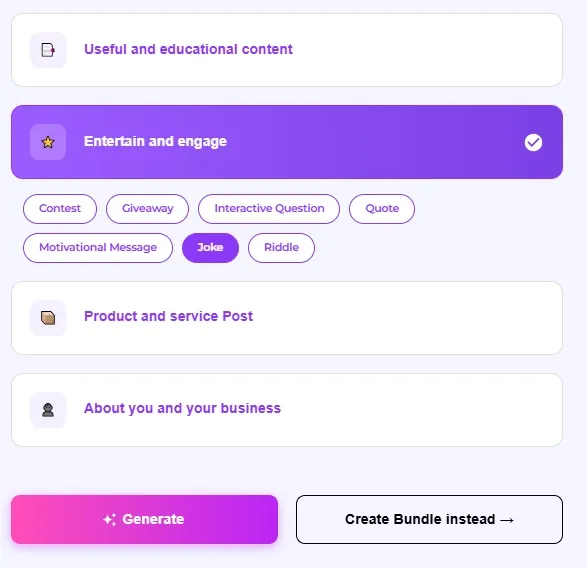
Choose a style and post type
Pick a design style — Aesthetic, Modern, Pastel and more — then a post type to fill it with.
Step 3 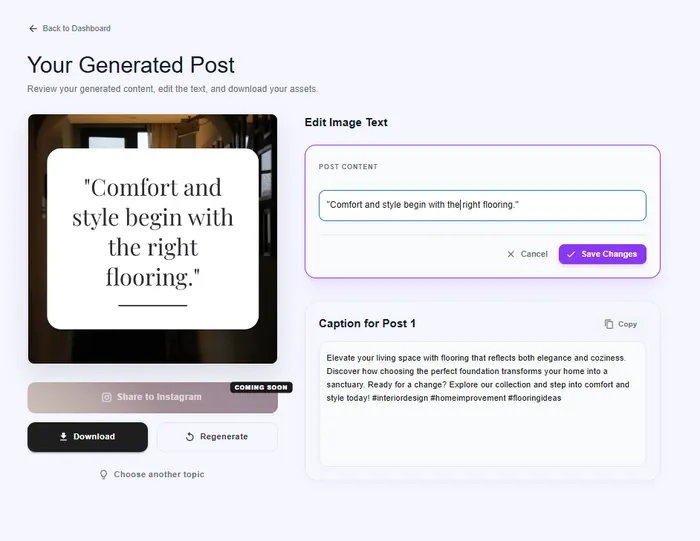
Edit, regenerate & download
Tweak the wording if you want, then download — ready to publish.
10 free posts · No credit card required
Design themes
A few of the 11 design themes
The theme is the part you choose once and then stop changing — Maxolot fills it with your business every time. Six shown below; the rest are inside the app, and higher-tier plans can add fully custom themes.
Aesthetic
A coordinated palette and consistent type scale, so the grid looks deliberate rather than assembled.
Modern
Whitespace, clean sans-serif type and geometric shapes. Ages more slowly than trend-led styles.
Pastel
Soft, low-saturation colors for wellness, beauty and lifestyle brands, with near-black text so headlines stay readable.
Gradient
A smooth transition between two or three colors, headline placed on the lighter end.
Handwritten
Script faces on short headlines only, paired with a plain body font.
Typography
Size contrast and weight carry the hierarchy — the most reliable option with no photography.
Sizing
Two ways to build a template
Every template Maxolot generates is sized correctly out of the box. For the full pros, cons and crop math behind each size, see Instagram Post Templates.
Square (1:1) — 1080 × 1080 px, Maxolot default
The size the tool exports by default, and the one we recommend picking unless a post specifically needs more.
Portrait (4:5) — 1080 × 1350 px
Switch to this when a post needs more feed real estate. The full trade-offs are covered in the guide below.
What you get
Benefits of an Instagram template maker
Using Maxolot's Instagram Template Maker offers several advantages.
Consistency
Quotes, carousels, tips and testimonials all share one design style automatically — nothing to re-match post to post.
Speed
A finished template — copy, design and all — in about 30 seconds, no design software.
On-Brand Every Time
Your colors and fonts apply automatically, so nothing needs re-matching post to post.
Correct Sizing Built In
1080 × 1080 px by default, so nothing gets cropped in the feed or the profile grid.
Every Post Type Covered
Educational, promotional, giveaway, testimonial, quote and more — from one business brief.
Practical guidance
Getting the most out of the template maker
The design theory lives in Instagram Post Templates — these are the habits that make the generator itself work better.
Lock a style before you generate a week of posts
Pick one design style first, then generate every post type in it. Swapping styles mid-week is what breaks consistency.
Feed it your actual details
The more specific your business brief, the less generic the copy. Vague input reads as vague output.
Regenerate before you hand-edit
Try a fresh generation first. Hand-editing a template can drift from the design system Maxolot is holding together for you.
Match the post type to the goal
An educational tip and a promotional offer need different templates — don't force one layout to do both jobs.
Review the caption, not just the image
The exported caption is written for the post. Skim it before publishing, the same way you'd check the design.
Keep one library, not several
Generate everything from the style Maxolot is holding for you, rather than mixing in templates from other tools.
Features
Instagram templates tailored to your business
Design styles, copy and correct sizing — no design tools or prompt engineering needed. Everything happens inside Maxolot.
Topics supplied, not prompted
From your business to a finished template
- Business description → a finished template. One line about what you sell becomes a designed, on-brand post.
- Style chosen → filled automatically. Pick Aesthetic, Modern, Pastel, Gradient, Handwritten or Typography — Maxolot writes the copy to fit.
- Your niche → the right post type. Educational, promotional, giveaway and more, matched to what you actually offer.
- Layout picked → posted in 30 seconds. Pick, generate, download.
- Carousels and Stories too. Prefer a longer format? Maxolot writes those as well — see the carousel maker.
Your brand, applied once
Eleven themes, one voice
- One theme, every post type. Soft Square, Highlight, Urban Inkwell, Gradient and the rest — whichever you pick applies to quotes, carousels, tips and testimonials alike. Higher-tier plans can add fully custom themes too.
- Brand voice and colors set once. Add them one time; every template after that matches your brand.
- 90+ post types, one design system. Educational, promotional, giveaway, testimonial and more, in the theme you picked.
- Square by default. Sized right for the feed, 1080 × 1080 px.
- Fully online. Runs in your browser — nothing to install.
Control without design work
Edit anything, export in one click
- Change the wording anytime. The design holds while you edit the words.
- Regenerate the copy, keep the layout. Don't like the headline? Redo just the text.
- Export that just works. A correctly sized file plus a ready-to-use caption.
- No watermark, ever. Free posts export clean — your brand is the only brand on the post.
Why Maxolot
Every other option makes you choose: automation or consistency
Ask ChatGPT, Gemini or Claude for an Instagram post and you'll get a good one — then ask for the next post and get a different look entirely. Generic AI chat tools don't hold a design system between requests, so a feed built this way drifts post to post no matter how good any single image is. Even Canva's built-in AI has the same problem: a consistent feed isn't what it's built to do, and Canva's template library, however large, doesn't offer one design style that spans a quote post, a carousel and a tips post — you're still the one matching them by hand.
The traditional fix is Canva or Figma, used manually. Build the templates yourself, once, and reuse them. It works — but it's on you to build the system and keep matching every new post to it, post after post.
Maxolot is the option that holds both. Pick a design style once, and every post type after that — carousels, quotes, tips, testimonials, announcements — generates in that same style automatically. Predis and similar tools ask you to choose a design for every post individually, so loving a carousel's design is no guarantee you'll find a matching template for a quote or a "5 tips" post; Maxolot never asks the question, because the style is already locked in.
The designs themselves aren't a generic AI look either — they're built and customized around your brand colors and your own imagery, tuned by industry. And because the output is a universal layout, not a proprietary format, it holds up in any feed and can be reproduced by hand elsewhere if you ever need to — nothing about keeping what you've built depends on staying in Maxolot.
See the full templates library → Honest comparison
Compared to Canva, Predis and ChatGPT
All three can make a template. They differ in how much of it you have to fill in yourself — and whether the next one matches.
| Making an Instagram template post | Maxolot | Canva | Predis | ChatGPT |
|---|---|---|---|---|
| Same design style across every post type | Automatic | Manual matching | New design each post | No consistency |
| Chooses the topic & writes the copy | Yes | You write it | You prompt it | You prompt it |
| Fills the template for you | Yes | Blank layout | Yes | No |
| Matches your brand voice | Tuned to your business | No | Generic | Re-prompt each time |
| Multiple design styles | 11 themes | Thousands | Limited | None |
| Correct Instagram sizing built in | Yes | Yes | Yes | None |
| Design control, layer by layer | Fixed designs | Total | Limited | None |
| Realistic time for one post | 30 seconds | 10–20 minutes | 3–5 minutes | 5–10 minutes, then design it |
Canva wins on template variety and design control — if that's what you need, it's the better tool. Full detail in our Canva comparison.
Also useful
You might also like
Instagram Post TemplatesBrowse every design style and post type at length, with sizes and guidance. Instagram Quotes GeneratorA template maker specialized for one post type: quotes. Instagram carousel makerMulti-slide posts, for the topics one template can't cover. Captions generatorCaptions and hashtags for posts you've already made. Content calendar generatorA month of posts, dated and balanced across pillars. Instagram Contest GeneratorContest and giveaway posts, with rules and captions written in.
Questions
Frequently asked questions
Is there a free Instagram template maker?
Yes. Maxolot is a free online Instagram template maker — your first 10 posts are free, with no account, no card and no watermark. Try it here, or see pricing for what comes after.
What's the difference between the template maker and the templates library?
The template maker generates a finished, editable post from your business description — copy and design together. Instagram Post Templates is where you browse every design style and post type first, see real examples, and read the sizing and design guidance behind them.
Why can't I just use ChatGPT, Gemini or Claude to design my Instagram feed?
You can generate a single good post that way, but a general AI chat tool doesn't hold a design system between requests — ask for a second post and you'll often get a different look entirely. Maxolot locks in one design style and applies it to every post type after that, so the feed stays consistent instead of drifting post to post.
Is Maxolot better than Canva for a consistent feed?
For raw template variety and hands-on design control, Canva wins — see our Canva comparison. But Canva doesn't offer one design style that automatically spans a quote post, a carousel and a tips post; you're still matching templates yourself. Maxolot is built for that specific problem: automation and a consistent look together.
Do all my post types use the same design style in Maxolot?
Yes — that's the core of how it works. Pick a style once and quotes, carousels, tips, testimonials and announcements all generate in it automatically. Tools like Predis ask you to choose a design for every post individually, so a carousel you love has no guarantee of a matching quote template.
What's the difference between an Instagram template creator and a template generator?
None — Maxolot is used as both. The tool works the same way either way: describe your business, pick a design style and a post type, and get a finished, editable template with its copy already written.
Can AI create Instagram templates?
Yes — Maxolot is a content-led generator: it picks the topic, writes the headline and body, and builds the post around them, rather than handing you an empty layout to fill in yourself. See the design-led vs. content-led comparison in Instagram Post Templates.
Do I need my own images for the generator to work?
No. The tool can build text, graphic and typography templates with no photography at all, and generate an image where a layout calls for one. Uploading your own usually gets a stronger result when you have them.
Do I need design skills to use it?
No. Maxolot picks the layout, type sizing and background for you. There are no layers, frames or export presets to manage.
What size are the generated templates?
1080 × 1080 px (1:1 square) by default — the size that never gets cropped in the feed or the profile grid. Portrait 1080 × 1350 px is also available when a post needs more feed space. See the full breakdown in Instagram Post Templates.
What design themes can I generate?
Eleven built in — Soft Square, Highlight, Urban Inkwell, Gradient, New York, New Square, Startups, Palm Trees, Curves, Bubbles and Pastel Studio. Higher-tier plans can add fully custom themes on top.
Can Maxolot post the template to Instagram for me?
Not yet. You download the image and post it yourself. Scheduling is on the roadmap.
How is this different from the carousel maker or the quotes generator?
Same underlying platform, different formats. The template maker builds single-image posts in a chosen design style; the carousel maker splits a longer idea across slides; the quotes generator is a template maker specialized for one post type.
Are the templates copyright-free and safe for commercial use?
Yes. The designs and layouts Maxolot generates for you are yours to use commercially, with no watermark and no attribution required.
See the difference on your own business — the first 10 posts are free.
Try for free
No credit card · No watermark
One business description. A template ready to reuse.
Make an Instagram template for your business right now and read what it writes before you decide anything.
Try for free 10 free posts · No credit card required