
Instagram Carousels
Sizes, structure, examples and how to create one
An Instagram carousel is one feed post containing multiple photos or videos that people view by swiping. A carousel can teach a process, compare options, show a transformation, tell a story or present a collection without forcing everything into one image.
Try for Free — Create Your First Carousel →10 free posts · No credit card · No watermark · Ready in under a minute
Loved and trusted by 1,500+ small business owners

What is an Instagram carousel?
An Instagram carousel is a single post that groups two or more photos or videos. People swipe on mobile or use arrows on desktop to move through the items.
Unlike a collage, every image or video receives its own frame. That gives the creator control over order: introduce an idea, develop it one step at a time and finish with a conclusion or action.
You don't have to design this by hand. An Instagram post generator like Maxolot can write the slide sequence and design it for you — start free and see your first carousel in a couple of minutes.
Photographs
Real photos, one per slide.
Designed text slides
Words on a background, no photo needed.
Graphics & illustrations
Diagrams, icons or drawn visuals.
Short videos
Clips mixed in alongside stills.
Mixed media
Photos, graphics and video together.
Seamless design
One panoramic image divided into slides.
Instagram carousel specifications
Instagram currently supports up to 20 items in a carousel, and every item follows the same selected aspect ratio. Choose the format before designing — Instagram applies one orientation to the complete set, so inconsistent source images may be cropped.
| Specification | Current guidance |
|---|---|
| Maximum items | Up to 20 photos or videos |
| Square | 1080 × 1080 px, 1:1 |
| Portrait | 1080 × 1350 px, 4:5 |
| Native phone-photo ratio | 1080 × 1440 px, 3:4 |
| Landscape | 1080 × 566 px, approximately 1.91:1 |
| File consistency | Use the same selected ratio throughout one carousel |
Square is simple to reuse across platforms. Portrait occupies more vertical feed space. A 3:4 upload matches the native shape produced by many phone cameras, but every slide still needs important text and faces kept away from vulnerable edges.
1,400+ small businesses have used Maxolot's Instagram carousel generator to skip this formatting work entirely — pick a ratio once and every slide is exported to match.
How to post a carousel on Instagram
Once your slides are designed and exported in one consistent ratio, publishing takes under a minute.
Open Create, choose Post
Open Instagram and select Create or the + button, then choose Post.
Select multiple items, choose the order
Select the multiple-items icon, then choose the photos and videos in the order they should appear.
Pick one crop ratio, edit consistently
Select one crop ratio and check every item. Apply edits or filters carefully so the set remains visually consistent.
Add details, preview, publish
Add the post caption, tags, location, accessibility text and music where available. Preview the order, then publish or schedule the post.
Limited-rollout features
Instagram is testing additional carousel controls, including slide-level captions and more flexible reordering, but availability can differ by account and region. Treat limited-rollout features as optional enhancements rather than requirements.
The anatomy of a useful carousel
Make the subject clear
The cover should tell the right person what the carousel contains. It does not need to exaggerate; it needs to earn the next swipe.
Some marketing thoughts
Five Instagram posts a local business can make without new photos

Create a second entry point
Instagram may resurface a carousel from a later slide. Write slide two so it still makes sense when seen without slide one — a complete idea, not the continuation of an unfinished sentence.

One job per slide
Each middle slide should add one step, example, reason or piece of evidence. Avoid splitting a normal paragraph wherever the design happens to run out of space.
Close the loop
Summarize the conclusion or give one relevant next step. A reference carousel may ask for a save; a discussion carousel may ask a narrow question; a product carousel may point to the appropriate product page.

Types of Instagram carousel
Educational
Break one useful subject into steps, mistakes, checks or examples. Keep each slide independently understandable while preserving a clear sequence.
Product
Show different views, features, uses, variants or details. Lead with the outcome or most recognizable visual instead of a generic product name.
Before-and-after
Show the result first when it is the strongest image, then explain the starting point and what changed. Do not imply results that are not typical or verifiable.
Story
Give the sequence a beginning, change and conclusion. A collection of unrelated photographs is a photo dump; a story carousel makes the relationship between the slides clear.
Process
Explain what happens before, during and after a service — particularly useful when customers are uncertain about what they are buying.
Comparison
Compare two options using the same criteria on every slide. End with a decision rule rather than declaring one option universally better.
Seamless
Divide one wide image or continuous design across adjacent slides. Keep essential information inside each slide's safe area, since slides may also be encountered independently.
Mixed-media
Combine photos, graphics and short clips when each format contributes something different. Consistent color, typography and pacing keep the set from feeling accidental.
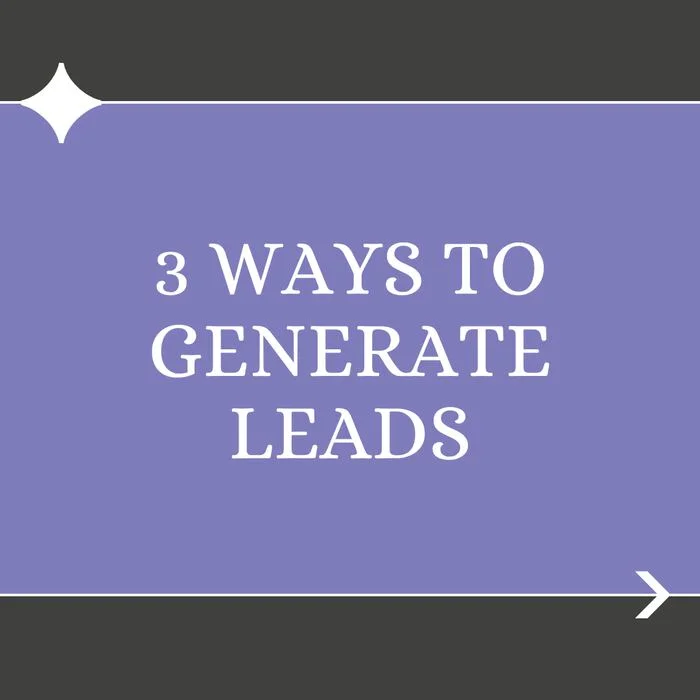
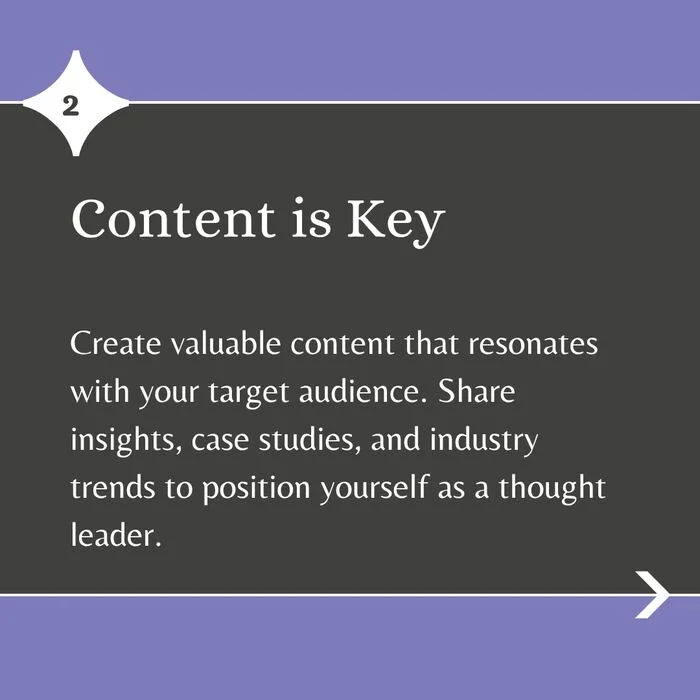
A process carousel in practice — three slides from a real "3 Ways to Generate Leads" sequence:

Current Instagram carousel features
Instagram changes carousel capabilities often. An Instagram post generator that stays current with the platform means you don't have to track every rollout yourself.
Up to 20 items
Instagram expanded carousels to support up to 20 photos or videos. More capacity does not mean every carousel needs 20 slides — use only the number required to complete the idea.
Music on photo carousels
Music can turn a collection of still images into a paced audiovisual post. Choose audio that supports the subject rather than competing with text-heavy slides.
Slide captions (limited rollout)
Some creators can add separate context to carousel items. Where available, use slide-level captions for credits, locations or details that don't belong inside the visual.
Reordering (limited rollout)
Some accounts may receive more control over carousel order — use it to move a stronger independent slide into the second position, or place the clearest conclusion last.
Reusing a carousel as a Reel: a carousel can become a Reel by converting its slides into a timed vertical sequence, adding motion, music and — when useful — a voiceover. This is a repurposing workflow, not a reason to make the original carousel read like a video storyboard.
How to design an Instagram carousel
- One headline scale and one body-text scale
- Text large enough to read on a phone
- Consistent margins across every slide
- A limited palette so the slides feel connected
- Images and diagrams replacing words where they explain faster
- Each slide focused on one point
- Slide one and slide two previewed independently
- The complete sequence checked before exporting
Common carousel mistakes
Treating slide two as filler
Slide two may become another entry point. Give it a complete statement or second hook.
Hiding the subject behind a vague hook
Curiosity helps only when the reader can identify the topic and expected value.
Writing a document instead of a carousel
Shorten the language and use hierarchy. If every slide contains a paragraph, the idea may be better as an article.
Repeating the slides in the caption
Use the caption to add context, sources, qualifications or the next step.
Using every available slide
Stop when the idea is complete. A concise six-slide explanation is stronger than the same idea padded to 20.
Assuming music guarantees reach
Music can change how a carousel is experienced and distributed, but no audio choice guarantees placement or engagement.
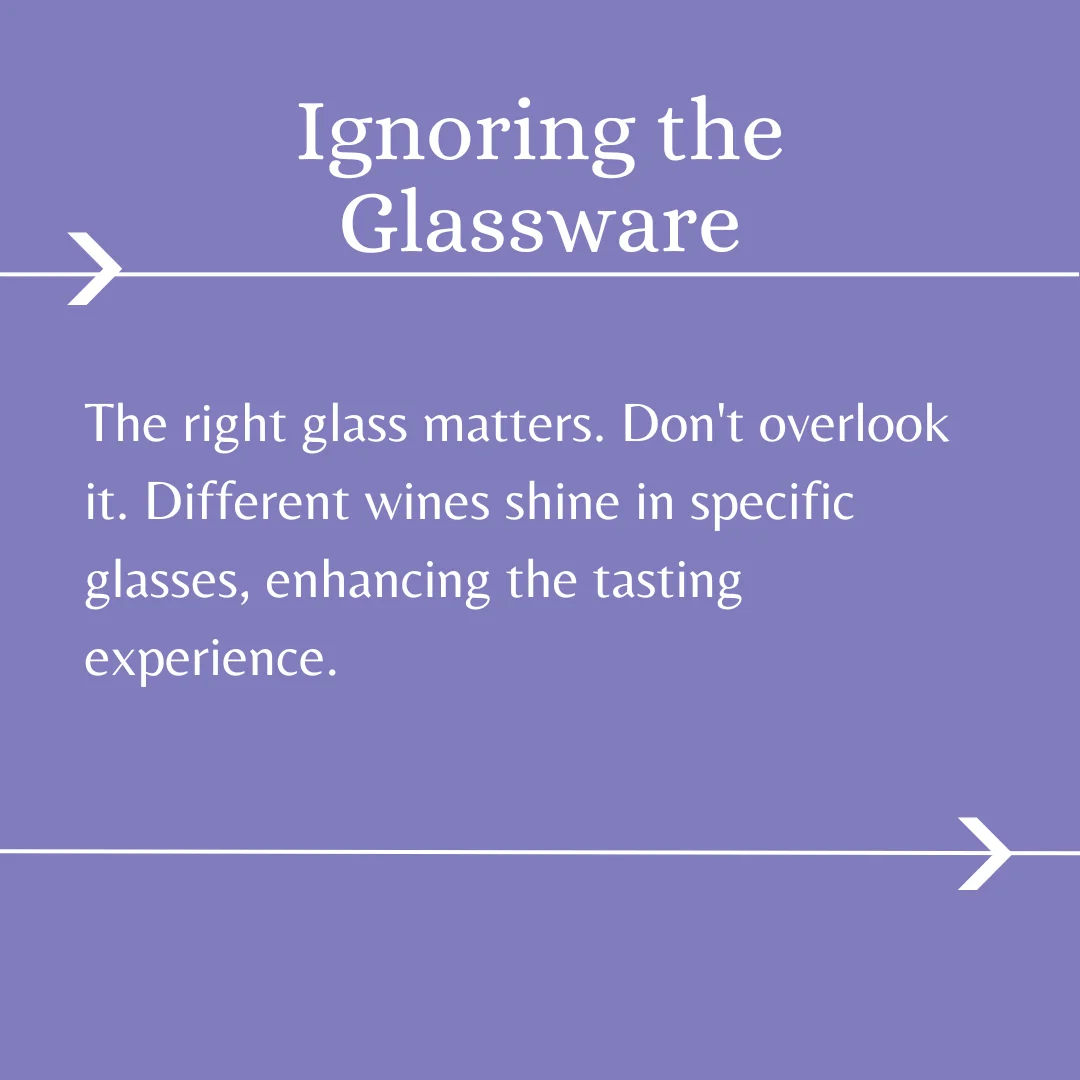
A real example of "one job per slide" done well — a slide from an educational mistakes carousel:
Create a carousel manually or with AI
A manual design tool is useful when you want complete control over every layer. An AI carousel maker is useful when the bottleneck is deciding the topic, writing the slides and producing a consistent layout.
Maxolot's Instagram Carousel Maker turns a business description into a written and designed carousel. It selects a topic, writes the opening and slide sequence, applies the chosen design and exports the slides with a caption.
Not sure where to start? Browse Instagram carousel ideas, compare tools on the best Instagram carousel apps, or view carousel templates. An Instagram post maker like Maxolot can also handle single posts and text posts from the same business profile.
Instagram carousel FAQ
How many slides can an Instagram carousel have?
What size should an Instagram carousel be?
Can an Instagram carousel contain videos?
Can each carousel slide have a separate caption?
Can you add music to an Instagram carousel?
Does Instagram show a carousel twice?
Can you change the order of carousel slides?
Can I turn a carousel into a Reel?
Is there a free Instagram carousel maker?
How many slides should a carousel actually have?
Does a carousel need a caption if the slides already have text?
What is the difference between a carousel and a photo dump?
Build the next carousel around one useful idea
10 free posts · No credit card · No watermark · Set up in under a minute