
Instagram Story Questions
Questions to ask on Instagram Story, generated for your business
Maxolot writes Instagram Story questions your customers will actually answer — rooted in what they are deciding between, not a generic list — and puts each one on a designed slide in about 30 seconds.
Best for: business owners who want replies and DM conversations rather than a list of two hundred questions written for personal accounts.
Create a question post
10 posts free · No credit card · No watermark
Made with Maxolot from one line of business detail.
~30 s per question post Feed and Stories sizes Editable before download No watermark First 10 posts free
Created by Maxolot
Instagram Story question examples
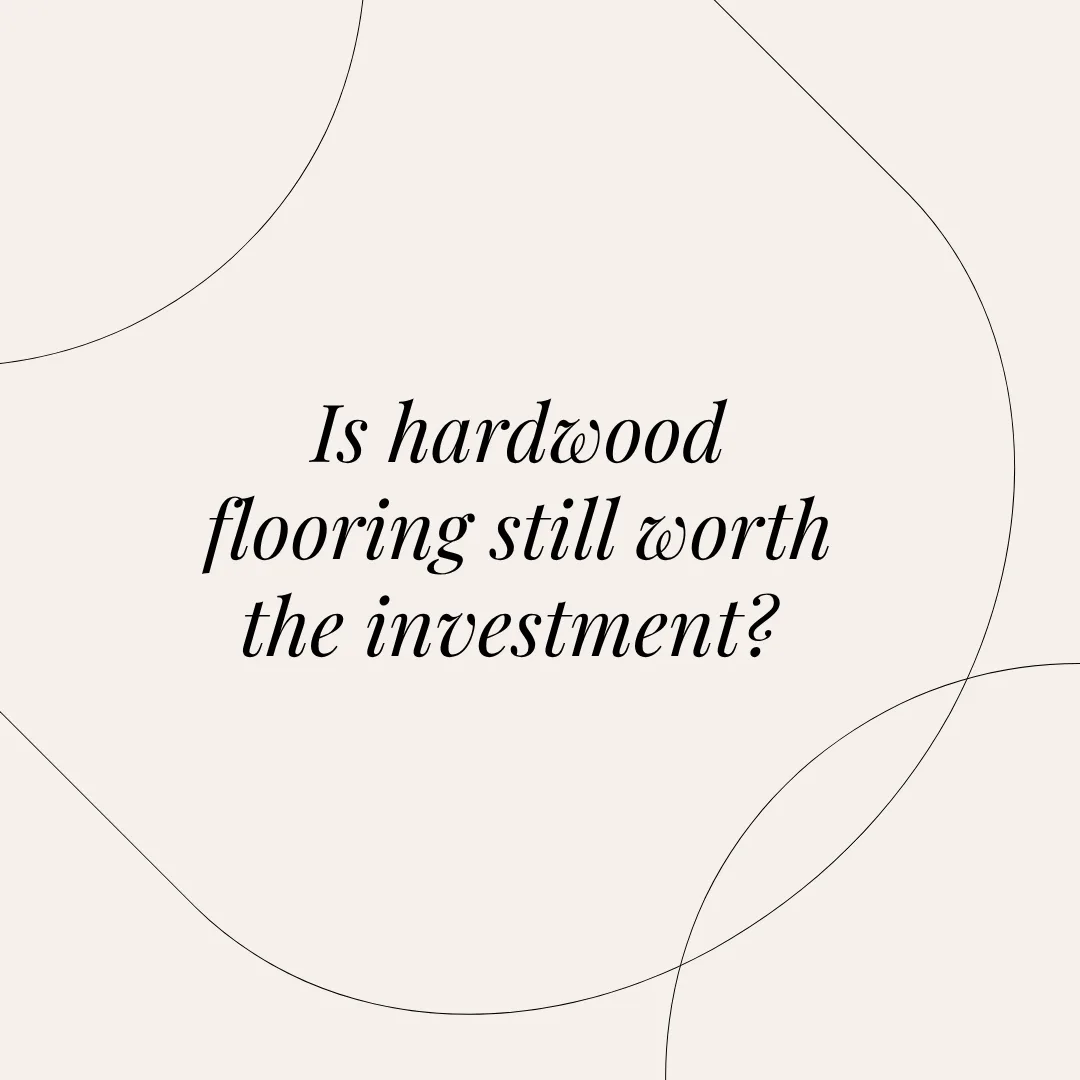
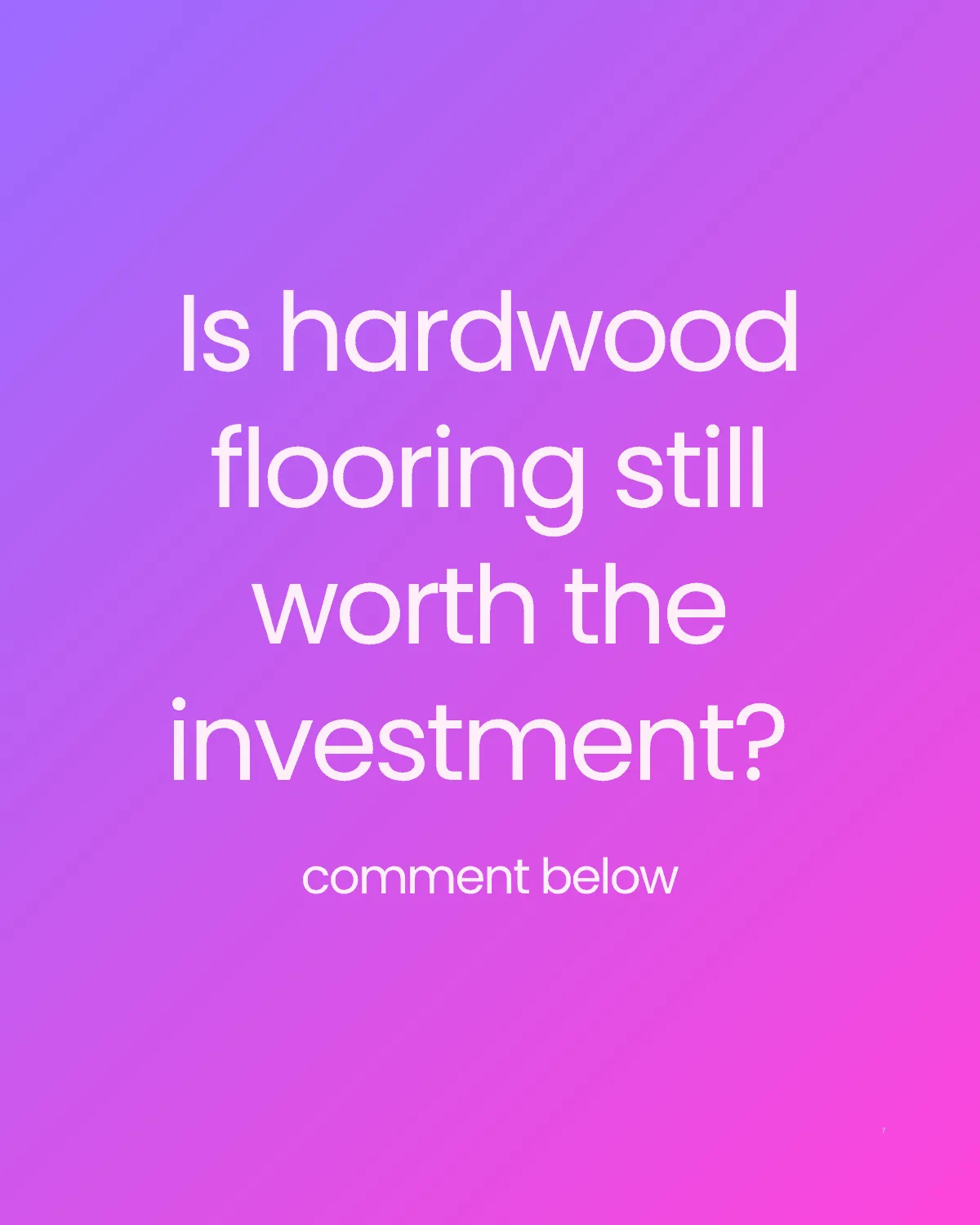
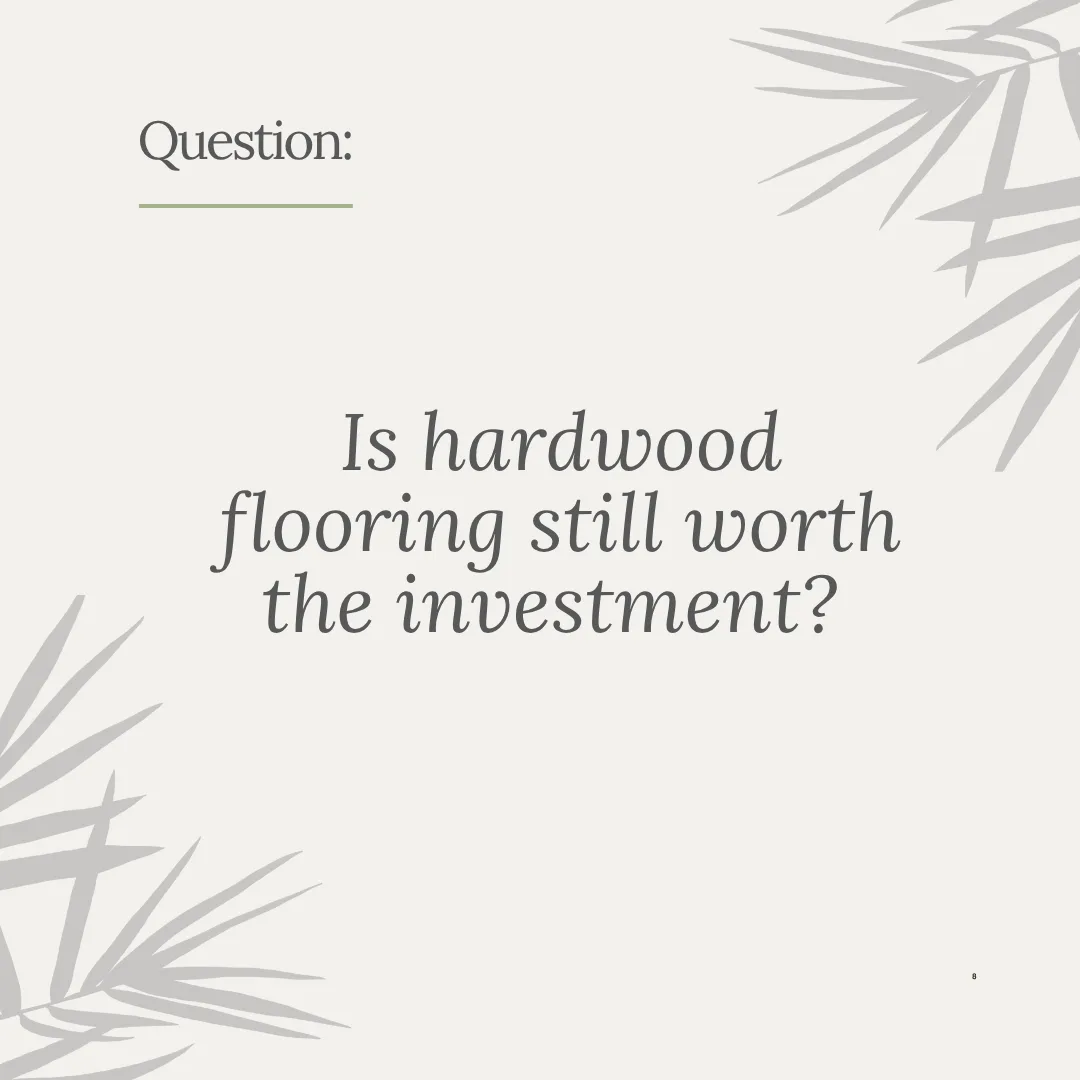

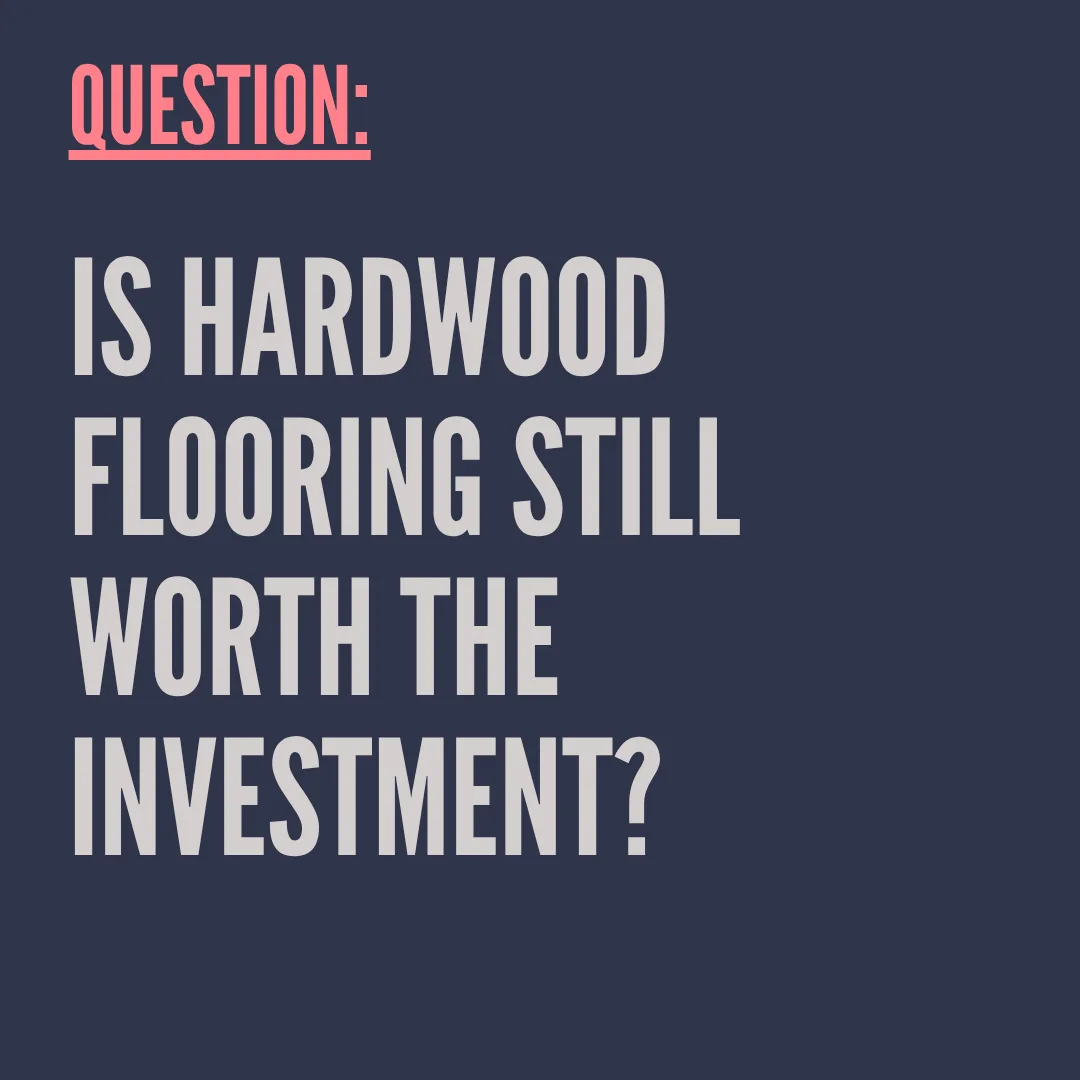
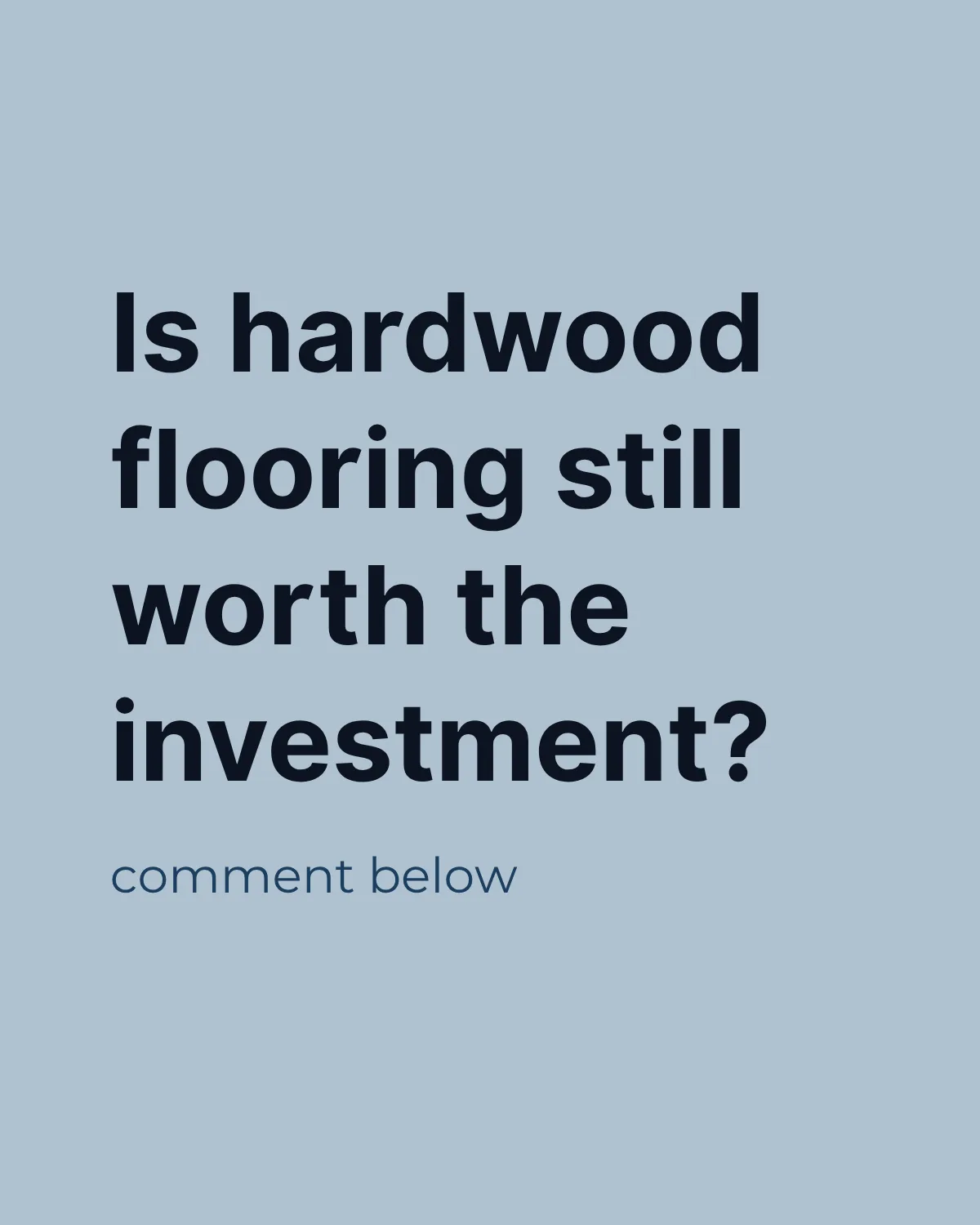
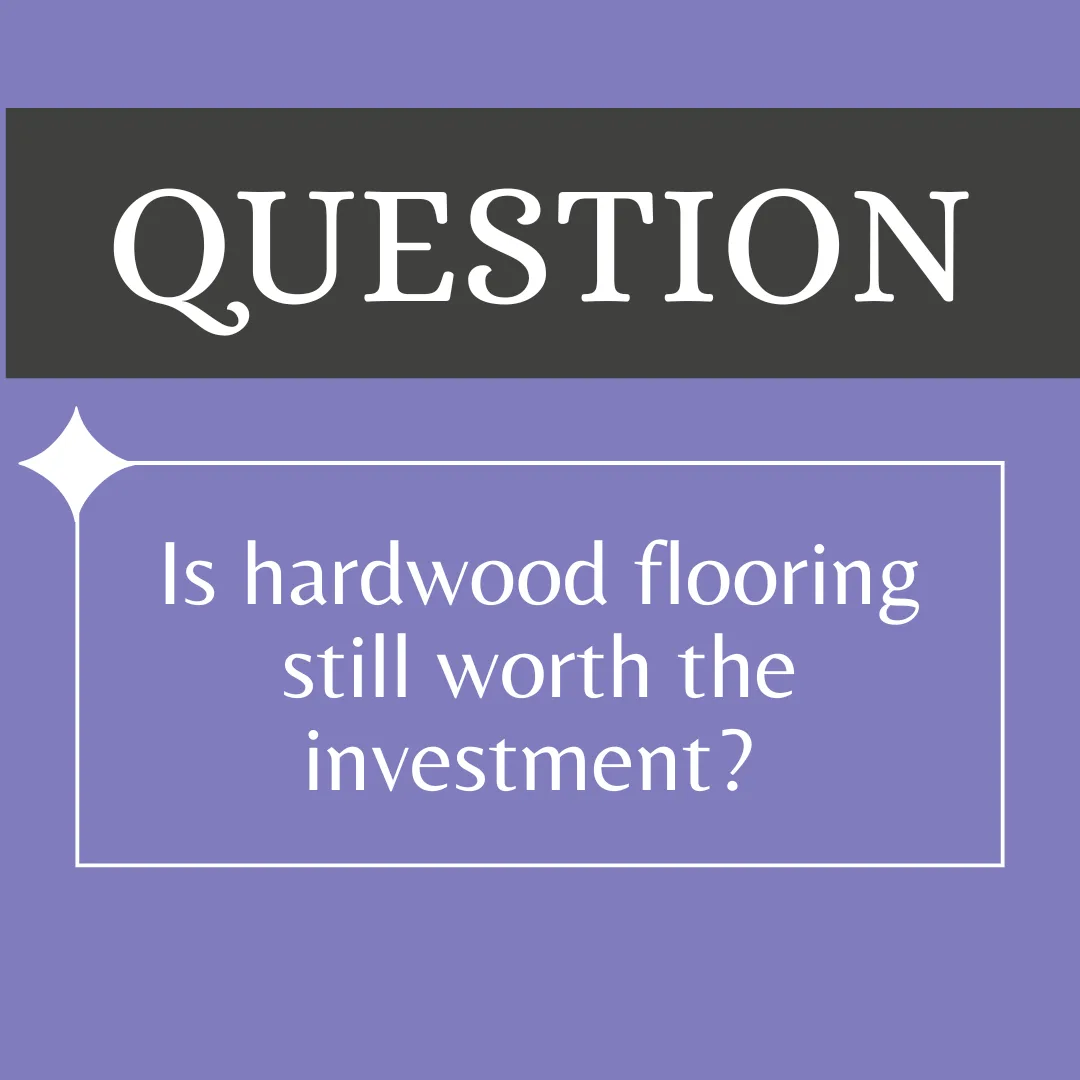
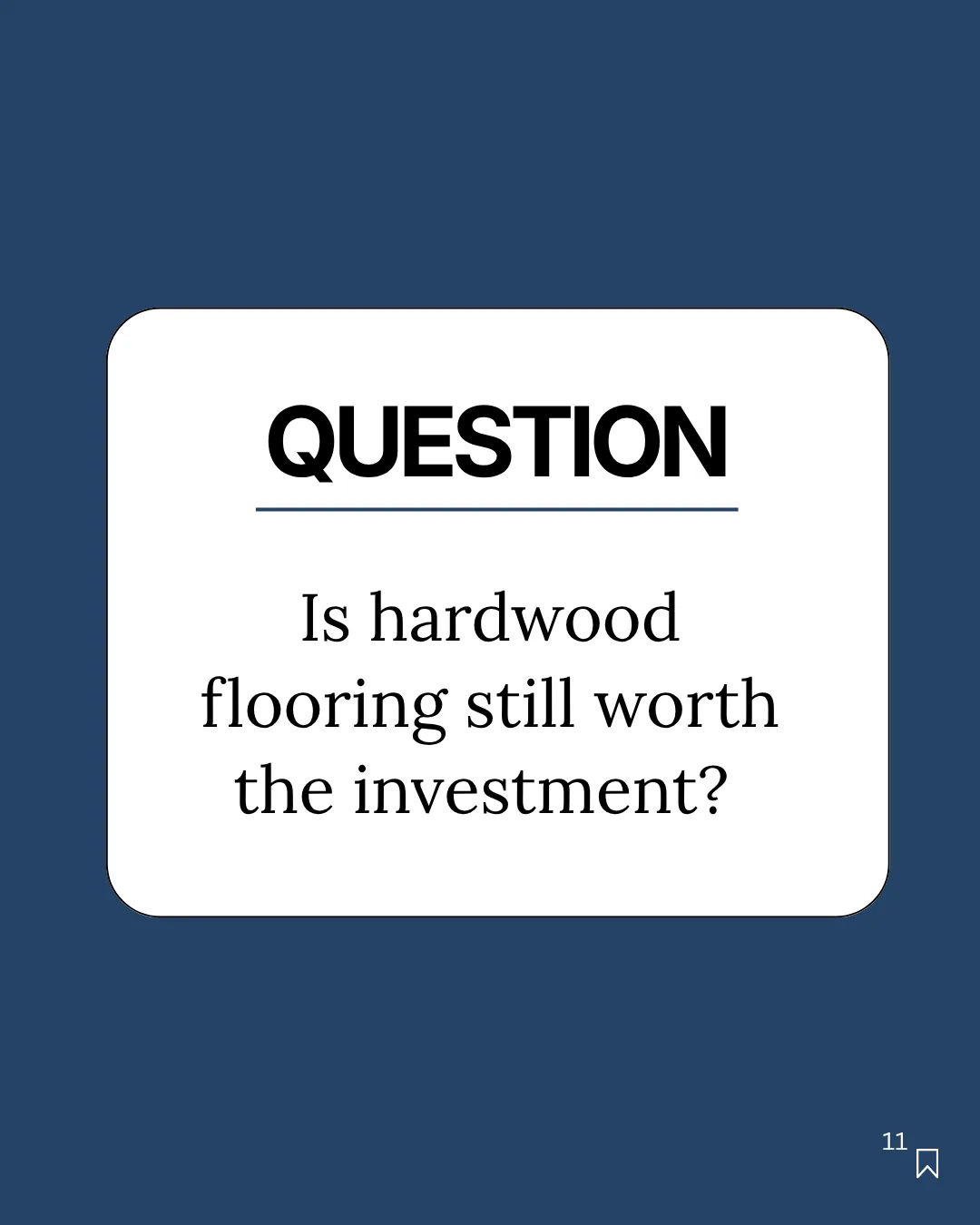
Real posts exported from Maxolot. Browse the post templates or see faceless content formats.
Maxolot's question generator is a free AI tool that writes Instagram Story questions for a specific business. You describe your business once and it returns a question rooted in what your customers are actually choosing between, laid onto a designed slide. Post it to the feed, reshare it to your Story, and add Instagram's Questions sticker or a poll on top — most businesses do both, because the feed post collects comments and the Story collects private replies.
MakesQuestion post + caption
Time~30 s per post
Sizes1080 × 1080 and 1080 × 1920
Written forYour industry, not a generic list
CostFirst 10 posts free, no card
ForService & local businesses
Overview
What is Maxolot's Instagram Story question generator
- It supplies the question. You do not scroll a list of two hundred prompts hoping one suits a plumbing company.
- It is written for your industry. The question comes from your business description, so it names something your customers have actually thought about.
- It arrives designed. Type sizing, contrast and safe margins are handled, at feed and Story dimensions.
- It is editable. Reword it, or press Regenerate for a different angle without re-entering your business details.
- It works in both places. Post to the feed for comments, reshare to your Story and add a sticker or poll for private replies.
Output
What will you get
The question, written
One question, specific to your trade, short enough to answer with one thumb while doing something else.
A designed slide
The question laid onto a template from your chosen design collection, with your brand colours applied.
A matching caption
Written in the same tone, so the feed version has something under it rather than the question repeated.
Both sizes
1080 × 1080 for the feed and 1080 × 1920 for Stories, with room left for a sticker or poll.
Step by step
How to create Instagram Story questions in 30 seconds
About 90 seconds the first time, and around 30 seconds every time after that.
- Step 1
Describe your business
What you sell, where you work, who buys from you. Maxolot stores it, so you never repeat this step.
- Step 2
Choose Interactive Question
Under the Entertain and engage pillar, then pick a design collection and press Generate — no prompt to write.
- Step 3
Edit, download and post
Reword or regenerate, export at full resolution, then post to the feed and reshare to your Story with a sticker.
Create a question post →
10 posts free · No credit card · No watermark
Why Maxolot
Six things you do not have to do yourself
- No watermark and no Maxolot branding on any download.
- Your tone of voice preserved, post after post.
- No need to search for questions — the topic is supplied.
- No images to find; the design carries the slide.
- Runs in the browser. Nothing to install.
- Regenerate as often as you like before downloading.
Demo
How to use the question generator
Topics are grouped into four content pillars. You select one — there is no prompt field.
- Pick the pillar. Interactive Question sits under Entertain and engage.
- Press Generate. The question and caption are written together.
- Edit in place. Change the wording and save, or regenerate for a different angle.
- Download. Full resolution, no watermark, then post and reshare.
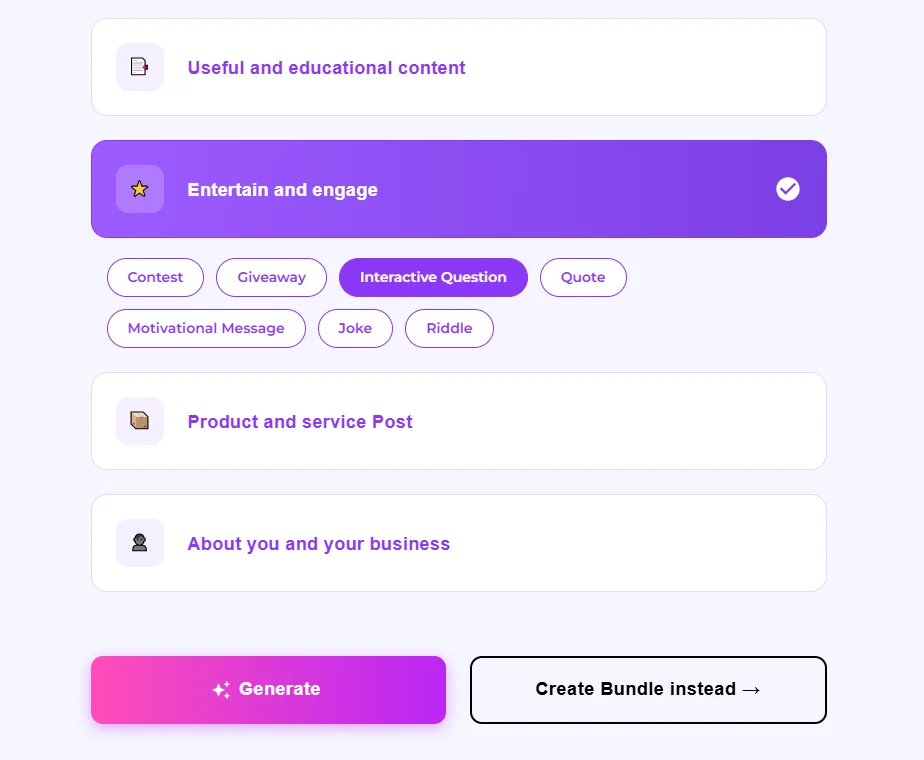
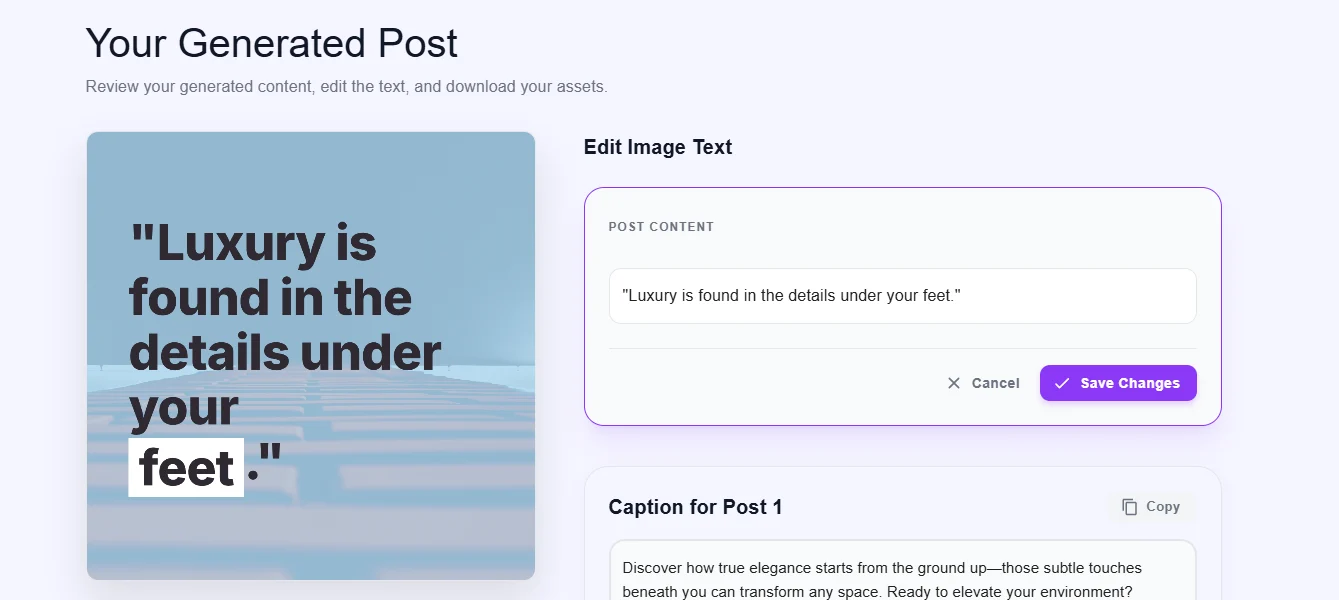
- Edit Image Text. The question on the slide is a text field, not baked into the image.
- Caption for Post 1. Written alongside, with a copy button.
- Regenerate. A different question on the same topic, same design.
- Choose another topic. Switch to Quote, Joke or Giveaway without starting over.
Features
Questions, designs and control
Everything below happens inside Maxolot — no design tool, no prompt writing, no resizing.
Questions supplied, not prompted
From your business to a question worth answering
- Business description → a specific question. One line about what you sell becomes a question your customers have actually considered.
- No repeating topics. Regenerate as often as you like without cycling the same three prompts.
- No prompt required. You select Interactive Question; you do not describe what you want.
- Caption included. Written in the same voice as the slide.
- Text posts too. Prefer flat text layouts? See the text post generator.
Design
Professional question templates, no design skills
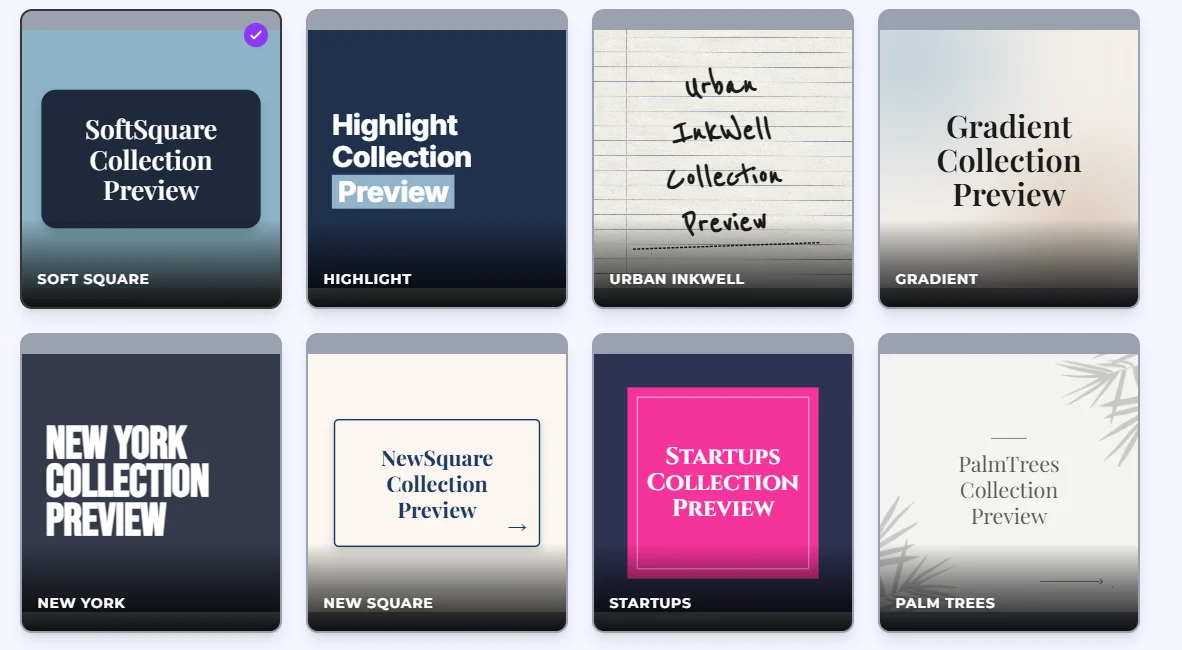
- Design collections built as sets. Soft Square, Highlight, Urban Inkwell, Gradient, New York, Startups, Palm Trees, Curves, Bubbles, Pastel Studio and more.
- Brand colours applied to the palette, not pasted over it, so text stays readable.
- Keeps your feed consistent. The same collection across weeks makes posts recognisable.
- Room left for the sticker. Story layouts keep the middle third clear.
- You don't need images. Text-only layouts are designed to look deliberate.
Editing and export
Editable templates, multi-language, ready in 30 seconds
- Every field editable. Question, caption, palette, aspect ratio.
- Written in your language from the start, not translated afterwards.
- Both aspect ratios from the same generation — feed and Story.
- Saved posts. Come back later, regenerate a variation, reuse the collection.
- No watermark on export, on the free plan included.
Planning
Plan a week of questions in one sitting
- Bulk generation. Produce several questions at once rather than deciding daily.
- Rotate the type. This-or-that, problem, AMA, decision, myth check, preference.
- Answers become content. Each reply is a hook for a future post.
- Consistent design across the whole batch.
Question types
Six types of Story question, and what each one is for
Different questions do different jobs. Asking the wrong type is why most business Story questions get ignored.
The this-or-that
Two options, one tap to answer. The lowest-effort question there is, which is why it gets the most responses. Use it to warm up an audience that has stopped replying, and make the two options things you actually sell — the answers double as demand data.
The problem question
"What is the one thing about your kitchen that annoys you every single day?" People answer this because it lets them complain, and complaints are the most useful thing a small business can collect. Every answer is copy for a future post.
Ask Me Anything
An open invitation to ask about your field. It works when you have visible expertise and fails when you do not — an AMA from an account nobody considers an authority gets silence. Run it after a run of educational posts, not before.
The decision question
"You have got £500 for the bathroom — new taps or retile the floor?" This surfaces people who are mid-purchase. Anyone who answers is closer to buying than anyone who liked your last post, and you now know what they are weighing up.
The myth check
"True or false: you have to seal a quartz worktop." Questions with a right answer get responses because people want to know if they were correct. You then get a second post out of answering it.
The preference question
"Which of these three would you actually put in your house?" Useful for product businesses. A soft way to show three products without it reading as a catalogue, and the winner tells you what to stock or feature next.
Ideas
Instagram Story question ideas
Angles that suit a business account, beyond the six core types.
Funny and light questions
Lower-stakes questions still have a place — they warm up an audience that has stopped replying. Keep them tied to your trade, or they train people that your Stories are not about your business.
Questions with answers
Post the question, then post your own answer the next day. It doubles one idea into two posts and shows people what a reply should look like.
Anonymous questions
Instagram's Questions sticker shows you who sent each reply, so it is not truly anonymous — but people feel more candid there than in public comments, which is why sensitive topics belong in Stories rather than the feed.
The "guess the price" question
Show a finished job and ask what people think it cost. It gets high response because everyone has a guess, and it lets you address price without ever posting a price list.
Behind-the-scenes questions
"Which of these two are we doing first this week?" Small operational choices invite people in and cost you nothing to ask.
The seasonal question
Tie the question to what people are already thinking about — the tax deadline, the first cold week, the school holidays. Timing does half the work.
The regret question
"What would you do differently if you were starting that project again?" People answer at length, and the answers are the objections your next customer has not voiced yet.
The recommendation question
"Who would you recommend for [adjacent service]?" You collect local goodwill, find collaboration partners, and get replies from people who are not yet customers.
Templates
Instagram Story question templates
Fill-in patterns you can reuse every week. Swap the bracketed part for something from your trade.
The comparison template
"[Option A] or [Option B] — which would you actually choose?" Works in every industry and takes one tap to answer.
The annoyance template
"What is the one thing about [your area] that drives you mad?" The highest-response template for service businesses.
The postponed-job template
"What is the job you have been putting off for over a year?" Almost everyone has one, and naming it is the first step to booking it.
The wrong-advice template
"What were you told about [topic] that turned out to be wrong?" Gives people permission to be critical, which is why it gets answers.
The budget template
"You have [amount] to spend on [area] — where does it go?" Surfaces people who are mid-decision.
The true-or-false template
"True or false: [common belief in your trade]." Pair it with the answer as a follow-up post.
Design
Question post design ideas
- Text-only. One line of type, high contrast, nothing behind it. The most legible option and the one that needs no photography.
- Text over image. Works only when the image is quiet. Busy photographs and readable type are close to mutually exclusive.
- Minimal and editorial. Soft Square, New Square and New York suit professional services.
- Handwritten. Urban Inkwell reads warmer and suits salons, coaches and food.
- Bold and poster-like. Startups and Highlight for questions meant to stop the scroll.
- Aesthetic and soft. Pastel Studio, Curves and Bubbles for beauty and wellbeing.
Who it's for
Who Instagram Story questions work for
Trades and home services
"What is the one job in your house you keep putting off?" Every reply names a job you could quote for, and the follow-up writes itself.
Salons and beauty
"Have you ever left an appointment with something you did not ask for?" The frustration is common and rarely voiced, and each reply describes what people fear about trying somewhere new.
Clinics and health
"What were you told about your condition that turned out to be wrong?" Invites sharing without asking anyone to disclose anything private.
Accountants and consultants
"Which part of the tax year do you actually dread?" Specific, mildly negative, answerable in three words — and it tells you what to talk about in which month.
Retail and product businesses
"Which of these two would you actually put in your kitchen?" You get responses and a read on demand before you reorder.
Coaches and creators
"What advice did you follow that made things worse?" Permission to criticise the industry, which is why it gets answers where "what are your goals?" gets none.
Why they work
Why Instagram Story questions convert better than ordinary posts
A question's real function is to open a direct message thread with someone who has already shown interest. A like tells you nothing. A typed reply tells you what someone is dealing with, in their own words, and puts you in a private conversation where a sale is actually possible.
Post it in both places, because they do different jobs. The feed version collects public comments, stays visible for days and can be found later. The Story version, reshared from the feed post, collects private replies through the Questions sticker or a poll — and most businesses do both, because a person who will not comment publicly will often answer privately.
Questions sticker. Collects typed, open-ended answers privately, and you can reshare individual answers with your response added. The only sticker that produces content you can reuse. It asks the most effort, so it gets the fewest replies — and the most useful ones.
Poll. Two options, one tap, result visible to everyone who votes. The highest response rate of anything on Stories. Use it when you want volume or a genuine binary answer.
Quiz. Has a correct answer and tells the voter immediately whether they got it right. Suits trades, clinics and consultants, because being wrong about something in your field is a reason to keep watching.
Emoji slider. Measures intensity rather than choice. Least useful of the four for a business — its one good use is gauging appetite before you commit to something.
A practical sequence: post the question to the feed, reshare to your Story with a poll, then follow with the Questions sticker while attention is high. The poll buys you the audience the open question needs.
How to write one
How to write a question people answer
Ask one thing. Two questions on one slide gets answers to whichever was easier and silence from everyone who found both too much. Two questions means two Stories.
Make it answerable in under ten words. People type with one thumb while doing something else. "What is your biggest challenge in business?" requires an essay and gets nothing. "What is the one job you keep putting off?" gets three words, and three words is plenty.
Be specific enough to be answerable. Vague questions feel like surveys; specific ones feel like someone asked you. "What do you look for in a salon?" against "Have you ever stayed with a salon you did not like because rebooking felt awkward?" — only the second names something people have felt.
Give permission to be negative. The highest-response questions let people say something mildly critical. People love telling you what annoys them and rarely volunteer praise.
Do not ask what you should already know. "What content do you want to see?" reads as an admission you have run out of ideas, and the answers are useless — people cannot describe content that does not exist yet.
Reply to every answer. This matters more than the question. Reply with a question rather than a thank-you: "Thanks for sharing!" closes the exchange, "How long has that been going on?" continues it.
Best practices
Instagram Story question best practices for 2026
Put the question first in your Story sequence. A question on slide six is seen by a fraction of the people who saw slide one. If it matters, it goes first.
Post to the feed as well. Stories vanish in 24 hours; the feed version keeps collecting comments and can be found by someone landing on your profile next month.
Answer it yourself before asking. A slide giving your own answer, followed by the question, consistently outperforms the question alone. It models the reply length you want.
Once or twice a week, not daily. Daily questions train people to tap past them, and you will not have time to reply properly — which matters more than frequency.
Lower the effort before changing the topic. If an open question gets nothing, convert it to a poll on the same subject. If the poll works, keep the topic and stay with taps for a while.
Keep a record of the answers. Recurring replies point at an objection that belongs on your service page, and the words people use are the words that should appear in your captions.
Do not pitch in the first reply. Someone who answered a question about their leaking roof has not asked for a quote. Answer properly and for free first; the offer lands very differently afterwards.
Specs
Instagram Story question sizes and specs
1080 × 1920 px — 9:16
The native Story size. Anything else is letterboxed or cropped.
Keep text clear of the edges
Roughly the top and bottom 250 px sit under the profile bar and reply field.
Leave the middle third free
If you are placing a Questions sticker or poll over the slide, the design needs empty space for it.
1080 × 1080 px for the feed
Square for the feed version, where it stays visible and collects comments.
Comparison
Compared to a question list, Canva and ChatGPT
| Maxolot | A list of 200 questions | Design template library | General AI chatbot | |
|---|---|---|---|---|
| Written for your industry | Yes, from your business | No, generic | No | Only if you describe it first |
| Arrives designed | Yes | No | You design it | No |
| Caption written | Yes | No | No | Text only |
| Both feed and Story sizes | Yes | N/A | Manual resize | No |
| Requires a prompt | No | No | N/A | Yes |
| Watermark on free plan | None | N/A | Varies | N/A |
Questions
Frequently asked questions
What questions should I ask on my Instagram Story?
For a business account, ask about the decision your customers are making before they buy — a comparison between two things you sell, a problem they keep putting off, or something they were told that turned out to be wrong. Avoid personal-account prompts like favourite films or coffee versus tea; they get replies from friends and tell you nothing you can act on.
Can I post the same question to the feed and my Story?
Yes, and most businesses do both. Post it to the feed first, then reshare that post to your Story and add the Questions sticker or a poll on top. The feed version collects public comments and stays findable; the Story version collects private replies from people who would not comment publicly.
Is the question generator free?
The first 10 posts are free, no credit card is required, and downloads carry no Maxolot watermark or branding.
What is the difference between the Questions sticker and a poll?
The Questions sticker collects typed, open-ended answers privately and lets you reshare them with your reply. A poll offers two options and one tap, visible to everyone who votes. Polls get far more responses; the Questions sticker gets far more useful ones.
Can people ask questions anonymously?
Not truly. Instagram's Questions sticker shows you which account sent each reply, though it is private from other followers. When you reshare an answer, the sender's username is hidden unless you choose to include it — which is why people feel more candid there than in public comments.
How often should I post Story questions?
Once or twice a week suits most small businesses. Daily questions train people to tap past them, and you will not have time to reply properly to every answer.
Why is nobody answering my Story questions?
Usually because too few people reached the slide. Move the question to the front of your sequence, lower the effort by converting it to a poll, and answer it yourself on the slide before asking. Also check whether you have replied to past answers — accounts that never respond stop receiving replies.
Can I edit the generated question?
Yes. Every question is editable before download, and you can press Regenerate for a different angle or choose another topic without re-entering your business details.
What should I do with the answers?
Reply to each with a follow-up question rather than a thank-you, and keep a record. Recurring answers point at an objection that belongs on your service page, and the words people use are the words that should appear in your captions.
Does Maxolot post to Instagram for me?
No. Maxolot generates and exports the post; you upload it, then add Instagram's interactive stickers yourself, since those can only be applied inside the Instagram app.
Questions your customers will answer.
Written for your industry, designed for feed and Stories, ready in thirty seconds.
Create a question post 10 posts free · No credit card · No watermark