
Instagram Text Posts
What they are, when to use them, and how to create one
An Instagram text post is an image or carousel in which the written message is the main content. Instead of relying on a photograph, the post presents a useful idea, opinion, tip, question or short story through designed text — the kind of post consultants, tradespeople and service businesses can publish without arranging a photo shoot.
Try for Free — Create Your First Post →10 free posts · No credit card · No watermark · Ready in under a minute
Loved and trusted by 1,500+ small business owners

What is an Instagram text post?
An Instagram text post places words directly on a designed image. The words — not the photograph — carry the central idea.
Because Instagram feed posts require a visual asset, you cannot publish raw text the way you would on Threads, LinkedIn or X. The text must be turned into an image, placed over a photograph, or divided across carousel slides. A text post can be a short statement on a plain background, a tip in large type, text over a photograph, a quote or opinion, a question designed to generate replies, or a multi-slide text carousel. The accompanying caption can add context, explain the idea, or invite the reader to take an action.
You don't have to design any of this by hand. An Instagram post generator can write the words, pick the format and design the image for you — start free and see your first post in under a minute.
| Post type | What carries the idea | Best for | Main limitation |
|---|---|---|---|
| Text post | The words, designed on a background or over a photo | A single statement, tip, question or opinion | Cannot hold a multi-step explanation |
| Photo post | The photograph itself | Showing a product, result or place | Needs an actual photo worth showing |
| Carousel | A sequence of slides, text or mixed | Steps, examples, or an idea that unfolds | Slower to produce; each slide must earn a swipe |
Three Instagram text-post formats
Every text post is a variation on three formats. Which one to use depends on how much the photograph adds, and how much the idea needs to unfold. If you'd rather not choose and design it manually, an Instagram text post generator can pick the right format and lay it out for you.
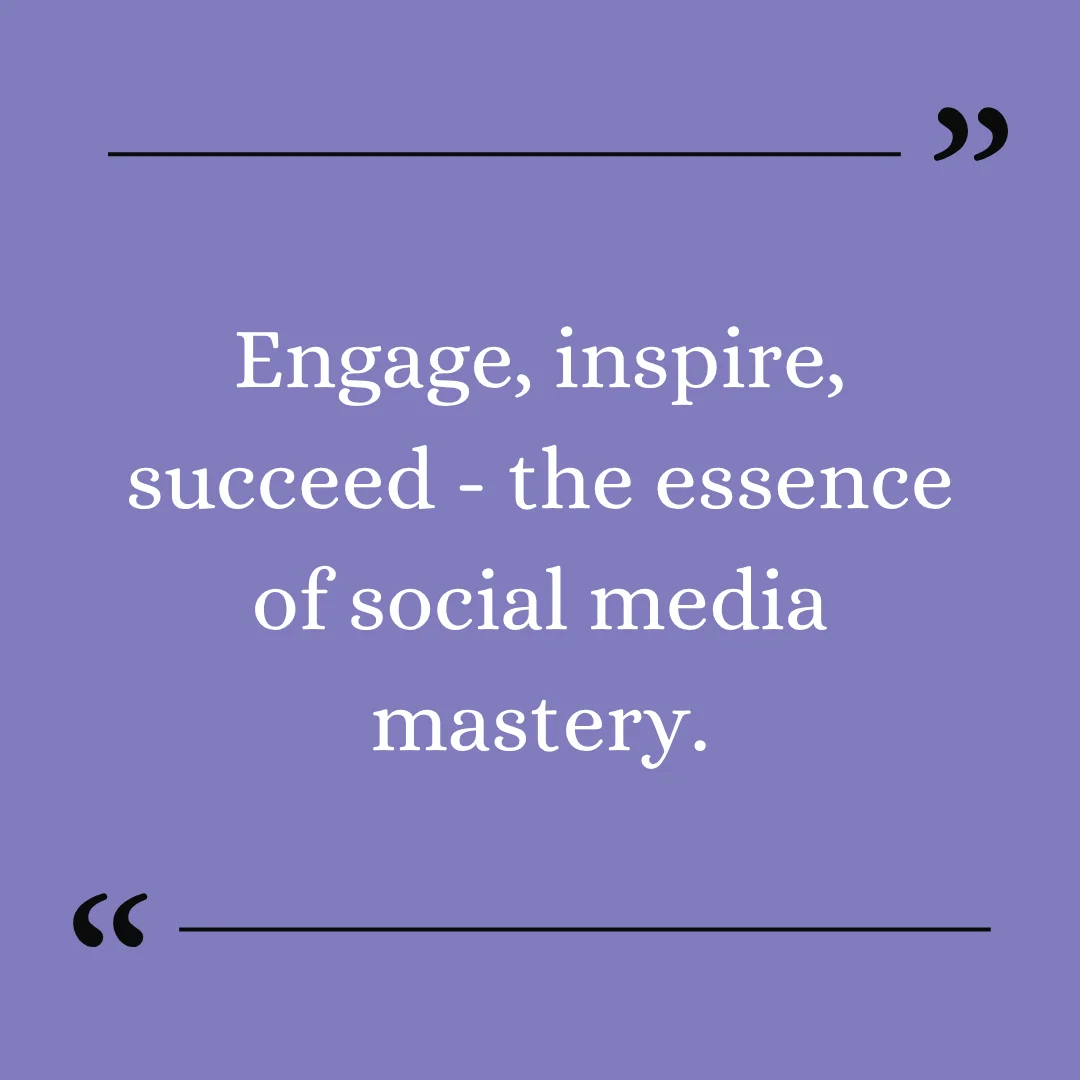
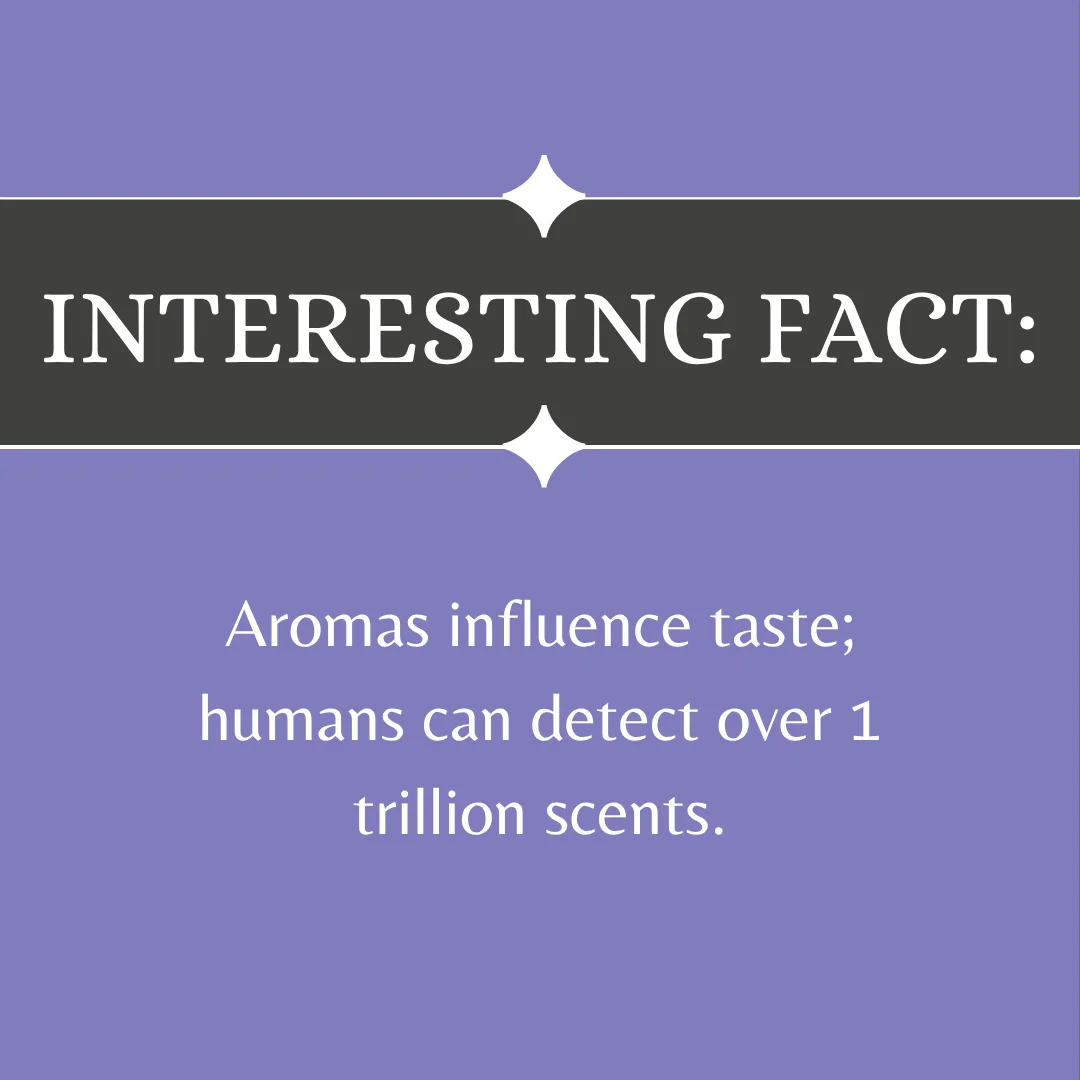
Text on a plain background
The message appears in large, readable type on a solid or lightly textured background. Useful when the sentence is strong enough to stand on its own — and the simplest format to keep consistent with brand colors.

Text over an image
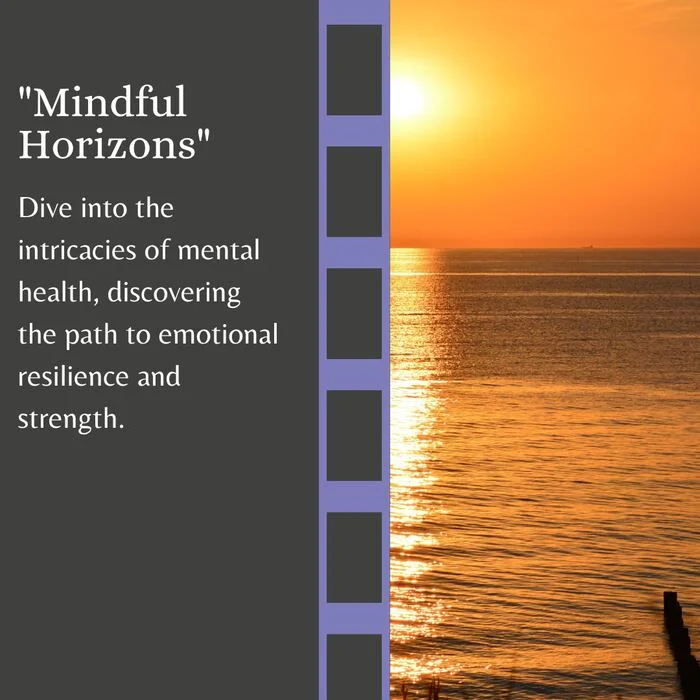
The message is placed over a photograph, usually with an overlay or panel that keeps the words readable. Use this when the photograph adds useful context but should not compete with the message.

Text carousel
A longer idea is divided across multiple slides. The opening slide introduces the subject, the middle slides develop it, and the final slide gives the reader a conclusion or next step. Use a carousel when the idea cannot be expressed clearly on one image.


When should you use a text post?
Text posts are useful when the value of the post comes from what you know rather than what you can photograph.
You have something useful to explain
Answer a common question, explain a process, or give the reader one practical recommendation.
Your work is hard to photograph
Consultants, accountants, therapists, coaches and many local service businesses do valuable work that does not naturally produce attractive images.
You want to express a point of view
A clear opinion gives people something to consider, agree with, or discuss.
Customers repeat the same misconception
Turn the misconception into a myth-versus-fact post, warning, or short explanation.
You need a post quickly. A focused text post can communicate one useful idea without requiring a photo shoot, video recording, or complicated layout.
Instagram text-post examples
The strongest text posts communicate one complete idea. They do not try to turn an entire article into one square.
Educational
Give the reader a useful insight, not just an announcement that the business has expertise.
Mistake-based
Works best when it identifies a specific consequence and helps the reader avoid it.
Opinion
A useful opinion should be specific enough that someone could reasonably disagree with it.
Question
Easy to understand and possible to answer without specialist knowledge.
Promotional
Works better when it explains who the offer is for, what happens next, and why the timing matters.
Myth vs. fact
See the full myth-vs-fact hub for more.
How to create an Instagram text post
Six steps take a raw idea to a finished, phone-readable post.
Choose one idea
Start with one question, mistake, observation or recommendation. If the post needs several unrelated points to make sense, divide it into multiple posts or create a carousel.
Write the central message
Express the idea in one or two short sentences. Remove introductions such as "Happy Monday!", "We wanted to share", "Let's talk about" and "Did you know that." Begin with the information the reader actually needs.
Happy Monday! Today we wanted to share three important things you should know before booking a consultation.
Ask these three questions before booking a consultation.
Choose the right format
Use one image when the idea can be understood immediately. Use a carousel when the post requires steps, examples, an explanation or a sequence. Use an image background only when the image supports the message and the text remains easy to read.
Design for a phone screen
Instagram posts are usually encountered on a small screen. The words must remain readable without zooming — large type, short lines, strong contrast, clear spacing, one visual hierarchy, consistent brand colors.
- Large type
- Short lines
- Strong contrast
- Long paragraphs
- Low-contrast text
- Text near the edges
Write the caption
The image delivers the main idea. The caption can explain why the point matters, add an example, provide the next step, ask a relevant question, or direct the reader to a resource — without simply repeating every word displayed in the image.
Review the post at actual size
Before publishing, view the finished design on a phone. Check whether the central message can be understood within a few seconds. If the words look small or crowded, shorten the post or divide it into a carousel.
A simple text-post formula
Use this structure when you do not know where to begin: specific subject + useful tension + clear conclusion.
Subject: choosing a contractor. Tension: the cheapest estimate may omit important work. Conclusion: compare what is included, not only the total. The finished post could be:
Text post or carousel?
Choose a single text post when:
- The idea fits comfortably on one image
- The message needs no additional explanation
- The reader can understand it immediately
- You want to communicate one observation or recommendation
Choose a carousel when:
- The subject contains several steps
- Each point needs an example
- The reader needs context before the conclusion
- The post tells a sequence or short story
A carousel should not be a paragraph divided randomly across slides. Each slide should move the explanation forward. An Instagram carousel generator can turn your outline into a complete, on-brand slide set in a couple of minutes.
What makes a good Instagram text post?
It contains one recognizable idea
The reader should be able to explain the point after seeing the post once.
It is specific
"Believe in yourself" could come from any account. A specific observation demonstrates actual knowledge.
It gives the reader something useful
A post can teach, clarify, challenge, reassure or help someone decide — more than fill a space in the content calendar.
It is readable
The design exists to make the message easier to consume. It should not compete with the words.
It sounds like the business behind it
A post for an accountant should not sound identical to a post for a fitness coach.
Good service matters.
Customers remember how quickly you solved the problem more than how quickly you answered the first email.
Common Instagram text-post mistakes
- Too much text on one image — if the type must shrink to fit, shorten it or use a carousel.
- Generic openers — the opening words should contain the idea, not announce that one is coming.
- Quotes without context — a familiar quote rarely demonstrates the business's expertise on its own.
- Design over readability — background images, decorative fonts and effects should never make the message hard to read.
- Repeating the image in the caption — use the caption to add context, not reproduce the graphic word for word.
- Generic advice — "be consistent" and "provide value" don't help the reader act; explain what that means in the specific situation.
- Forgetting the next step — the reader should know what to do with the information: save it, answer, reconsider, or learn more.
Create an Instagram text post with AI
Maxolot turns a business description into a written and designed Instagram text post. You describe what your business does, who it serves and how it should sound. Maxolot then suggests a relevant topic, writes the post, applies your selected colors, and prepares the finished visual with its caption — text-only graphics, text over an image, single-image posts, text carousels, captions and hashtags, all in your selected tone and brand colors. You can edit the wording before downloading the finished post.
10 free posts · No credit card · No watermark
Instagram text-post FAQ
Can you post text only on Instagram?
How do I make a text post on Instagram?
What size should an Instagram text post be?
What should I write in an Instagram text post?
Are text posts good for Instagram?
Should the caption repeat the text in the image?
Can an Instagram text post be a carousel?
What is the difference between a text post and a caption?
Is there a free Instagram text post maker?
How long should an Instagram text post be?
What fonts work best for an Instagram text post?
How often should I post Instagram text posts?
Turn today's idea into a finished text post
10 free posts · No credit card · No watermark · Set up in under a minute