
 Slide 1
 Free Instagram Carousel Maker
AI carousel generator for business
Maxolot's Instagram carousel maker is a free AI carousel generator that turns one line about your business into a finished, ready-to-publish carousel in about 30 seconds — it writes the hook, splits the argument across slides, designs each one and exports at 1080 × 1080 px.
Best for: small business owners who need ready-to-publish Instagram carousels in about 30 seconds, with the post topics supplied rather than prompted for.
Create a carousel for free
10 free posts · No credit card · No watermark
Made with Maxolot from one line of business detail.
Loved and trusted by 1,400+ small business owners
30s
From business name to finished carousel
1,000
Business accounts in our content study
12
Designs, each consistent across slides
34
Industries with tuned content
Slide 1  Slide 2
  Slide 1
  Slide 1
  Slide 1
  Slide 2
  Slide 1
  Slide 1
  Slide 1
  Slide 1
  Slide 1
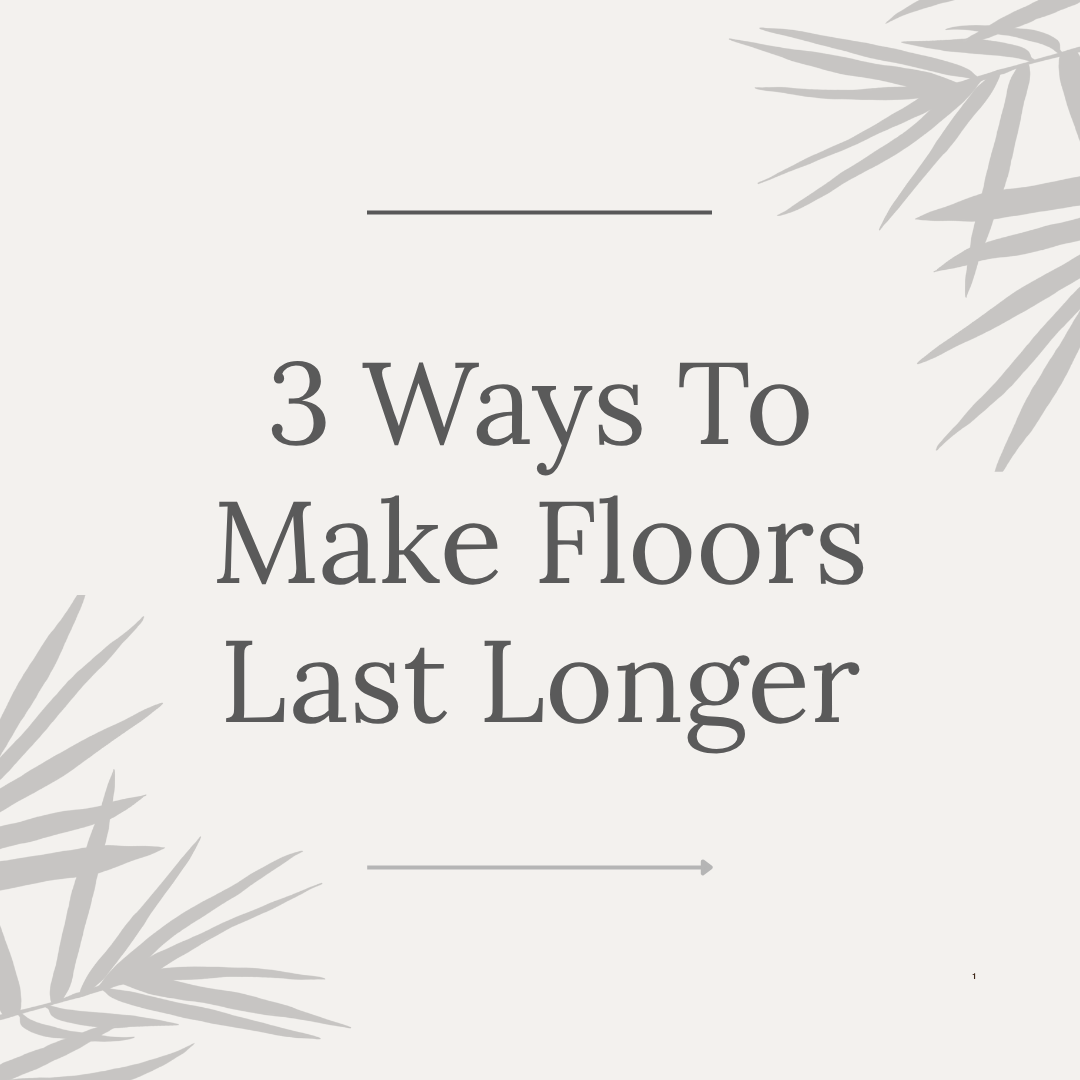
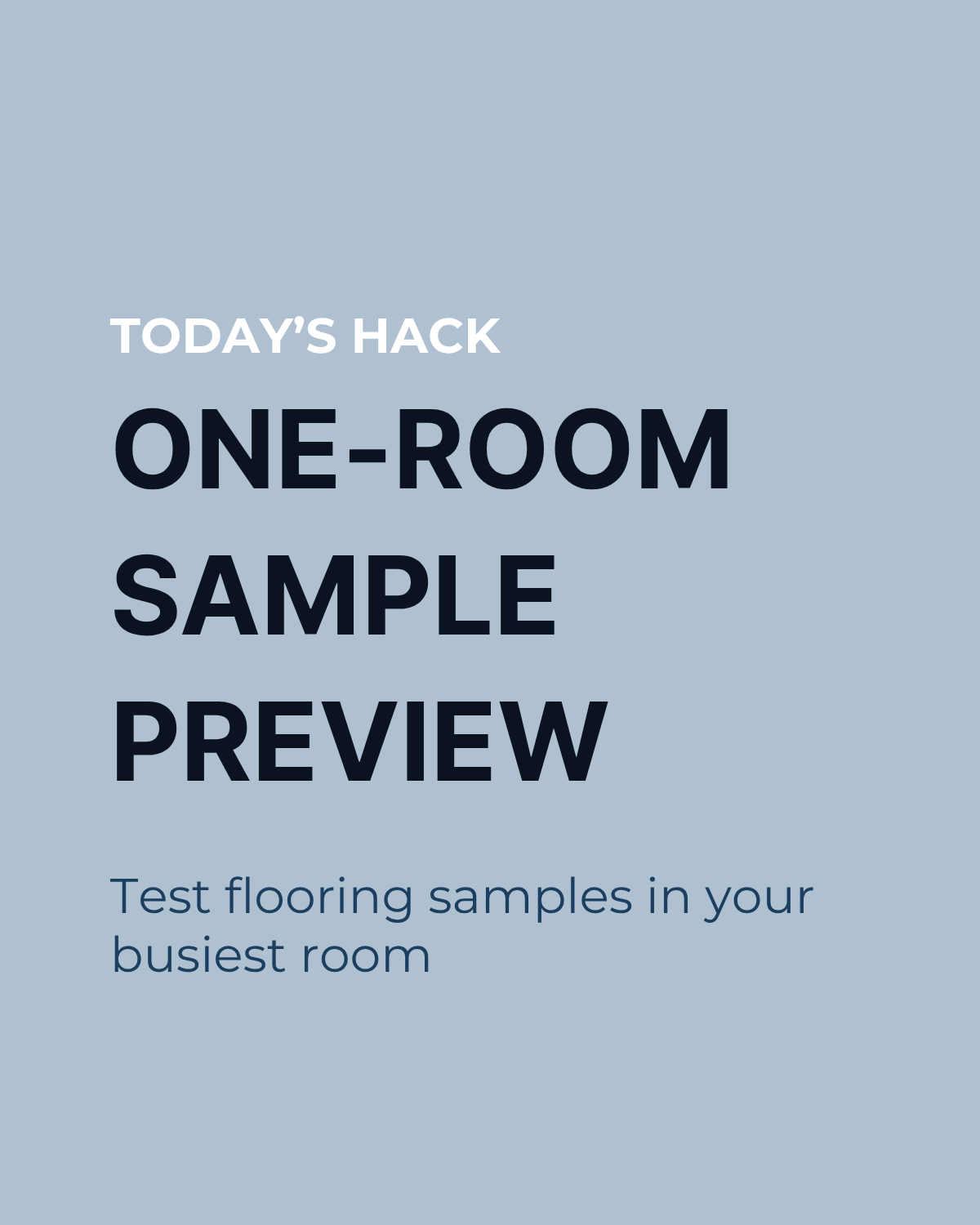
 Real slides exported from Maxolot at 1080 × 1080. Browse the carousel templates or see finished examples.
Maxolot's Instagram carousel maker is a free AI carousel generator that writes, designs and sizes multi-slide Instagram posts for small businesses. You describe your business once — what you sell, where you work, who buys from you — and it returns a complete carousel of four or six slides with a hook, a caption and hashtags, exported at 1080 × 1080 px. It differs from prompt-based generators in that it selects the topic and slide structure itself, based on patterns found in a study of 1,000 business Instagram accounts.
Makes4–6 slide carousels, written & designed
Time~30 s per carousel
Size1080 × 1080 px, automatic
CaptionWritten, with 3–5 hashtags
CostFirst 10 posts free, no card
ForService & local businesses
Step by step
Maxolot's carousel maker works in 3 steps
About 90 seconds the first time you use Maxolot, and around 30 seconds every time after that.
- Step 1
Describe your business
What you sell, where you work, who buys from you — then pick four slides or six. Maxolot stores it, so you never repeat this step.
- Step 2
Generate the carousel
Maxolot picks the topic, writes the hook, splits the argument across slides and designs each one — about 30 seconds.
- Step 3
Edit, download and post
Change any slide or regenerate just one, then export at 1080 × 1080 px with the caption and hashtags written.
Create a carousel for free →
10 free posts · No credit card · No account to start
What you get
A carousel that's finished, slide by slide
Not a template to fill in. This is what arrives, in this order, every time.
A hook that earns the swipe
Written from 45 tested hook formulas, numbered and specific, short enough to survive the feed crop.
A second hook, not a continuation
Instagram re-shows carousels to people who scrolled past, using slide 2 as the cover. Maxolot writes it to work standalone — most tools treat it as the middle of a sentence.
One idea per slide, fully written
No sentences broken across slides, no filler slide to pad the count. Each one carries a single claim.
One clear ask
Save, share, comment or click — one of them, matched by the caption. Carousels earn saves more than any other format, so it usually asks for the save.
Context the slides didn't cover
Not a summary of what people just swiped through, plus 3 to 5 relevant hashtags.
JPGs in slide order, correctly sized
1080 × 1080 px with safe margins applied, ready to upload without touching a design tool.
1080 × 1080 px 1:1 squareJPG export4 or 6 slides60px safe marginsSlide order preserved
Features
Designs, languages and control
Everything below happens inside Maxolot — no design tool, no prompt writing, no resizing.
Topics supplied, not prompted
From your business to a finished carousel
- Business description → a week of posts. One line about what you sell becomes a queue of ready-to-publish content.
- One line → a 4–6 slide carousel. Hook, argument split across slides, design and caption — written for you.
- Your niche → tuned topic packs. Content shaped by patterns from 1,000 business Instagram accounts, across 34 industries.
- Topic pack → posted in 30 seconds. Pick, generate, download. That's the whole workflow.
- Text posts too. Prefer flat text-post carousels? Maxolot writes those as well — see the text post generator.
Your brand, applied once
Twelve designs, thirty-plus languages
- 12 designs, consistent across slides. Every slide in a carousel stays in the same design family automatically.
- Brand colours set once. Add them one time; every carousel after that matches your brand.
- 30+ languages. Generate the same carousel for any market you serve.
- Four slides or six. Choose the length; sizing stays 1080 × 1080 px on every slide.
- Fully online. Runs in your browser — nothing to install, works on any laptop or phone.
Control without design work
Edit anything, export in one click
- Change any line on any slide. The design holds while you edit the words.
- Regenerate one slide, keep five. Don't like slide 3? Redo just slide 3.
- Export that just works. Correctly sized files plus the caption and 3–5 hashtags, ready to paste.
- No watermark, ever. Free posts export clean — your brand is the only brand on the slide.
Why Maxolot
Every other generator starts with a blank prompt
Which means you still do the hard part. You decide the topic, you find the hook, you judge whether the caption is any good. The tool only speeds up the typing.
Maxolot decides first. We studied 1,000 business Instagram accounts to find which carousel structures actually get saved and shared — which openings, which slide orders, which asks. The generator builds to those patterns and hands you the result. You approve it; you don't author it.
Maxolot's analysis of 1,000 business Instagram accounts is what the generator's topic and structure choices are built on. See the study →
That's also why it's tuned by industry. A carousel for a roofer argues differently from one for a med spa, and the study covered both.
Read the study → Who it's for
Built for businesses, not creators
The content patterns differ by trade, and so does what Maxolot generates.
Trades & home services
You do the work, then you're too tired to post
Roofers, flooring, landscaping. Carousels that explain what customers can't see for themselves — why a job costs what it costs, what a bad install looks like.
Carousels for roofers → Health & beauty
Your customers research before they book
Med spas, salons, clinics. Carousels that answer the questions people ask before a first appointment, without overpromising a result.
Carousels for med spas → Professional services
You sell expertise, so you have to show it
Accountants, coaches, agencies. Carousels that give away one genuinely useful thing per post — the format that builds authority fastest.
Carousels for accountants →Not listed? Maxolot covers 34 industries.
Ideas
Carousel ideas to start from
Maxolot picks one for you, but if you'd rather choose — these are the shapes that work.
Myth-busting "Three things people believe about [your trade] that cost them money"
Process reveal "What actually happens between your call and the finished job"
Price explainer "Why this quote is $X — broken down line by line"
Mistake list "Six things to check before you hire anyone for this"
Before & after "The same room, six weeks apart, and what changed"
Seasonal "Do this in August and you'll thank yourself in December"
Forty more, sorted by industry, in carousel post ideas.
Pick a shape — Maxolot writes and designs it for your business →
Honest comparison
Compared to Canva, Predis and ChatGPT
All three can make a carousel. They differ in how much of it you have to decide.
| Making a 6-slide carousel | Maxolot | Canva | Predis | ChatGPT |
|---|---|---|---|---|
| Chooses the topic for you | Yes | You do | You prompt it | You prompt it |
| Writes every slide | Yes | No | Yes | Yes |
| Designs the slides | Yes | Manually | Yes | No |
| Slide 2 written to stand alone | Yes | — | No | No |
| Tuned to your industry | 34 industries | No | Generic | Re-prompt each time |
| Design control, layer by layer | 12 fixed designs | Total | Limited | None |
| Scheduling and publishing | Not yet | Yes | Yes | No |
| Realistic time for six slides | 30 seconds | 45–90 minutes | 5–10 minutes | 15 minutes, then design it |
Canva wins on design control and Predis wins on scheduling — if those are what you need, they're the better tools. Full detail in Maxolot vs Canva and Maxolot vs Predis.
See the difference on your own business — the first 10 posts are free.
Create a carousel for free
No credit card · No watermark
Reviews
What business owners say
I'd open Canva, stare at it, and close it again. The difference isn't the design — it's that I don't have to think of the topic.
Nine carousels in one sitting, scheduled across three weeks. That used to be a whole Saturday.
The tax carousel it wrote for me was better than what I'd have written, and I'm the accountant.
Also useful
You might also like
Instagram carousels: the full guideSpecs, formats and why the format works. The long version.Carousel templatesEvery design, shown across a full six-slide set.Carousel examplesFinished carousels from real businesses, by industry.Text post generatorSingle-image posts, for the days a carousel is too much.Captions generatorCaptions and hashtags for posts you've already made.Content calendar generatorA month of posts, dated and balanced across pillars.
Questions
Frequently asked questions
Is there a free Instagram carousel maker?
Yes. Maxolot is a free online Instagram carousel maker — your first 10 posts are free, carousels included, with no account, no card and no watermark. Try it here, or see pricing for what comes after.
What size should an Instagram carousel be?
1080 × 1080 px, a 1:1 square ratio. Portrait (1080 × 1350) is also supported by Instagram and fills more vertical space, but Maxolot exports square by default. Every slide in one carousel must share the same ratio or Instagram will crop them. Maxolot applies the ratio automatically.
How many slides should a carousel have?
Instagram allows up to 20. Maxolot offers four or six: four when one point carries the whole post, six when the topic needs room. Both are short enough that people reach the last slide.
Why does slide 2 matter so much?
Instagram re-shows carousels in the feed to people who scrolled past the first time, using slide 2 as the cover image. If slide 2 continues a sentence from slide 1, that second impression is wasted. Maxolot writes it as a standalone hook.
Can I edit what Maxolot writes?
Yes. Every slide is editable, and you can regenerate a single slide without changing the rest of the carousel.
Does it write the caption and hashtags?
Yes — a caption written to add context rather than repeat the slides, with 3 to 5 relevant hashtags. You can also generate captions on their own with the captions generator.
Do I need design skills?
No. You choose one of twelve designs and the layout, type sizing and safe margins are handled. There are no layers, frames or export presets.
Can Maxolot post to Instagram for me?
Not yet. You download the slides in order and upload them yourself. Scheduling is on the roadmap.
Does it work for LinkedIn or TikTok carousels?
The slides export as standard JPGs, so they can be uploaded anywhere. The content and sizing are tuned for Instagram specifically.
What can't Maxolot's carousel maker do?
It won't post for you yet — you download the slides and caption and publish them yourself. It doesn't edit photos you upload, and it doesn't write long-form content like blogs. It makes ready-to-publish Instagram carousels and posts; that's the whole job.
Are the carousels copyright-free and safe for commercial use?
Yes. Everything Maxolot generates for you — the text, the layout and the designs — is yours to use commercially for your business, with no watermark and no attribution required.
Six slides. Thirty seconds.
Make a carousel for your business right now and read what it writes before you decide anything.
Make a carousel free 10 free posts · No credit card · No account needed to start