
Giveaway generator
Free Instagram Giveaway Templates
AI giveaway post generator for business
Describe your business once and Maxolot writes the giveaway post, the entry steps, the rules line and the caption — then lays it onto a designed, correctly sized Instagram template you can edit and download. You are not handed a blank canvas and asked what your prize should be.
Try for free
10 free posts · No credit card · No watermark
Made with Maxolot from one line of business detail.
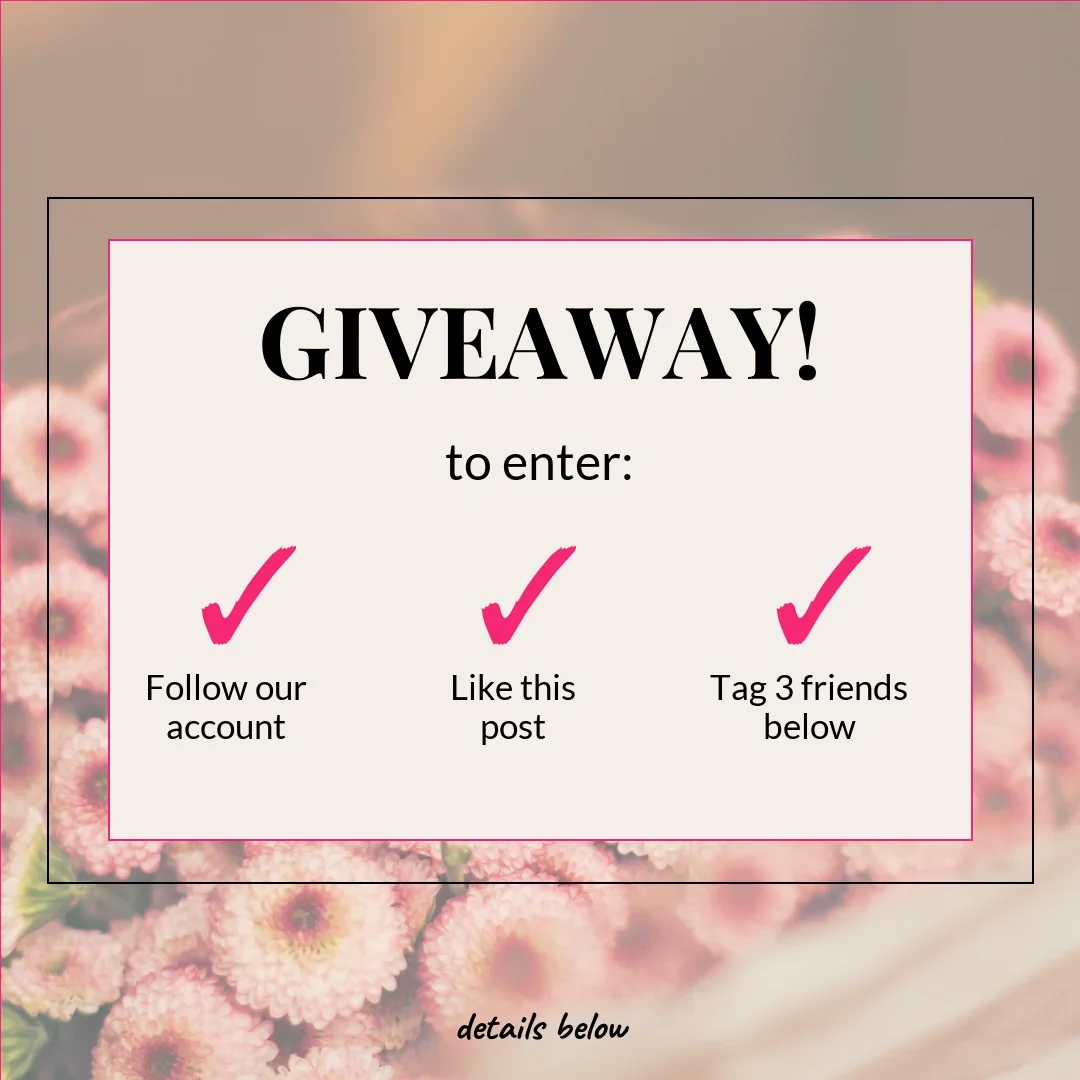
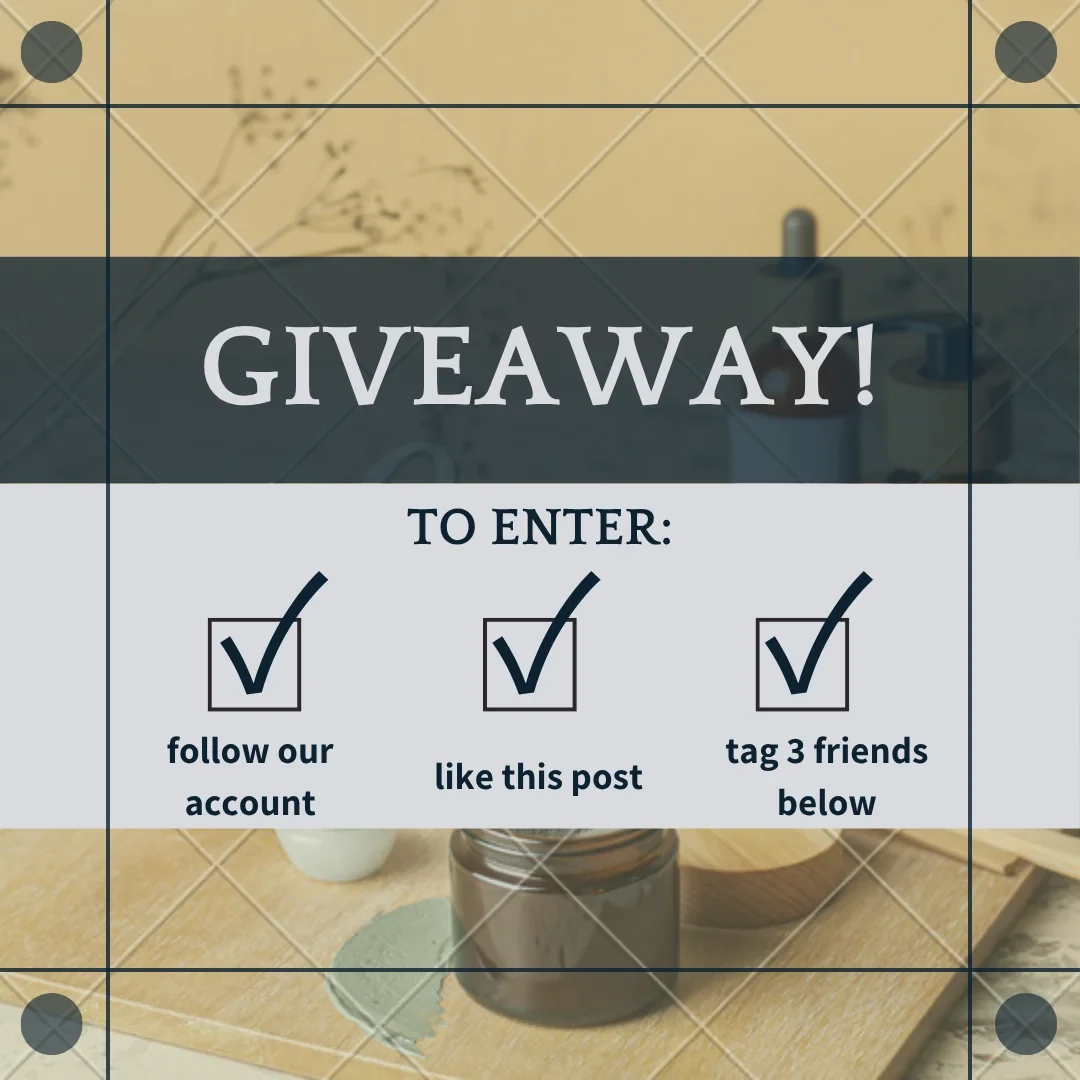
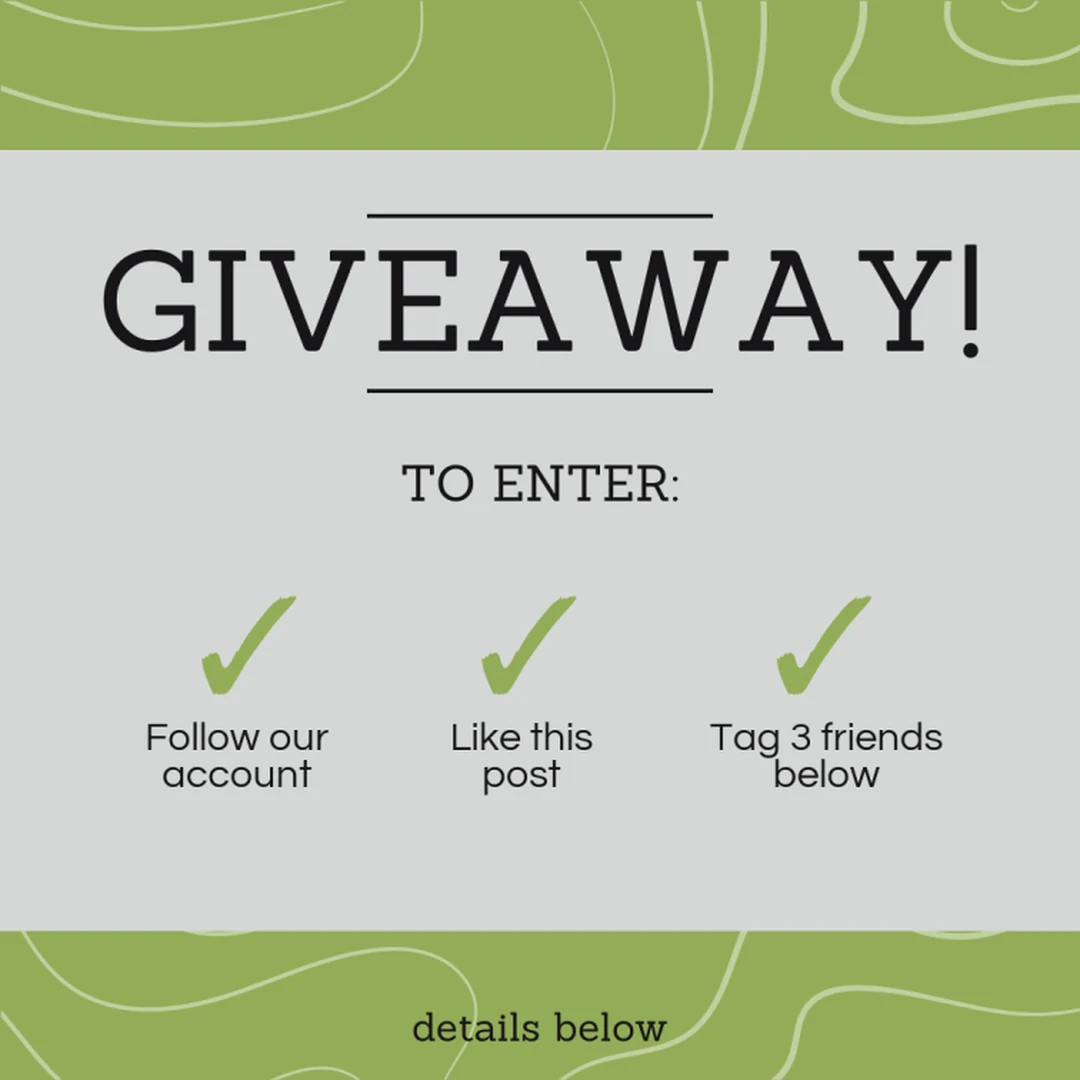
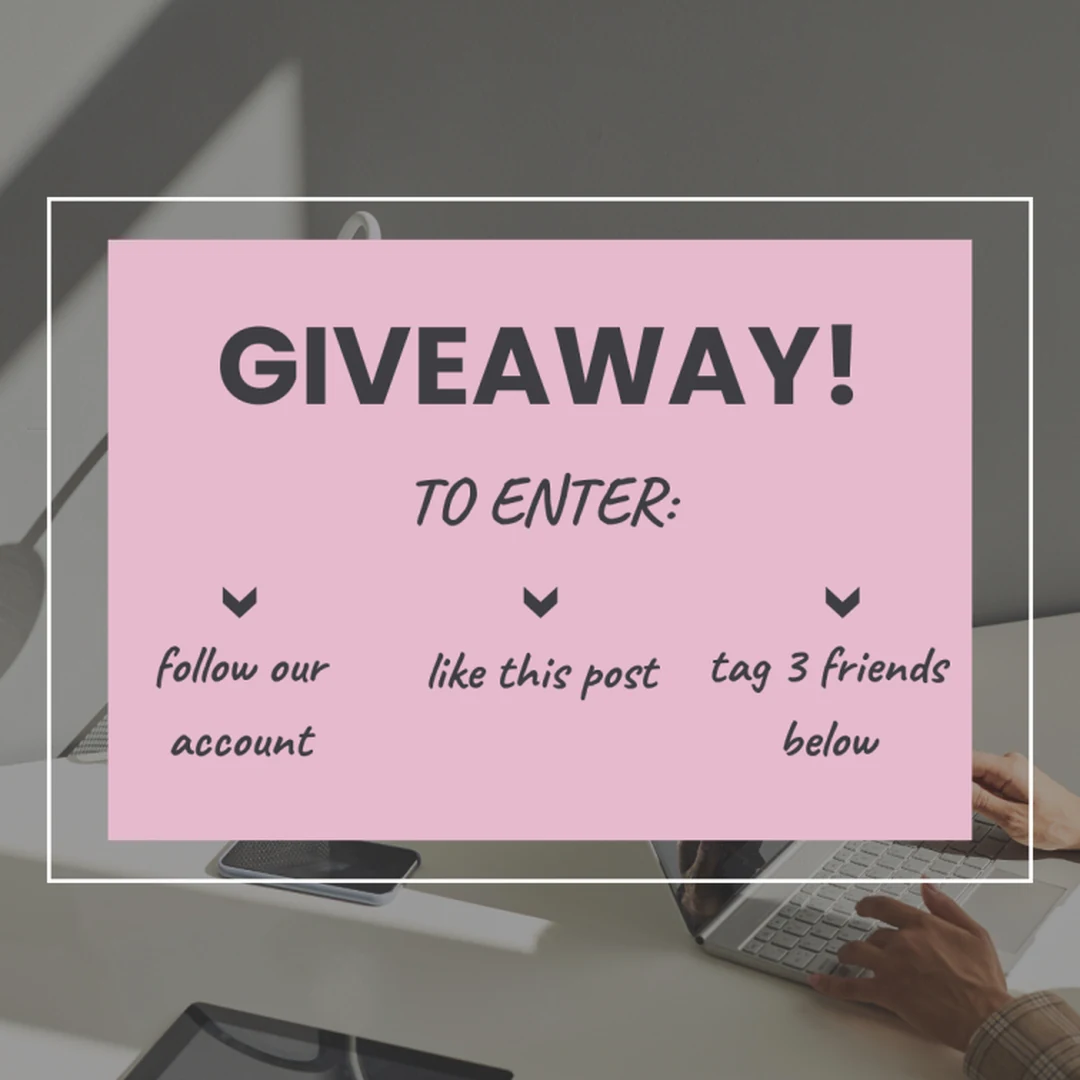
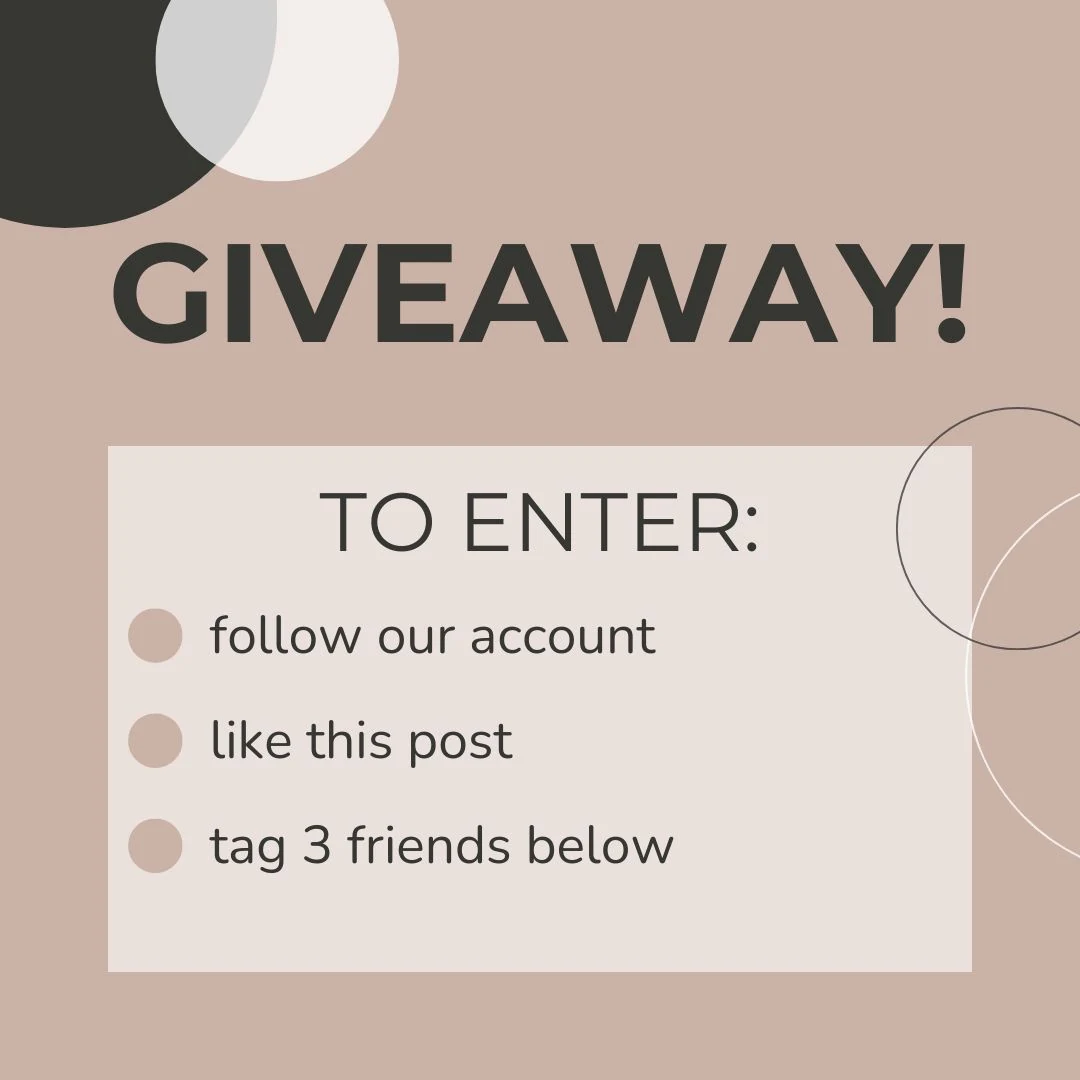
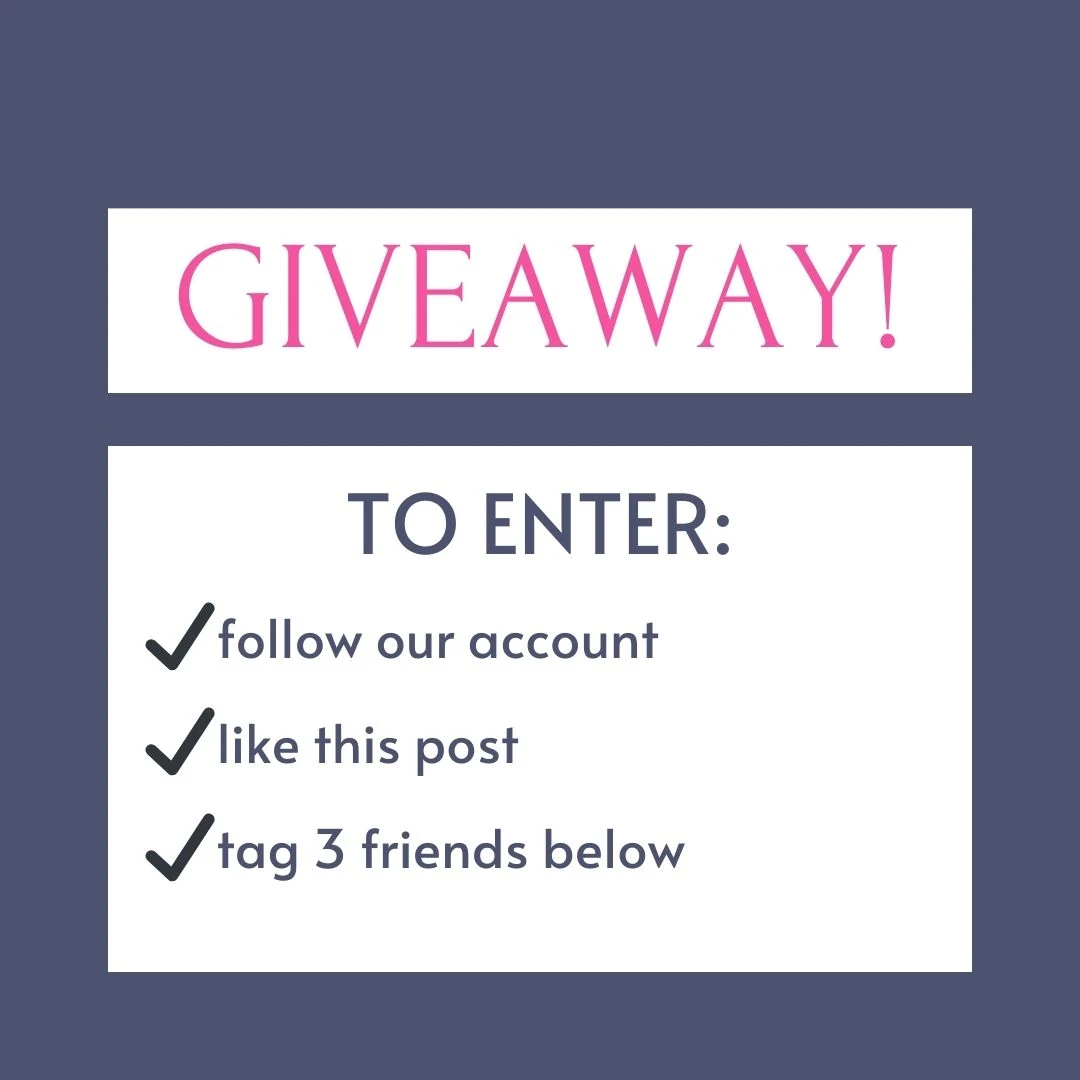
Real giveaway posts exported from Maxolot. Browse the post templates.
An Instagram giveaway template is a pre-designed post layout that carries the four pieces of information every giveaway entry depends on: what the prize is, how to enter, when the giveaway closes, and who is eligible. Maxolot's giveaway template generator produces all four as finished text on a designed slide, generated from a description of your business rather than from a prompt you have to write yourself.
ProducesPrize, entry steps, rules line + caption
You supplyBusiness type, prize, closing date
FormatsSquare, 4:5, 9:16 Story, carousel
CostFirst 10 posts free, no card
WatermarkNone on the free plan
ForService & local businesses
What the giveaway template generator does
Most giveaway templates are empty. You open a design file, find a layout you like, and are immediately responsible for every decision that actually determines whether the giveaway works: what to give away, how many entry steps to ask for, how long to run it, what the rules line should say, and how to announce the winner without looking like you invented them. The template solved the smallest problem in the list.
Maxolot's giveaway generator starts one step earlier. You describe your business — a hair salon in Lyon, a bookkeeping practice, a dog groomer, a physiotherapy clinic — and the generator proposes a prize that suits that business, writes the post in your tone, sets entry steps that match the size of the prize, and produces the rules line that Instagram's promotion guidelines expect you to include. The design is applied last, not first.
That order matters because the most common failure of a small-business giveaway is not an ugly post. It is a giveaway that attracts several hundred accounts who wanted a free iPad and none of whom live within thirty kilometres of your salon. The prize and the entry steps decide who enters. The template only decides how it looks.
Everything the generator produces is editable. If you want to change the prize, shorten the entry steps, translate the post into another language, or swap the design theme, you do that in the editor and download again. There is no watermark on the download and no Maxolot branding on the image.
Instagram giveaway posts made with Maxolot
Every post below was generated from a business description, not from a prompt. The design theme, the entry steps and the caption were produced together.
How to make a giveaway post in 30 seconds: step by step
Describe your business
Your industry, what you sell and who buys it. This is entered once and reused for every post you generate afterwards.
Open the Post Creation Tool
From Studio Home, choose Create Post. Topics are grouped into four content pillars rather than presented as a blank prompt field.
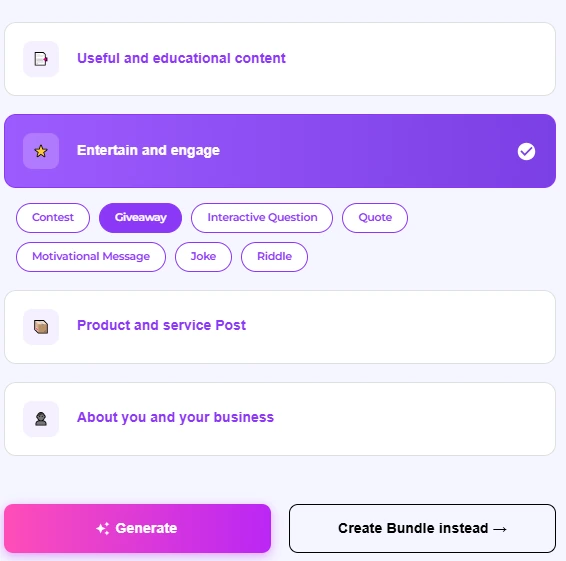
Choose Entertain and engage, then Giveaway
Giveaway sits alongside Contest, Interactive Question, Quote, Motivational Message, Joke and Riddle. There is no prompt to write.
Pick a design collection
Pick the collection that suits your brand, then press Generate Content. Your brand colours are applied to the collection you choose.
Edit the text and caption
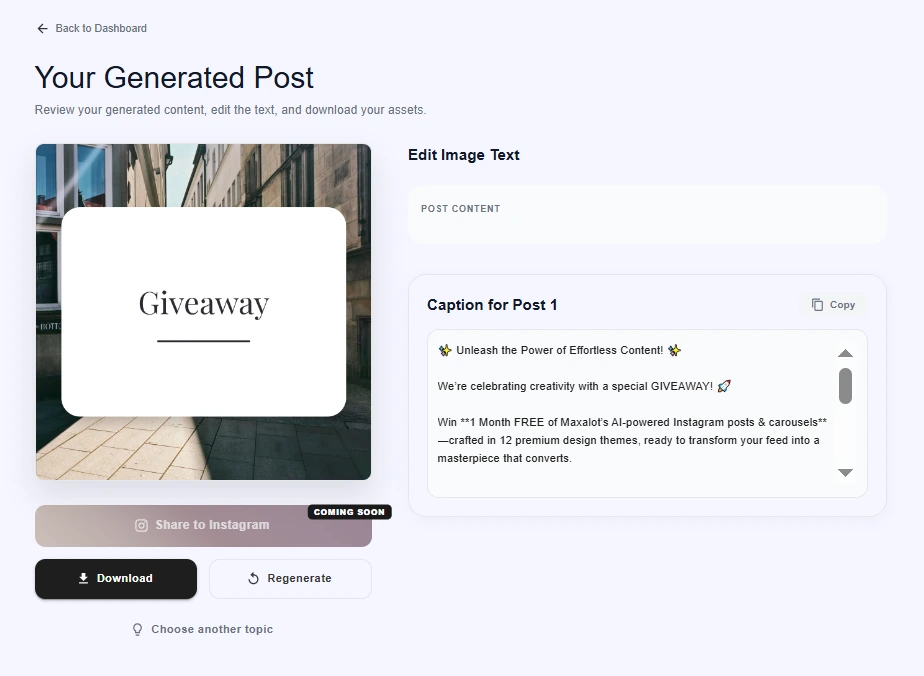
The generated post arrives with the on-image text and the caption written. Both are editable, and you can regenerate if you want a different angle.
Download
Export at full resolution. No watermark and no Maxolot branding on the image.
Why Maxolot
Six things you do not have to do yourself
- No watermark on any download, on the free plan included.
- No Maxolot branding on the image itself.
- Your tone of voice is preserved, post after post, without re-explaining your business.
- You do not have to think of the prize — it is proposed from your business type.
- You do not need your own photography; imagery is sourced or generated for you.
- Everything runs in the browser. Nothing to install.
Designs, entry mechanics and control
Giveaway templates that survive a phone screen
A giveaway post is read at thumb speed in a feed. The entry steps have to be legible at roughly a third of their design size, which is why the templates cap the number of entry steps shown on a single slide and set type at sizes that hold up when Instagram compresses the image.
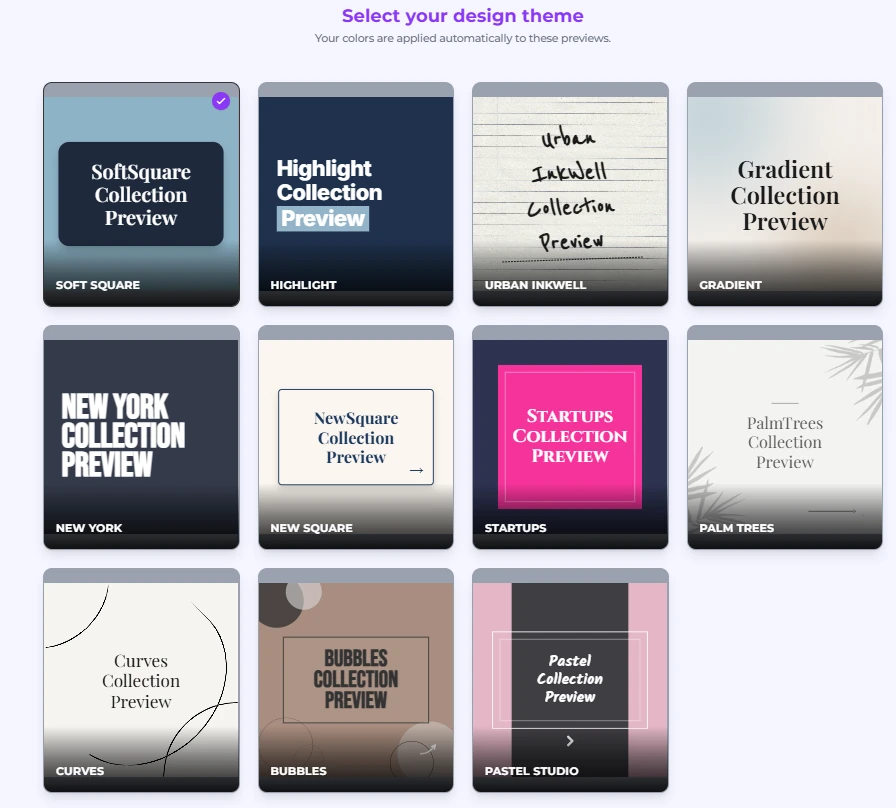
Design collections range from clean editorial layouts to handwritten, poster-bold and pastel styles — Soft Square, Highlight, Urban Inkwell, Gradient, New York, Startups, Palm Trees, Curves, Bubbles and Pastel Studio among them. Your brand colours are applied to the palette rather than pasted over it, so contrast between the text and background stays readable rather than becoming a dark grey line on a mid-grey box.
Every template is available as a text-only layout or as a text-over-image layout. If you have no product photography — common for consultants, accountants, therapists and trades — the text-only layouts are designed to look deliberate rather than empty.
Entry mechanics you can change in one click
The entry mechanic is the part of a giveaway most people get wrong, because it is the part that decides who bothers to enter. The generator lets you switch between mechanics and rewrites the entry-steps text to match, rather than leaving you to reword it manually.
Switching from "tag two friends" to "comment your favourite" changes the tone of the caption, the number of steps shown on the slide, and the wording of the rules line. All three update together.
You can also generate a collaboration giveaway, where the entry steps ask people to follow both accounts. The generator produces a version of the post for each business so the two feeds do not carry identical images.
Languages, editing and export
Giveaways are local. If you serve customers in more than one language, the generator writes the campaign in that language from the start rather than translating an English post afterwards, which is what produces entry steps that read like instructions from a manual.
In the editor you can change any line of text, swap the image, adjust the palette, reorder the entry steps and change the aspect ratio. Export is a single click at full resolution.
Generated posts are saved so you can come back to them later, regenerate a variation, or reuse the same design theme for the winner announcement once the giveaway closes.
Ideas
Instagram giveaway ideas that suit a small business
The best small-business giveaway prize is almost never the most expensive one. It is the one only your customers want.
Give away your own service
A free treatment, a consultation, a month of bookkeeping, a haircut and colour. This is the strongest option for most service businesses because it is worthless to anyone outside your catchment area, which means the entrants are, by definition, potential customers. It also costs you time rather than cash, and it puts a new person in your chair — which is the actual goal.
Bundle your products into a set
Retailers and makers usually get more attention from a curated bundle than from a single high-value item. A bundle photographs better, reads as more generous than its cost, and lets you feature several products rather than one. It also gives you an obvious reason to name each item in the caption.
Collaborate with a neighbouring business
A florist and a bakery, a gym and a physiotherapist, a barber and a coffee shop. Each business contributes part of the prize and each posts the giveaway, so both audiences see both accounts. Collaboration giveaways are the most reliable way for a small account to reach new local people without paying for it.
Run a "choose the winner's prize" giveaway
Instead of naming the prize, offer a choice between two or three of your products and ask entrants to comment which one they would pick. You get the entries and, incidentally, a genuine piece of product research from your own audience.
Reward existing customers only
A giveaway restricted to people who have bought from you before will get far fewer entries and considerably more goodwill. It is the right choice when your problem is retention rather than reach — and it is much cheaper to run.
Tie it to something already happening
An anniversary, a new location, a hundredth review, a seasonal closing date. A giveaway with a reason attached reads as a celebration rather than as a bid for followers, and it gives you a natural story to tell in the caption.
Entry mechanics, and what each one actually costs you
Every entry step you add increases the reach of the giveaway and decreases the number of people who finish entering. That trade is the whole design problem.
Like and follow. The lowest-friction mechanic. Almost everyone who sees the post can complete it in two taps, so completion is high — but so is the proportion of entrants who unfollow the moment the winner is announced. Use it when your goal is a visible bump in reach on a single post rather than a lasting audience.
Tag a friend. The most common mechanic, because each tag puts your post in front of someone who does not follow you. The cost is that tagging is transactional: people tag reciprocally in giveaway threads, and a share of your comments will be strangers tagging strangers. Asking for one tag rather than three usually produces better-quality entries and barely fewer of them.
Comment to enter. Asking a real question — which of these two would you pick, what would you use this for — filters hard. Fewer people enter, but the ones who do have told you something about themselves, and the comment thread reads like a conversation rather than a list of handles. This is the strongest mechanic for a service business.
Share to your Story. High reach per entrant, low completion. It asks more of people than a tap, and you cannot verify it reliably at any scale. Treat it as a bonus entry rather than a requirement.
Follow both accounts. Only appropriate for collaboration giveaways, where both audiences get something out of it. Applied to a giveaway where the second account is unrelated, it reads as a paid arrangement and suppresses entries.
A practical rule: two steps is the ceiling for most small accounts. Three is defensible if the prize is genuinely significant. Four steps is where you start trading away more entries than the extra reach is worth, and the entry-steps slide stops being legible on a phone.
Choosing a prize that filters for customers
The single most useful test for a giveaway prize is this: would someone who will never buy from you still want it? If the answer is yes, the prize is wrong. An iPad, a cash card, a generic hamper — these attract entries from anywhere on earth, and the entries are worth nothing to a business that serves one town.
A prize that only your customers want does the filtering for you before a single entry arrives. A free set of gel nails is close to worthless to someone two countries away. A month of your bookkeeping service is worthless to someone who is not self-employed. That is the point.
Prize value matters less than most people expect. Entries do rise with prize value, but the quality of those entries falls at the same time, and past a fairly low threshold you are mostly buying attention from people who enter every giveaway they see. For most small businesses the sweet spot is a prize that is obviously real and obviously yours — the thing you sell — rather than the most expensive thing you can afford.
One further consideration: the prize sets an expectation about your prices. Giving away a service you normally charge a premium for, framed as a gift, is fine. Giving away so much of it that regular customers wonder why they paid is not. If you are nervous about this, give away the entry-level version of what you sell rather than the flagship.
Giveaway rules: what Instagram expects you to include
This section is general information, not legal advice. Promotion rules vary by country, and rules for prize draws in particular are strictly regulated in some jurisdictions.
Instagram's promotion guidelines put responsibility for a giveaway on the account running it, not on Instagram. In practice that means your post and caption need to carry a small amount of specific information, and the generator writes this for you as a rules line rather than leaving it out.
Eligibility. Who can enter — a minimum age, and a geographic limit if the prize has to be collected or delivered locally. This is the line that stops you owing a haircut to someone on another continent.
The closing date and time. Stated explicitly, with a time zone if your audience spans more than one. "Ends Friday" is ambiguous; "Ends Friday 15 August, 23:59 CET" is not.
How the winner is chosen and contacted. Random draw or judged, and whether you will announce them in a post, in Stories, or by direct message. Say it up front and you avoid every awkward conversation afterwards.
A release from Instagram. Instagram's guidelines ask promotions to include an acknowledgement that the promotion is not sponsored, endorsed or administered by, or associated with, Instagram. This is one sentence in the caption.
What you must not do. Instagram's guidelines specifically discourage asking people to tag themselves in photos they are not in — the old "tag yourself in this picture to enter" mechanic. Avoid it.
Two things worth checking for your own country before you post: whether a prize draw requires you to publish full terms somewhere accessible, and whether requiring a purchase to enter is permitted at all. In several jurisdictions, a promotion that requires a purchase is regulated as a lottery. If your giveaway asks for anything more than a follow, a like, a comment or a tag, check the rules that apply where you operate.
Picking and announcing the winner
Draw the winner in a way you can show. A short Story clip of the draw, whether that is a comment-picker tool on screen or names on paper, does more for the credibility of your next giveaway than any wording in the announcement post. Small accounts are routinely accused of inventing winners, and the accusation is much harder to make when people watched it happen.
Announce in the same place you announced the giveaway. If the campaign lived in the feed, the winner post belongs in the feed. Announcing only in Stories means most of the people who entered never see the result, which is precisely the impression you are trying to avoid.
Give the winner a deadline to respond — 48 hours is typical — and say so in the original rules. Then say what happens if they do not: a redraw. Without that line you are stuck waiting indefinitely on someone who has not opened Instagram in a week.
Finally, give the people who did not win something small. A discount code for entrants, valid for a short window, converts a group of people who have just demonstrated interest in your product into a group of people who have a reason to buy it this month. This is the step almost every small business skips, and it is the one that turns a giveaway into revenue rather than a spike on a chart.
How to tell whether the giveaway worked
Follower count is the worst available measure, because a giveaway reliably inflates it and then reliably deflates it over the following fortnight. If you judge the campaign on the number on day one, you will conclude it worked every time.
Check the follower count again 14 days after the winner post. The gap between the peak and that number is your actual gain, and it is usually a fraction of what you saw on the day. That fraction is not a failure — it is the correct number.
Then look at three things the follower count cannot tell you. First, how many entrants were local, which you can sample from the profiles in the comment thread. Second, whether engagement on your next ordinary post went up or down — a giveaway that brought in disinterested accounts will drag it down. Third, whether anyone bought anything, which is what the entrants-only discount code exists to measure.
If your giveaway produced a follower spike, no local entrants, lower engagement on the following post and no sales, it did not work, regardless of the entry count. The most common cause is a prize that anyone would want.
Specs
Instagram giveaway post sizes and specs
1080 × 1080 px — square
The safe default for a giveaway announcement. Everything is visible in the grid preview, which matters when someone lands on your profile after seeing a tag. Maxolot's default.
1080 × 1350 px — 4:5 portrait
Takes more vertical space in the feed than a square, so entry steps are larger at the same design size. Note that the grid preview crops to a square, so keep the prize name away from the top and bottom edges.
1080 × 1920 px — 9:16 Story
For Stories reminders and last-call posts. Keep text out of the top and bottom 250 px, where the profile bar and reply field sit.
Carousel — up to 10 slides
Useful when the prize needs explaining: slide one announces, slide two shows the prize, slide three carries the entry steps and the rules. All slides must share one aspect ratio.
Compared to Canva and a blank AI prompt
| Maxolot | Design template library | General AI chatbot | |
|---|---|---|---|
| Prize suggested for you | Yes, from your business type | No | Only if you describe the business first |
| Entry steps written | Yes, matched to the mechanic | Placeholder text | Text only, no design |
| Rules line included | Yes | No | If asked |
| Caption written with the image | Yes, same tone | No | Caption only, no image |
| Designed output | Yes | Yes | No |
| Watermark on free plan | None | Varies by asset | N/A |
| Requires you to write a prompt | No | N/A | Yes |
You might also like
Instagram carousel makerMulti-slide posts for giveaways that need the prize explained across several slides.Instagram post templatesThe full template library, by post type and design style.Instagram content planA week of posts around the giveaway, so the campaign is not the only thing in your feed.Instagram Story questionsKeep the momentum going with a follow-up post that collects replies.
Questions
Frequently asked questions
Are the Instagram giveaway templates free?
Yes. The first 10 posts are free, no credit card is required, and downloads carry no Maxolot watermark or branding on the free plan.
Do I need to write a prompt?
No. You describe your business once — industry, what you sell, roughly who buys it — and the generator proposes the prize, writes the entry steps and produces the design. Prompting is optional, not required.
Can I change the prize the generator suggests?
Yes. Every text field is editable, including the prize, the entry steps, the closing date and the rules line. Editing the prize does not require regenerating the design.
What entry mechanics can I choose from?
Like and follow, tag a friend, comment to enter, share to Story, and follow-both-accounts for collaboration giveaways. Switching mechanics rewrites the entry-steps text and the caption to match.
How long should an Instagram giveaway run?
Between five and seven days suits most small businesses. Shorter than three days and people who post infrequently never see it; longer than about ten and the campaign loses urgency, with entries flattening in the middle.
Does Maxolot pick the winner for me?
No. Maxolot produces the posts; you run the draw. The winner-announcement post is generated with a space for the winner's handle so you can fill it in once the draw is done.
Do I have to include rules in the post?
Instagram's promotion guidelines place responsibility for a promotion on the account running it, which in practice means stating eligibility, the closing date, how the winner is chosen, and an acknowledgement that Instagram is not involved. Requirements vary by country, so check the rules that apply where you operate.
Can I run the same giveaway on Facebook?
Yes. The generator exports the same campaign in the aspect ratios Facebook uses. Facebook's promotion guidelines differ from Instagram's in some details, so review both before posting.
What languages are supported?
The campaign is written in your chosen language from the start rather than translated afterwards, which keeps the entry steps reading like instructions a person would write.
Can two businesses run a collaboration giveaway?
Yes. Choose the collaboration mechanic and the generator produces a version of the campaign for each account, so the two feeds do not carry identical images.
A giveaway post. Thirty seconds.
The post, the entry steps, the rules line and the winner announcement — generated from a description of your business.
Try for free 10 free posts · No credit card · No watermark