25 Instagram Post Ideas for Animation Studios
Turn sketches, storyboards and production tests into content — 2026 edition
Most animation studios don't lack visuals — they don't know what to post between projects. These 25 Instagram post ideas for animation studios turn sketches, storyboards, sound design and tests into posts, each with a caption you can copy.
10 free posts · No credit card required
Key takeaways
- You don't have to rely on finished work — sketches, storyboards and tests are content.
- Side-by-side formats (storyboard vs final, before vs after) are the easiest way to show craft.
- Educational posts (the 12 principles, color scripts, sound design) position the studio as an expert, not just a vendor.
- One project can become a sketch, a turnaround, a color test, an expression sheet, an animation test and a final scene.
- Close with a soft CTA inviting prospective clients to send a brief.
Why I wrote this list. I run Maxolot, an Instagram post generator for small businesses. Studios rarely lack visuals — what they lack is the words and structure around them. Every idea below includes a caption you can copy, so the next test render becomes a post instead of sitting in a folder.
Your frames are the visual. Let Maxolot write and design the post around them. Pick a topic, get the hook, caption and branded layout — then add your studio visuals.
Why animation studios have an advantage on Instagram
Animation studios have one of the most visually interesting businesses to market on Instagram.
You don't have to rely entirely on finished work. Your production process is content: sketches, storyboards, character development, sound design, experiments and behind-the-scenes work.
That matters because many client projects are under NDA until release, and finished films take months. Process posts let you publish every week while showing prospective clients how you think. For more formats across industries, see the Instagram post ideas hub.
25 Instagram post ideas for animation studios
Each idea includes the best format, its content pillar and a ready-to-copy caption. Replace anything in [brackets]. Longer ideas work well as swipeable slides — the Instagram carousel maker lays them out for you.
1. Before-and-after animation
Show the original sketch and finished animation.
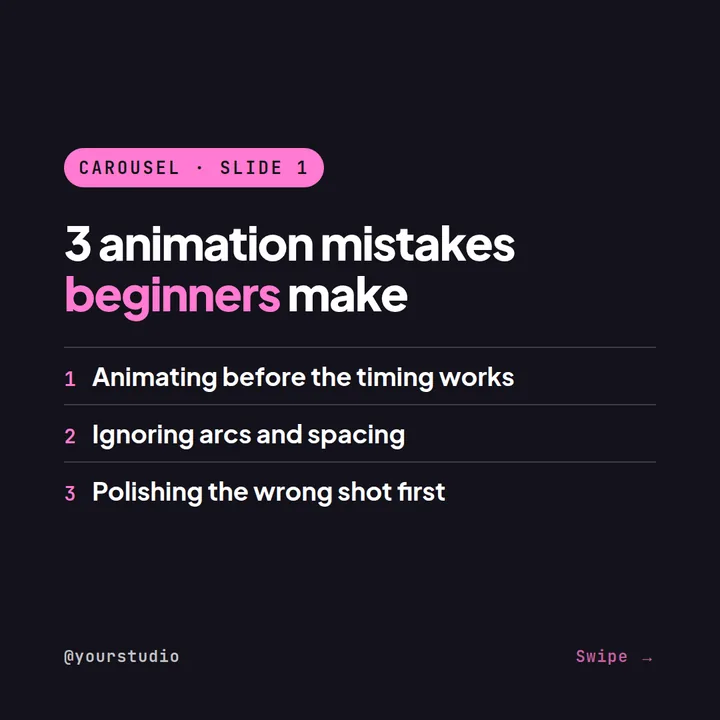
2. 3 animation mistakes
Explain common mistakes beginners make.
3. How-to guide
"How a character goes from sketch to animation."
4. Book recommendation
Recommend an animation, illustration or storytelling book.
5. Animation quiz
"Which animation principle is being used here?"
6. Riddle
"I move without walking and speak without a mouth. What am I?" Use it to introduce animation storytelling.
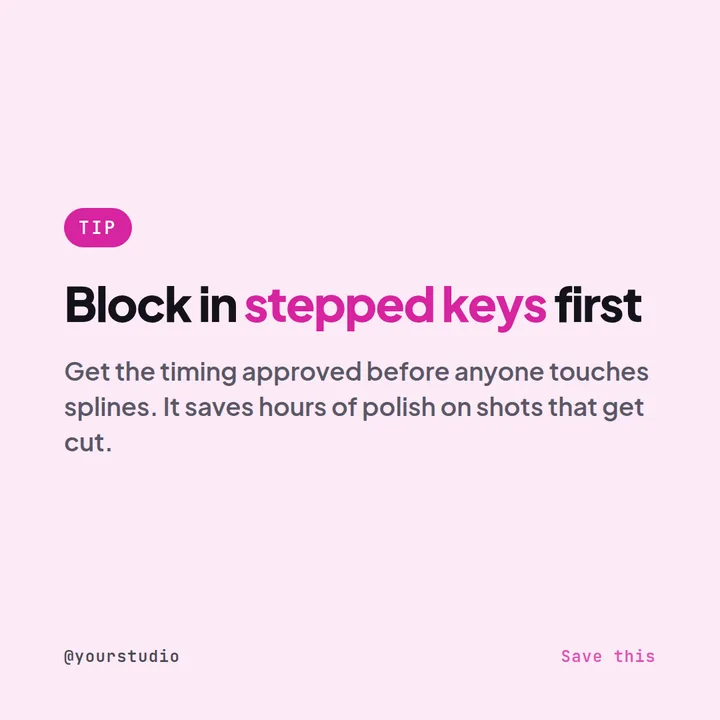
7. Animation hack
Show a shortcut or workflow improvement.
8. Behind the scenes
Show your production pipeline.
9. Storyboard vs final
Put them side by side.
10. Animator joke
Client: "Can you make it move a little more?" Explain what that can mean in production.
11. Character design challenge
Ask followers to choose between two designs.
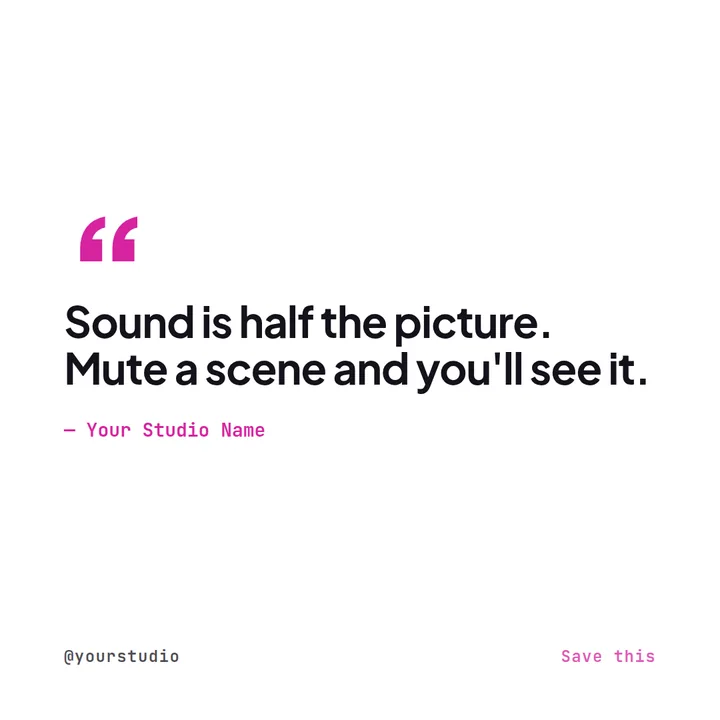
12. Sound design post
Show how sound changes a scene.
13. Color script
Explain how color affects storytelling.
14. Frame-by-frame breakdown
Show a short sequence.
15. Tool spotlight
Explain how a software tool fits into your workflow.
16. Artist spotlight
Introduce a member of the studio.
17. Question
"Which animated character has the best design?"
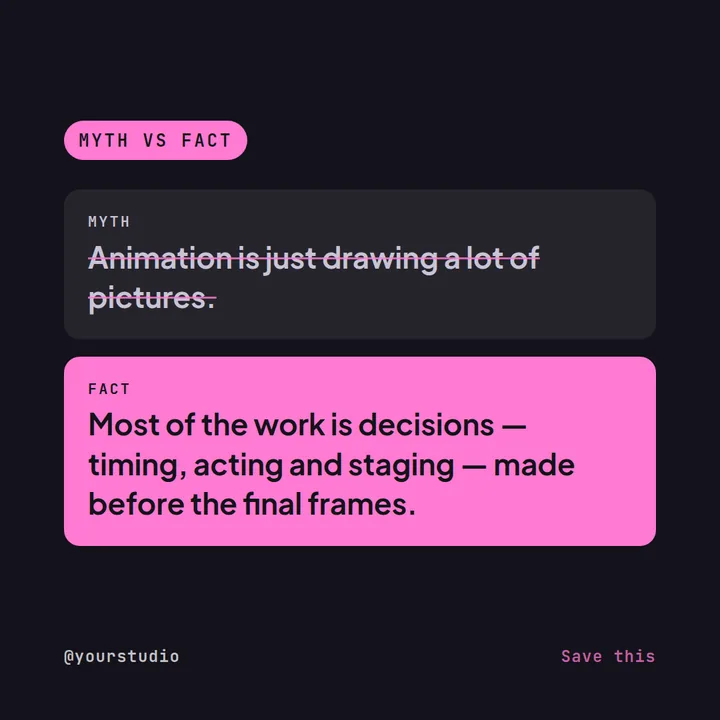
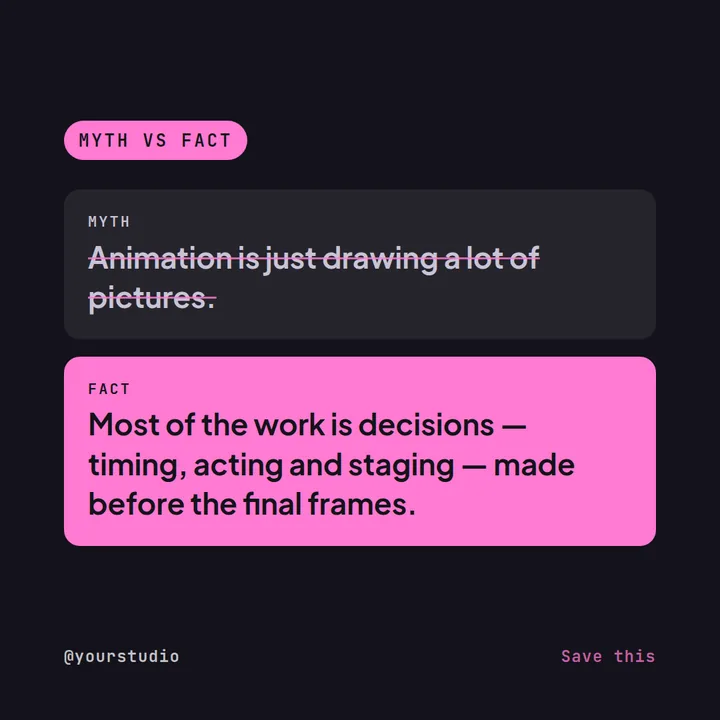
18. Animation myth
Explain a misconception about production.
19. Client case study
Explain the creative brief and solution.
20. Time-lapse
Show the creation process.
21. Book recommendation (monthly series)
Make it a monthly series.
22. Quiz
Ask followers to identify a technique.
23. Local creative guide
"5 animation and creative events in [City]."
24. 3 things clients should prepare before commissioning animation
Explain what makes a project run smoothly.
25. Soft CTA
"Planning an animation project? Send us your brief and let's talk about the idea."
All 25 ideas at a glance
Use the pillar column to balance your month: mix educational and engagement posts with occasional service and brand-trust posts rather than publishing the same type every day.
| # | Post idea | Format | Content pillar |
|---|---|---|---|
| 1 | Before-and-after animation | Reel | Brand & trust |
| 2 | 3 animation mistakes | Carousel | Educational |
| 3 | How-to guide | Carousel | Educational |
| 4 | Book recommendation | Single image | Educational |
| 5 | Animation quiz | Reel | Engagement |
| 6 | Riddle | Single image | Engagement |
| 7 | Animation hack | Reel | Educational |
| 8 | Behind the scenes | Carousel | Brand & trust |
| 9 | Storyboard vs final | Carousel | Brand & trust |
| 10 | Animator joke | Single image | Engagement |
| 11 | Character design challenge | Carousel | Engagement |
| 12 | Sound design post | Reel | Educational |
| 13 | Color script | Carousel | Educational |
| 14 | Frame-by-frame breakdown | Carousel | Educational |
| 15 | Tool spotlight | Carousel | Educational |
| 16 | Artist spotlight | Single image | Brand & trust |
| 17 | Question | Single image | Engagement |
| 18 | Animation myth | Single image | Educational |
| 19 | Client case study | Carousel | Service / offer |
| 20 | Time-lapse | Reel | Brand & trust |
| 21 | Book recommendation (monthly series) | Single image | Educational |
| 22 | Quiz | Reel | Engagement |
| 23 | Local creative guide | Carousel | Brand & trust |
| 24 | 3 things clients should prepare before commissioning animation | Carousel | Service / offer |
| 25 | Soft CTA | Single image | Service / offer |
Six factual foundations for animation content
Use these as reliable starting points for educational posts.
- Disney's 12 principles of animation are a foundational reference in animation education and practice.Source: Walt Disney Animation Studios
- Animation involves creating the perception of movement through sequential images.
- Storyboarding is widely used to plan visual sequences before final production.
- Character design involves visual decisions that support personality and storytelling.
- Sound can contribute significantly to how audiences experience animated scenes.
- Animation production can involve multiple stages including concept development, design, storyboarding, animation, compositing and sound.
Turn production work into content
One animation project can produce dozens of posts: sketch, character turnaround, color test, expression sheet, animation test and final scene.
Use Maxolot to generate the branded Instagram post for free — hook, caption and layout — then add the actual studio visuals.
- Collect production assets. Save sketches, turnarounds, color tests, expression sheets and animation tests as you work.
- Match each asset to an idea. Pair each asset with a format from the list, such as storyboard vs final or frame-by-frame breakdown.
- Generate and publish. Use Maxolot to write the caption and branded layout, add your visuals and schedule the post.
Maxolot suggests the topic, writes the caption and designs the post in your studio's colors.
Frequently asked questions
What should an animation studio post on Instagram?
Can we post client work that is still under NDA?
Are Reels or carousels better for animation studios?
How often should an animation studio post?
How do animation studios get clients from Instagram?
Is there a free tool to write animation studio captions?
Final takeaway
Don't hide the process. For an animation studio, the process is part of the product.
When the renders are ready but the captions aren't, Maxolot drafts the words so you can keep animating.
Examples are illustrative starting points. Only share client work you have permission to publish, and verify any factual claims before posting.