25 Instagram Post Ideas for SaaS Companies
Make complicated software easy to understand on Instagram — 2026 edition
Most SaaS teams don't lack product news — they don't know what to post. These 25 Instagram post ideas for SaaS companies show the problem, the workflow and the time saved, making your product easier to understand — each with a caption you can copy.
10 free posts · No credit card required
Key takeaways
- You can't photograph software, but you can show the problem, workflow, interface, customer and result.
- Turn every release into several posts: problems solved, how-to, before vs after, quiz, customer workflow.
- Recurring series (feature of the week) make planning easier and train followers to return.
- Share roadmap updates without promising unconfirmed release dates.
- Your SaaS Instagram account should make the product easier to understand.
Why I wrote this list. I run Maxolot — a SaaS product that makes Instagram posts, so I face this exact problem myself: software doesn't photograph well. These are the formats that make a product easy to explain, each with a caption you can copy.
Turn every feature release into a week of posts. Maxolot writes the post and designs it in your brand colors — you add real screenshots.
Why SaaS companies struggle on Instagram
SaaS companies often struggle with Instagram because their product can be difficult to photograph.
You can't always post a beautiful physical product.
But you can show the problem, workflow, interface, customer, transformation, team, technology and use case.
A SaaS Instagram account should make the product easier to understand. Many of these ideas work as simple Instagram text posts; for formats in other industries, see the Instagram post ideas hub.
25 Instagram post ideas for SaaS
Each idea includes the best format, its content pillar and a ready-to-copy caption. Replace [brackets] with your product details. Step-by-step ideas work best as slides — the Instagram carousel maker builds them for you.
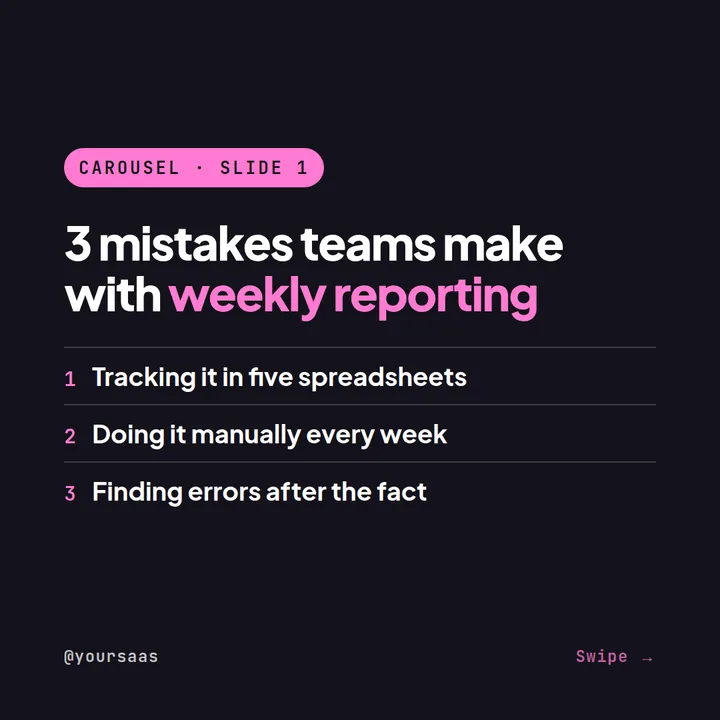
1. 3 mistakes your software prevents
Explain the problem your product addresses.
2. How-to guide
"How to automate [specific task] in 10 minutes."
3. Product tutorial
Show one feature.
4. Book recommendation
Recommend a book relevant to your audience.
5. Product quiz
"Which workflow would you automate first?"
6. Riddle
"What gets smaller when you automate it?" Answer: repetitive manual work.
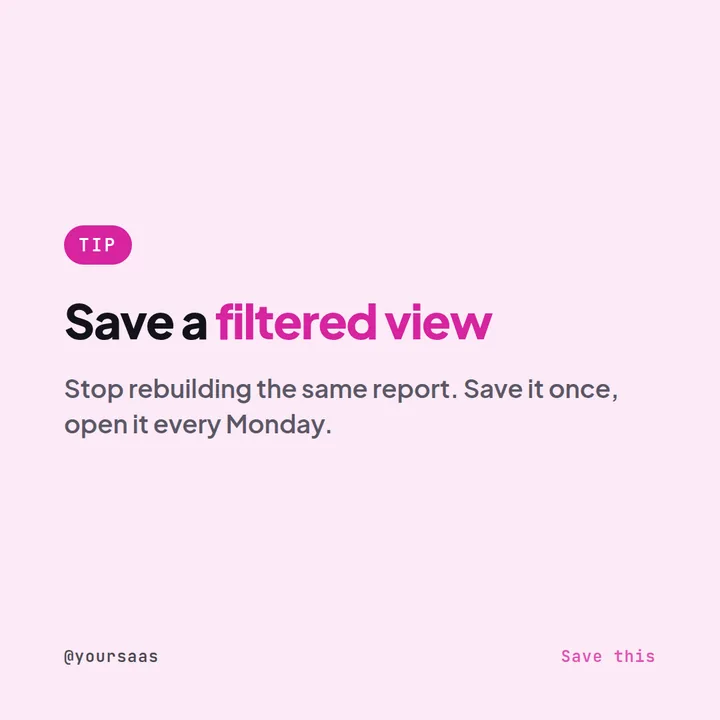
7. SaaS hack
Show one advanced feature or workflow.
8. Customer use case
Explain how a customer uses the product.
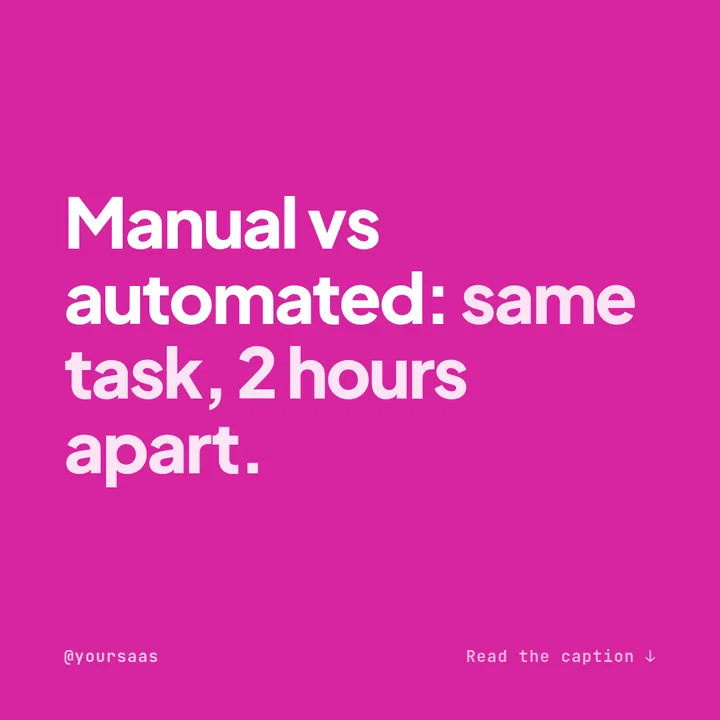
9. Feature comparison
Compare manual workflow versus automated workflow.
10. SaaS joke
Before SaaS: "Where is that spreadsheet?" After SaaS: "Did you check the dashboard?"
11. Behind the scenes
Show your product team.
12. Product roadmap
Share appropriate updates without promising unconfirmed release dates.
13. Feature of the week
Create a recurring series.
14. FAQ
Answer common product questions.
15. Question
"Which repetitive task would you automate tomorrow if you could?"
16. Customer story
Focus on the actual workflow.
17. Integration guide
Show how your product connects to another tool.
18. Productivity checklist
Create a saveable workflow.
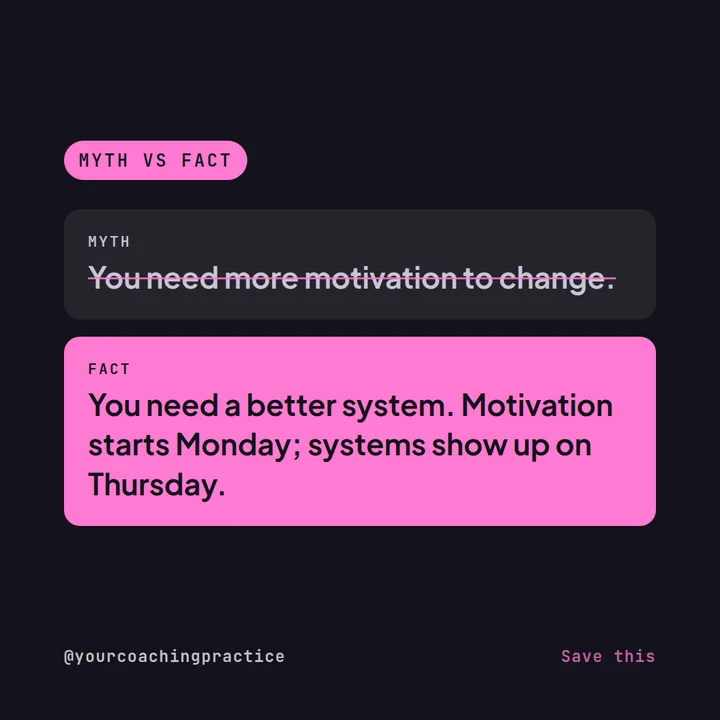
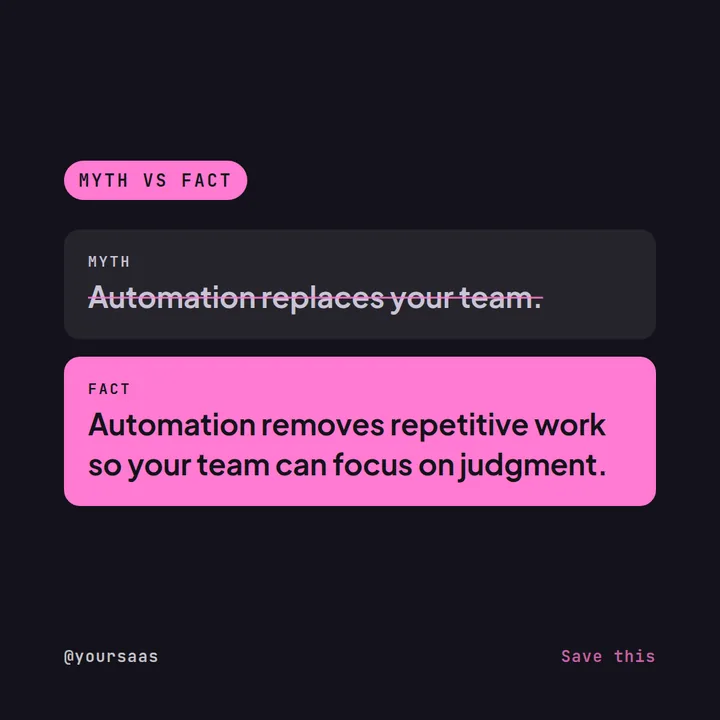
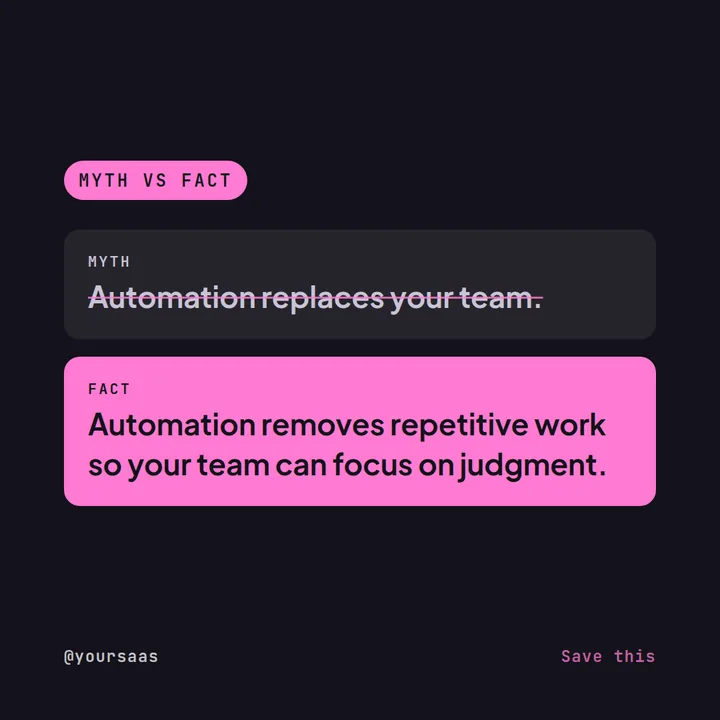
19. Industry myth
Explain a common misconception.
20. Book recommendation (monthly series)
Create a monthly series.
21. Quiz
Test industry knowledge.
22. Three mistakes
Show mistakes your target customer commonly makes.
23. Before vs after
Show the workflow before and after using the product.
24. Local SaaS/team post
"A day building SaaS in [City]."
25. Soft product CTA
"Want to see how it works? Try it yourself or book a demo."
All 25 ideas at a glance
Use the pillar column to balance your month: mix educational and engagement posts with occasional service and brand-trust posts rather than publishing the same type every day.
| # | Post idea | Format | Content pillar |
|---|---|---|---|
| 1 | 3 mistakes your software prevents | Carousel | Educational |
| 2 | How-to guide | Carousel | Educational |
| 3 | Product tutorial | Reel | Service / offer |
| 4 | Book recommendation | Single image | Educational |
| 5 | Product quiz | Single image | Engagement |
| 6 | Riddle | Single image | Engagement |
| 7 | SaaS hack | Reel | Educational |
| 8 | Customer use case | Carousel | Brand & trust |
| 9 | Feature comparison | Carousel | Service / offer |
| 10 | SaaS joke | Single image | Engagement |
| 11 | Behind the scenes | Carousel | Brand & trust |
| 12 | Product roadmap | Carousel | Service / offer |
| 13 | Feature of the week | Single image | Service / offer |
| 14 | FAQ | Carousel | Service / offer |
| 15 | Question | Story | Engagement |
| 16 | Customer story | Carousel | Brand & trust |
| 17 | Integration guide | Carousel | Service / offer |
| 18 | Productivity checklist | Carousel | Educational |
| 19 | Industry myth | Single image | Educational |
| 20 | Book recommendation (monthly series) | Single image | Educational |
| 21 | Quiz | Single image | Engagement |
| 22 | Three mistakes | Carousel | Educational |
| 23 | Before vs after | Carousel | Service / offer |
| 24 | Local SaaS/team post | Reel | Brand & trust |
| 25 | Soft product CTA | Single image | Service / offer |
Six factual foundations for SaaS content
- NIST identifies software as a service as one of the major cloud service models.Source: NIST SP 800-145
- Cloud computing provides network access to shared computing resources.
- SaaS applications can be delivered through web browsers or applications depending on the service.
- SaaS businesses commonly use subscription or recurring-revenue models, although pricing models vary.
- Security, privacy, availability and data handling can be important considerations when evaluating SaaS products.
- NIST's cloud computing definition provides a widely used technical framework for describing cloud services.Source: NIST
Turn features into Instagram content
Don't simply write "New dashboard released!" Turn the feature into:
Use Maxolot to generate the first post for free. Then add your actual screenshots, product data and customer examples.
- List the problems the feature solves. Write down the pain points, mistakes and workflows it changes.
- Generate a post for each angle. Use Maxolot to create problem, how-to, before-vs-after and quiz posts.
- Add real product proof. Insert real screenshots, product data and customer examples, then schedule.
Maxolot writes and designs them in your brand colors — you add the screenshots.
Frequently asked questions
What should a SaaS company post on Instagram?
Is Instagram useful for B2B SaaS?
How do you show software on Instagram?
How often should a SaaS company post?
How do you turn a feature release into content?
Is there a free tool to create SaaS Instagram posts?
Final takeaway
Your SaaS Instagram account doesn't need to pretend your software is exciting.
Make the problem exciting. Show the workflow. Show the time saved. Show the customer. Show the people building the product.
Make complicated software easier to understand.
We use the same approach at Maxolot — and the product writes our posts too.
Examples are illustrative. Use real product data and screenshots, share customer stories only with permission, and avoid promising unconfirmed release dates.